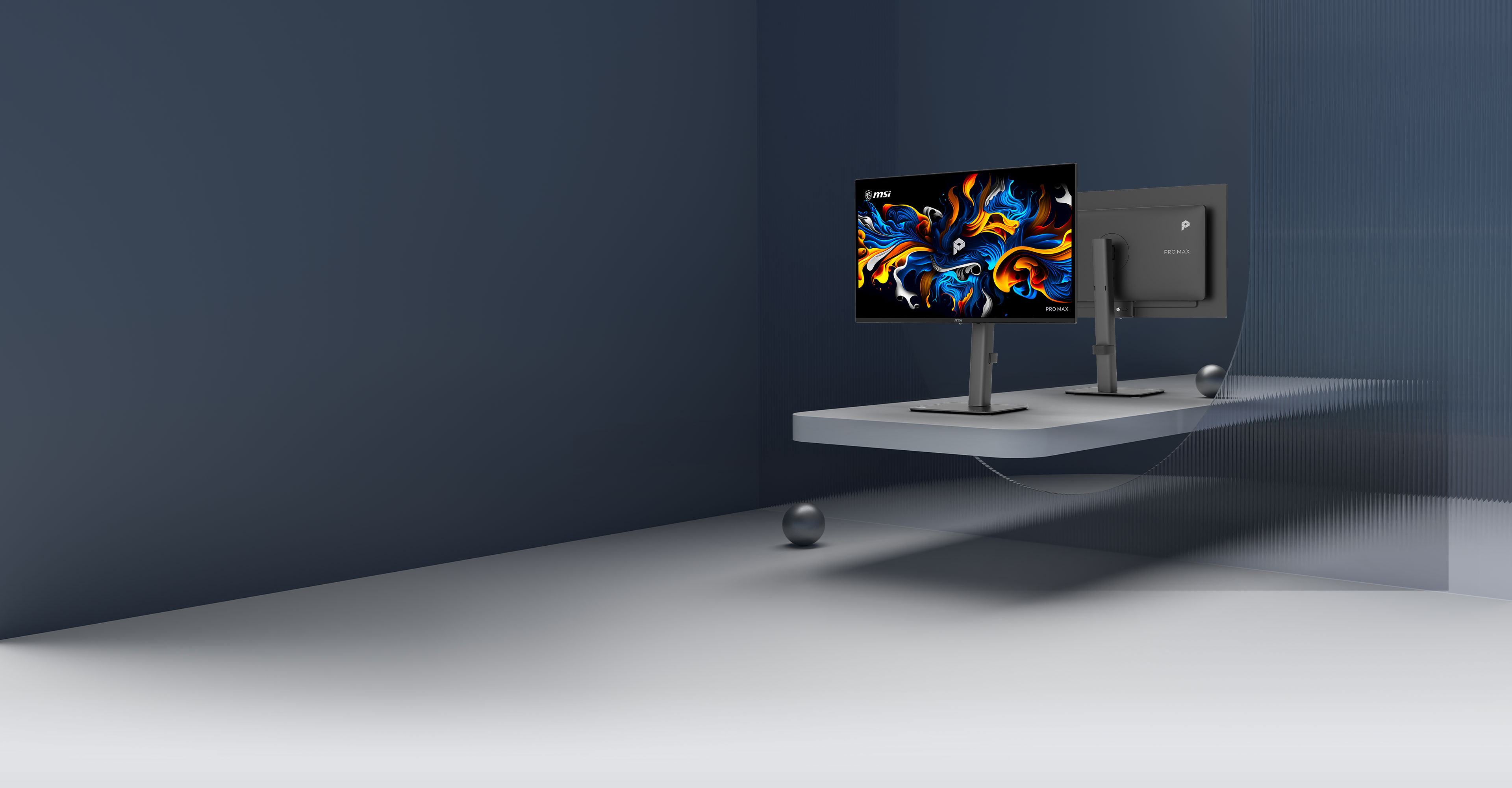

4K 120Hz QD-OLED:
Built for Work, Crafted for Life
Master every detail with the 4K 120Hz MSI QD-OLED monitor, featuring Delta E ≤ 2 accuracy and TrueBlack 400 contrast. Designed for professionals, VisiClarity eliminates glare while DarkArmor ensures long-term durability. Whether for high-end design or fluid multitasking, this display delivers the ultimate hybrid performance in one seamless solution.
4th-Gen QD-OLED

DarkArmor
40% Deeper Blacks2.5x Scratch Resistance

VisiClarity
Technology

Uniform Luminance
HDR Curve Customization

OLED Care 2.0


27"4K



Type-C Display

PRO MAX
MSI PRO MAX establishes a calm and structured visual order, delivers instant response without disruption, and maintains a predictable rhythm throughout everyday workflows. From desk work to meetings, and from fixed setups to mobile work, the experience remains smooth and consistent. When inspiration arrives and focus is sustained, perspective naturally extends toward the edge of possibility.


AWARDS
Tailored Excellence for Every Need

MSI M-Color Mode
Synchronizes color and display settings directly from your Mac.

4th-Gen QD-OLED
Provides accurate color representation and sharp text visibility.

VisiClarity & EyesErgo
Reduces screen glare and eye strain for extended working sessions.

PIP/PBP Mode
Maximize your multitasking with PIP/PBP, allowing you to view content from two sources simultaneously for peak efficiency.
M-Color Sync What You Sync On Mac
Syncs your MSI QD-OLED monitor color profile to match your MacBook. Experience a seamless visual transition with consistent color accuracy across both displays.


*”Apple”,”Mac”,”Macbook” are trademarks of Apple Inc., registered in the U.S. and other countries and regions. This product is not an Apple-affiliated product, and does not provide any Apple services or warranties.
4th-Gen QD-OLED: Vibrant Colors for Your Brilliant Ideas
Extend your digital world to a vast QD-OLED canvas with MSI QD-OLED monitor for the most intricate, lifelike imagery.
DarkArmor Film effectively eliminates purple tint, delivering 40% deeper black levels and 2.5x more scratch resistance with an upgraded 3H surface.


The 27-inch 4K panel’s 166 high PPI density delivers sharpness for text and icons.


Delta E ≤ 2 and Pantone Validation ensure professional-grade accuracy, letting you deliver creative work with total confidence.

The QD-OLED Penta Tandem™ panel integrates a 5-layer light-emitting structure to boost light efficiency by up to 30%. It sustains a peak HDR brightness of 1000 nits with lower power consumption, delivering brilliant visuals and superior light emission.
+30% Light Efficiency

One Cable for Display
& Power Delivery
Unlock the full potential of USB Type-C of MSI QD-OLED monitor with a single port that handles data transfer, video output via DisplayPort Alt Mode, and 15W charging.


EyesErgo: Optimized for Long-Term Eye Comfort
Experience VisiClarity technology on the MSI QD-OLED monitor, featuring Anti-Glare and Low Reflection to keep your screen clear and comfortable in any lighting. Paired with Less Blue Light PRO, it maintains stunning color accuracy while staying gentle on your eyes—any time, for any use.
Reduces reflections and glare to maintain viewing comfort in bright rooms or near windows, allowing for a more relaxed visual experience.

Hardware-level blue light reduction and flicker-free technology protect your vision while maintaining the true-to-life colors you enjoy.

Assistive color filters enhance visual clarity for those with color weakness, ensuring subtle shades are easier to distinguish. By bridging the gap in color perception, these settings make every piece of content fully accessible and enjoyable for everyone.
Color Vision Deficiency(CVD)
Normal
ProtanopiaMode Off
DeuteranopiaMode On

CVD-friendly
Protanopia Mode

Deuteranopia Mode

Tritanopia Mode

Enjoy PIP/PBP Across Multiple Devices
MSI QD-OLED monitor with Picture-in-Picture (PIP) and Picture-by-Picture (PBP) features boost productivity. PIP overlays a smaller window for multi-tasking, while PBP splits the screen to display different sources side-by-side for easy comparison.

Uniform Luminance
MSI QD-OLED monitor maintains stable brightness across SDR and HDR, preventing sudden dimming, ensuring natural visuals and reduced eye strain without manual effort.
Maintain consistent brightness levels across any scene with SDR Brightness.


SDR Brightness ON
SDR Brightness OFF

Move beyond basic on/off HDR settings. This MSI-exclusive feature allows you to customize the HDR brightness curve across 14 distinct points for precise control over peak luminance.
Default Peak 1000
Sudden brightness drop.

Cust. Peak 1000
Smooth brightness transition.

Cust. Peak 1000 (Lowest)
Brightness remains consistent.

MSI OLED Care 2.0
-
OLED Protection
-
-
MSI OLED Protection provides comprehensive features to actively detect static images and automatically adjust brightness, preventing burn-in and ensuring a longer panel lifespan.
Multi-Icon Detection
Automatically detects static app icons and reduces their luminance to prevent image retention.
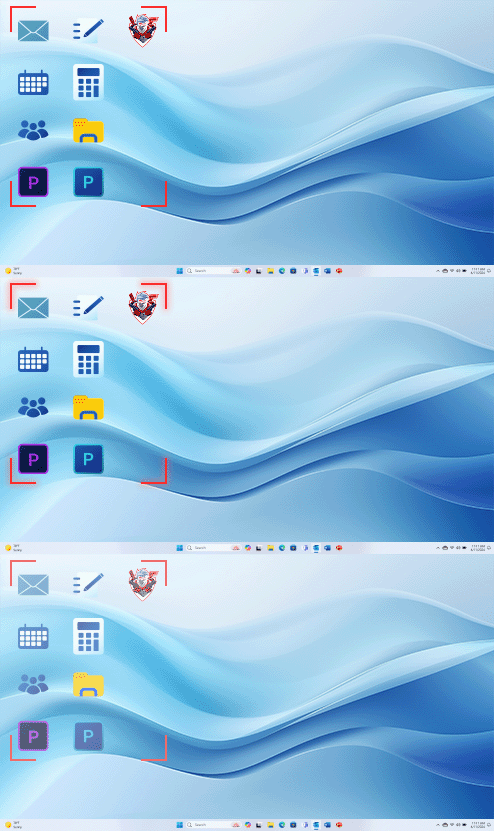
Boundary Detection
Dims high-contrast boundaries between images or backgrounds after a set duration.
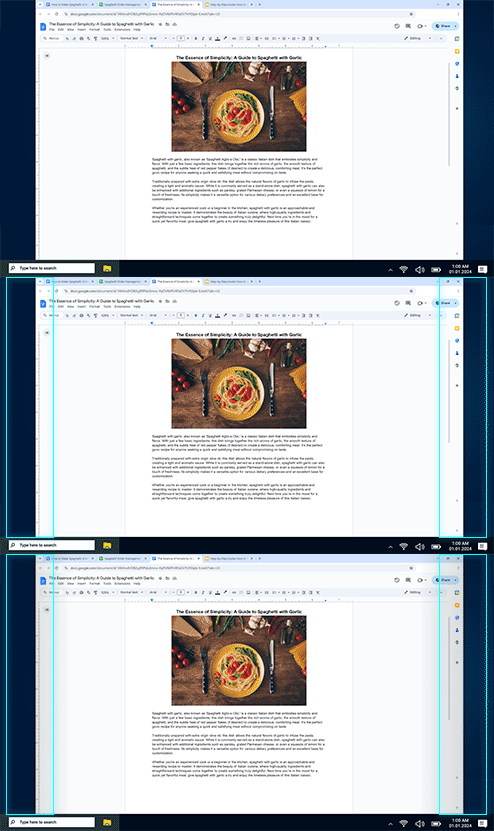
Taskbar Detection
Identifies the desktop taskbar and automatically lowers its brightness to prevent burn-in.
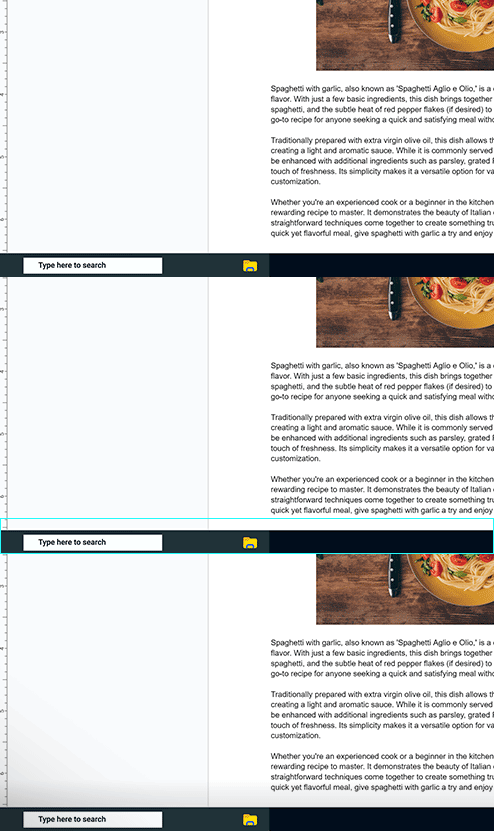
Multi-logo Detection
Detects multiple static logos and reduces their luminance to protect the panel.

Pixel Shift
Periodically moves screen pixels at regular intervals to ensure static images do not remain in the exact same position.
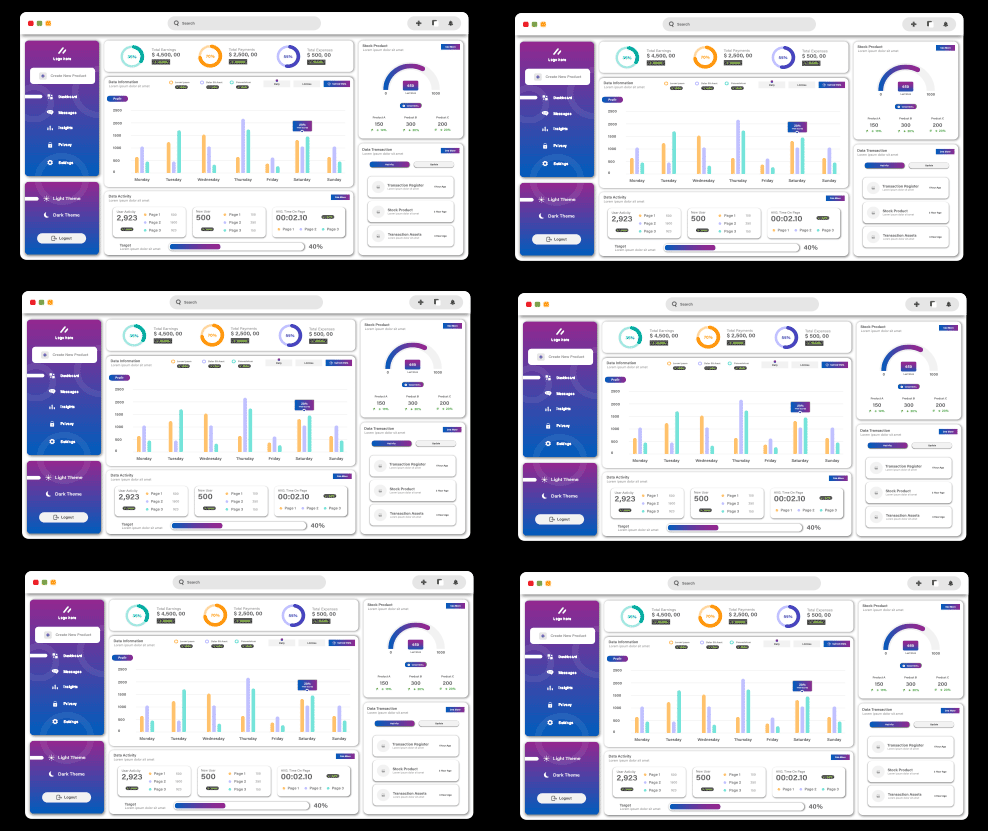
Panel Protect
Automatically activates Pixel Refresh after 4 hours of usage to maintain panel health.
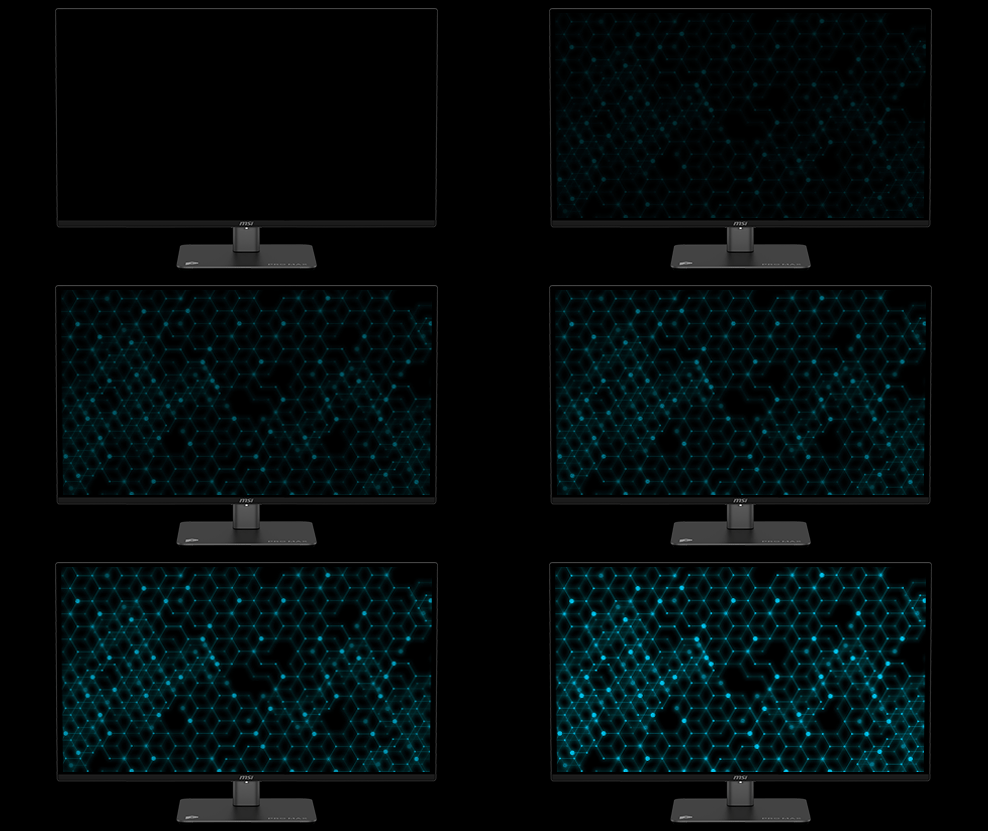
Static Screen Detection
Automatically dims the entire screen brightness when a static image is displayed for a prolonged period.
A custom heatsink and advanced graphene film on MSI QD-OLED monitors maximize heat dissipation, protecting the OLED panel and extending its lifespan.

Play and work without interruptions. The mandatory panel refresh cycle is now extended to 24 hours, with a single reminder 30 minutes prior. For effortless protection, the refresh automatically activates during standby or power off.

4hours
16hours
24hours
New
Between 4hrs and 24hrs
Over 24hrs
Previous
Notifications every 4hrs
Over 16hrs
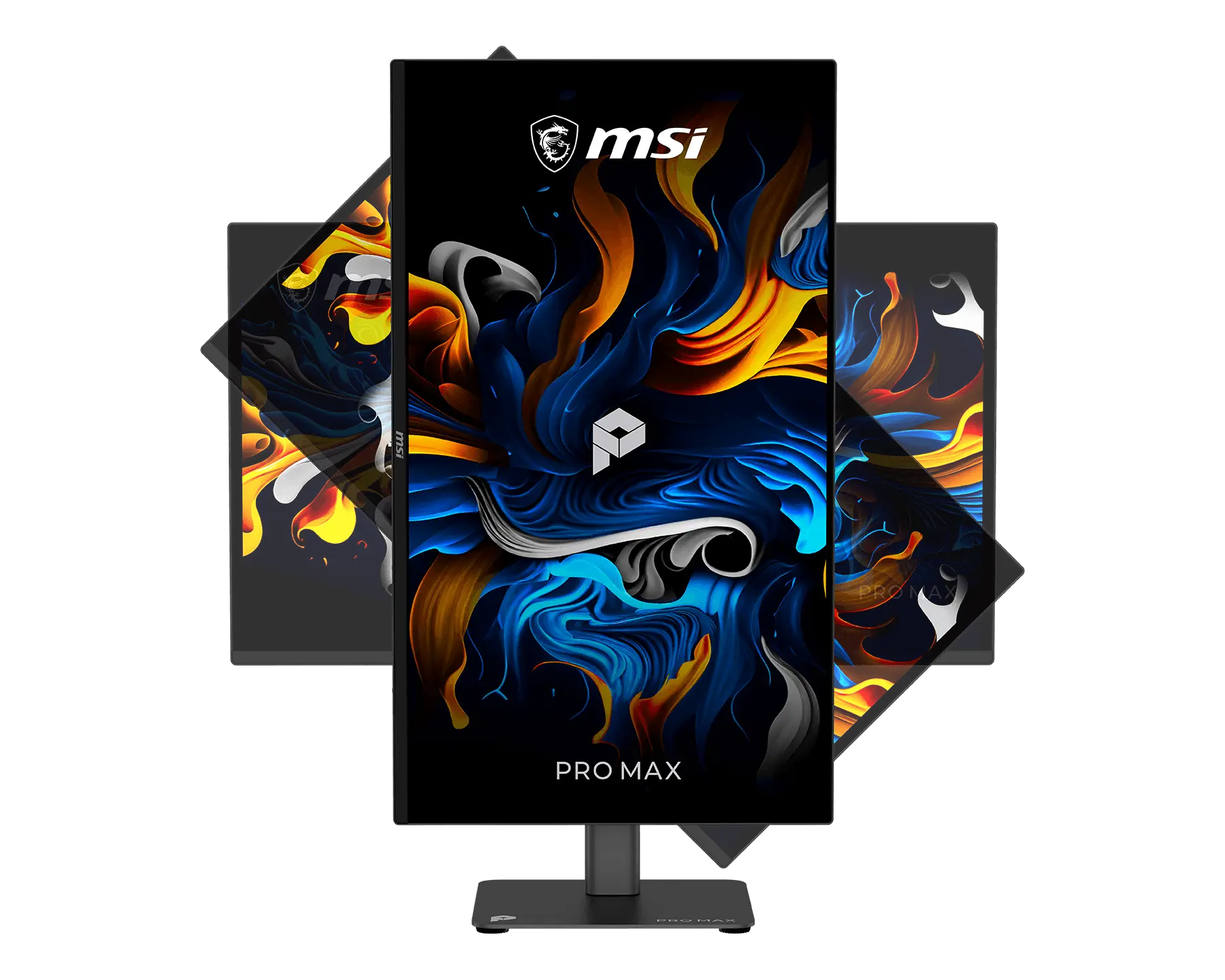
Ergonomic Adjustable Stand
Easily adjust height, tilt, pivot and swivel with MSI QD-OLED monitor to align with your natural posture. Enjoy lasting comfort during extended use by reducing physical strain on your neck and shoulders, making every moment at your desk more relaxed.


Clear Sound Without External Speakers
MSI QD-OLED monitor delivers clear sound for your meetings, videos, and music without the need for extra speakers. The integrated audio lets you hear everything clearly while keeping your desk simple and organized.

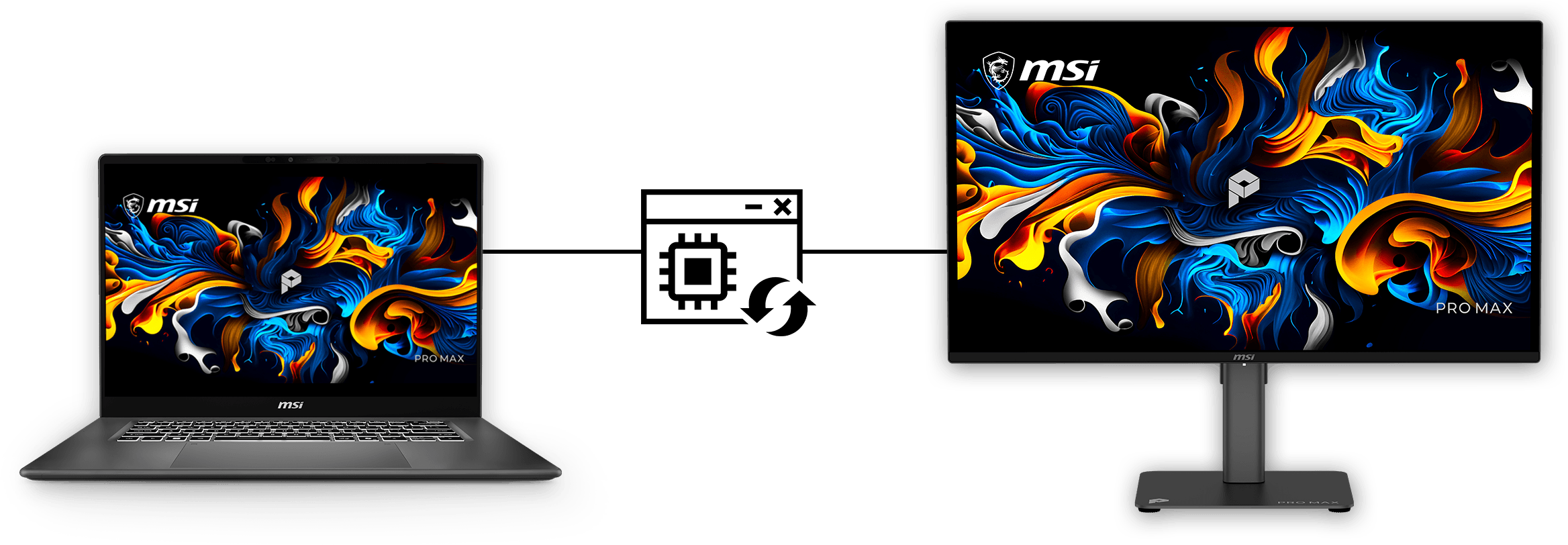
Firmware Maintenance
Effortlessly update firmware on MSI QD-OLED monitor to enjoy new features, optimized performance, and enhanced stability.
Expand Your Setup with VESA Kit
Maximize your desk by mounting your MSI QD-OLED monitor with the VESA Kit. Moving the display off the surface instantly creates a cleaner, more spacious environment in any compact setup.

Refined Form. Radiant Color


I/O Introduction


Headphone-out
2x HDMI™ 2.1 (UHD@120Hz)
DisplayPort 1.4a
Type-C (DP alt.) w/ 15W PD
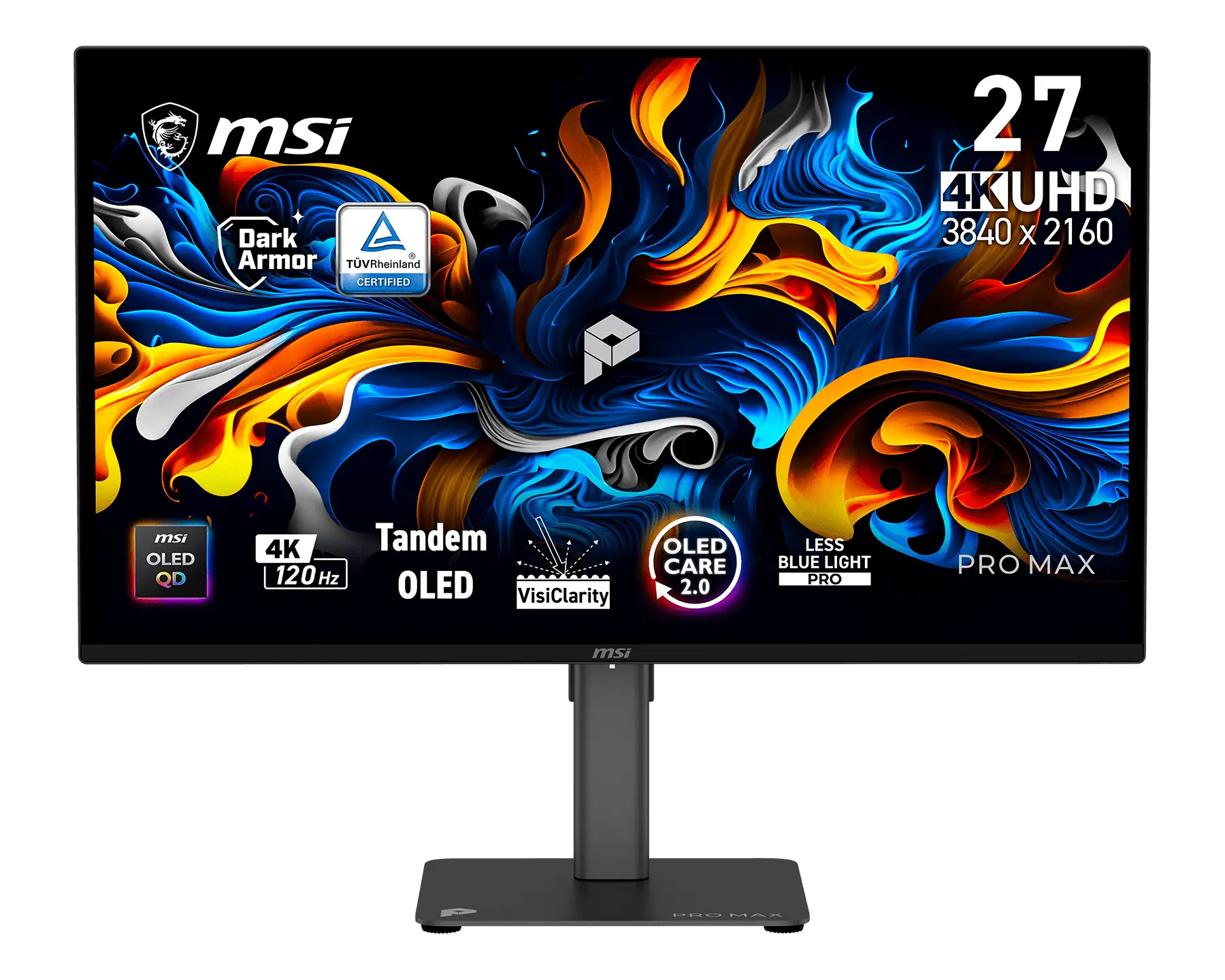
Panel Size:26.5"
Panel Type:QD-OLED
Aspect Ratio:16:9
Panel Resolution:3840 x 2160 (4K UHD)
Refresh Rate:120Hz
Response Time:0.03ms (GtG)
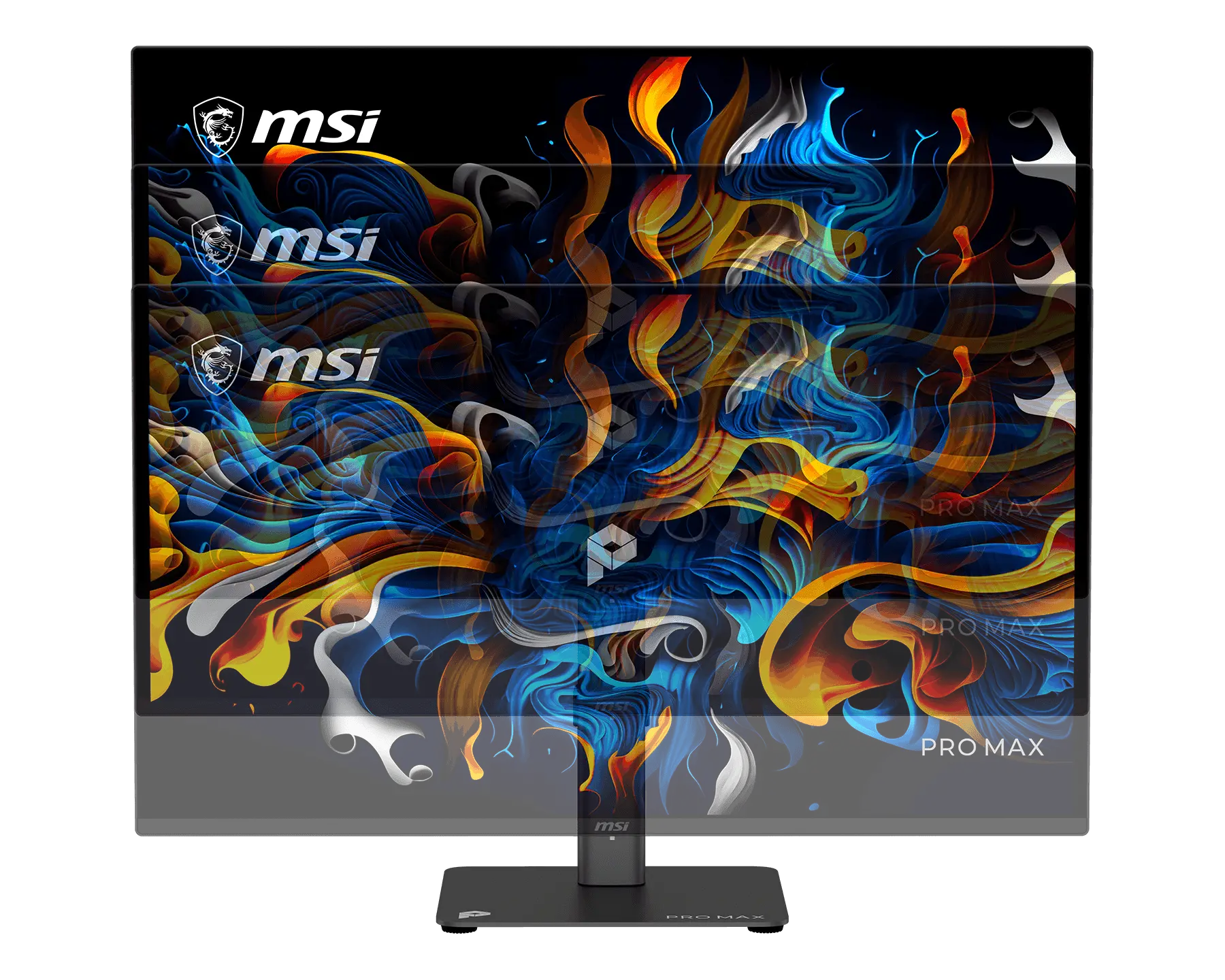
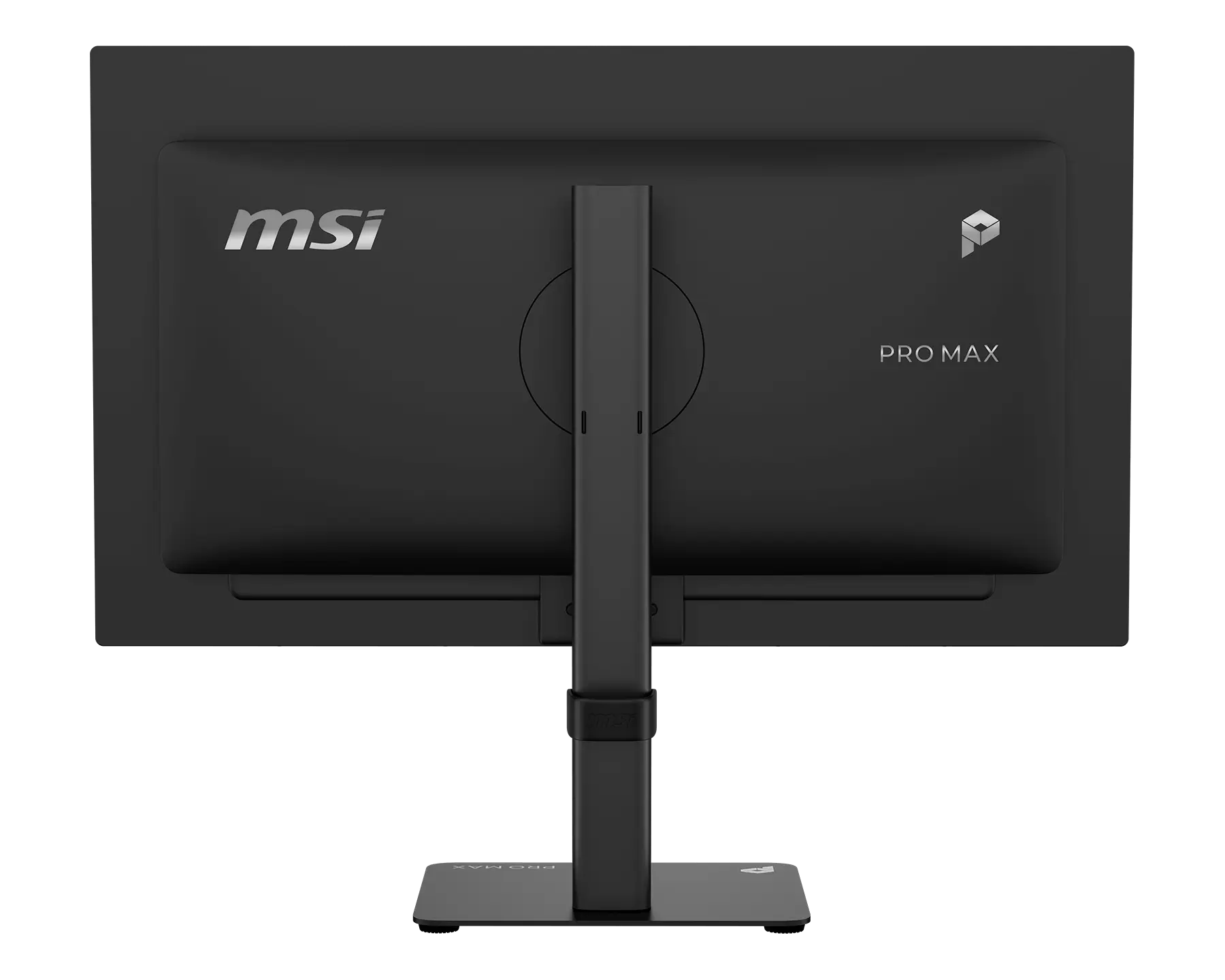
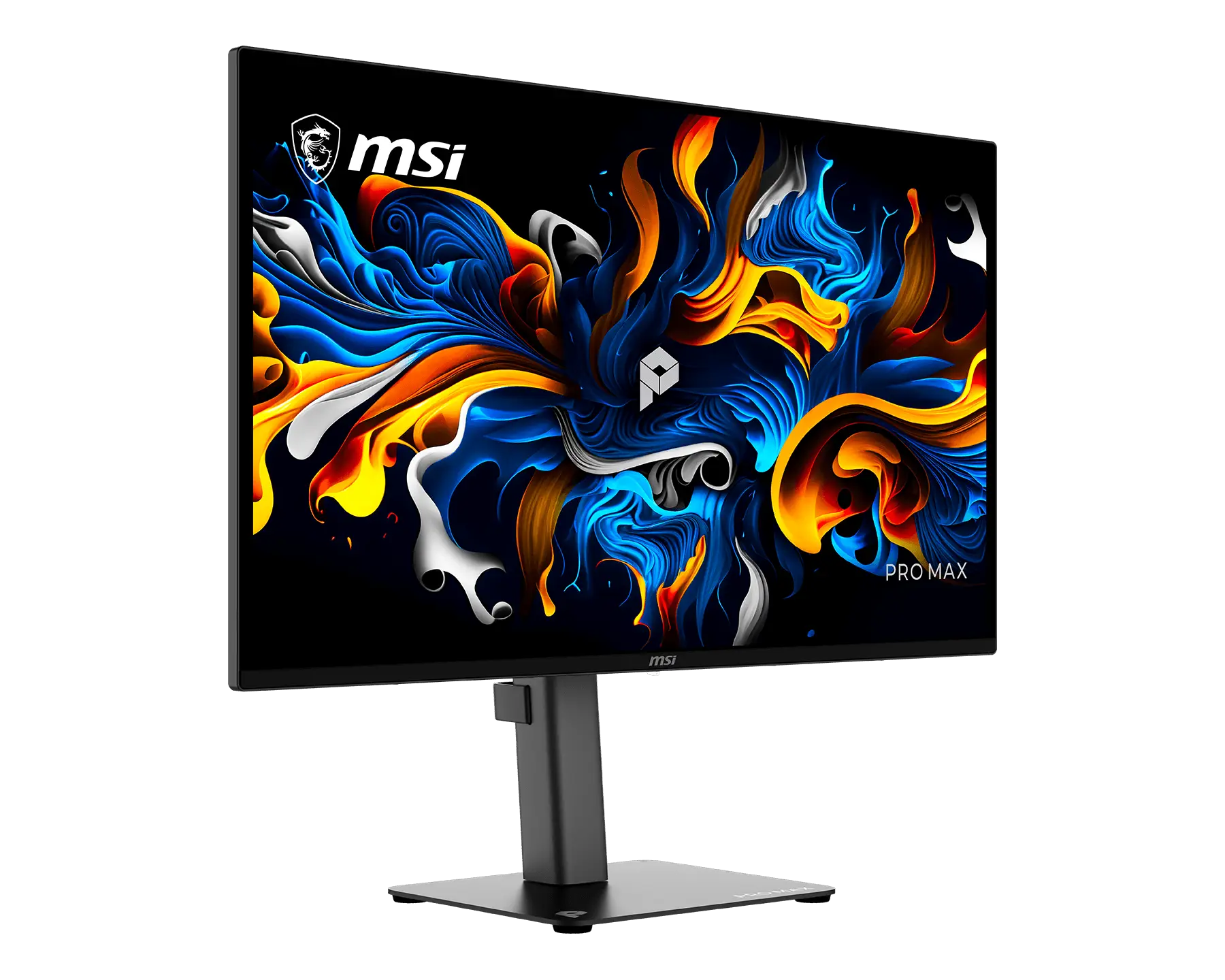
PRO MAX 271UPX12G
- The latest 4th-Gen QD-OLED Panel – With stunning image quality and fast response time.
- 5-layer tandem OLED panel with EL Gen 3 technology – Light efficiency up to 30%.
- DarkArmor Film- Delivers 40% deeper blacks and a 2.5x more scratch-resistant screen surface.
- Uniform Luminance - HDR Curve Customization allowing you to customize the HDR curve and enjoy a smoothly uniform HDR experience.
- MSI OLED Care 2.0 – Reduced the risk of OLED image burn-in.
- Incredible HDR visual – VESA DisplayHDR True Black 500.
- Peak 1000 Nits-delivers a superior HDR experience with 1000 nits peak brightness.
- Ensures the color meets the market standard – Delta E≤2.
- Crystal-Clear Motion – VESA ClearMR 13000 certified.
- 3-Year Burn-In Warranty – Including coverage for OLED burn-in.

All images and descriptions are for illustrative purposes only. Visual representation of the products may not be perfectly accurate. Product specification, functions and appearance may vary by models and differ from country to country . All specifications are subject to change without notice. Please consult the product specifications page for full details.Although we endeavor to present the most precise and comprehensive information at the time of publication, a small number of items may contain typography or photography errors. Products may not be available in all markets. We recommend you to check with your local supplier for exact offers.
The terms HDMI™, HDMI™ High-Definition Multimedia Interface, HDMI™ Trade dress and the HDMI™ Logos are trademarks or registered trademarks of HDMI™ Licensing Administrator, Inc.