













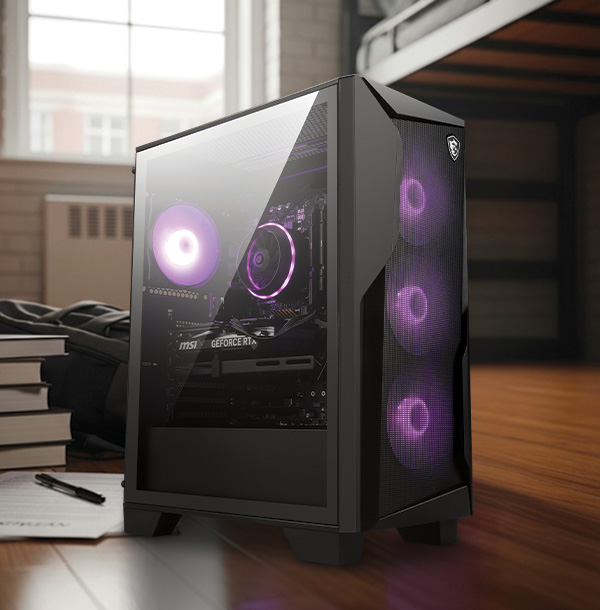
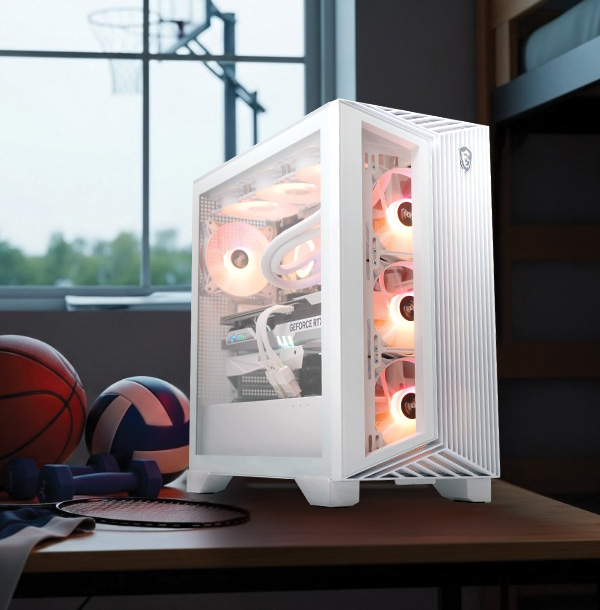
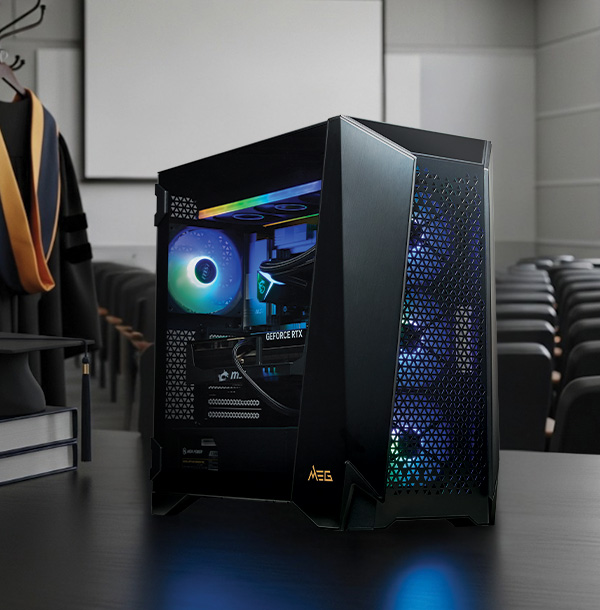

Why Choose a Prebuilt Gaming Desktop?
Now that you understand your needs, specs, and upgrade potential,
you’re ready to choose
your gaming computer.
Explore MSI recommended best prebuilt gaming pc, or filter by
game performance and specification below to find the
right fit for you.
Still deciding between a prebuilt and a custom build?
Explore the key differences
to find the best option for your needs. Here are some reasons why a
prebuilt gaming PC is a great choice:
-
 Plug-and-play convenience
-
Full warranty and support
-
No compatibility concerns
-
Optimized system with integrated software

FAQ
What is the best gaming desktop right now?
A great gaming desktop should combine a powerful GPU, a modern CPU, fast DDR5 memory, and efficient cooling. The best choice depends on whether you prioritize esports performance, 1440p/4K gaming, or AI-powered features. Learn more from our Prebuilt Gaming PC Buying Guide.
Is it better to buy a prebuilt gaming PC or build your own?
Prebuilt gaming PCs offer convenience, warranty support, optimized cooling, and professionally configured components. Building your own PC may offer customization but requires technical knowledge and time. Learn about key differences and find out which option is best for you.
What specs do I need for a good gaming PC?
A good gaming PC should include at least a modern 6-8 core CPU, 16GB RAM, an RTX-class GPU, and an NVMe SSD. Higher resolutions like 1440p or 4K require stronger GPUs.
How much RAM do I need for gaming?
16GB is the minimum for gaming, suitable for lighter titles or general use. For modern AAA games, 32GB+ is recommended to ensure smooth performance.
Can my PC run this game?
Game performance depends on your GPU, CPU, RAM, and resolution settings. Compare your system specifications with the game’s minimum and recommended requirements. Select your game title and we’ll recommend the best gaming PC for you at Find My Favor.
How long does a gaming PC last?
A gaming desktop typically stays capable for 4-6 years or more. Hardware is generally built to last and does not fail easily under normal use. The main reason a gaming PC becomes outdated is mostly because increasing performance demands from newer games and software.
Can I upgrade a prebuilt gaming desktop?
Yes. Most prebuilt gaming desktops allow upgrades to RAM, storage, and GPUs. Expandability depends on the motherboard, power supply, and chassis size.
How to optimize gaming PC for smooth FPS?
To achieve smooth FPS on your gaming PC, use a GPU like the NVIDIA RTX 50 Series. Enable AI-enhanced features such as DLSS and ray tracing in supported games to boost frame rates and enhance visual quality. Read our blog for full optimization tips, or find more tips here.
How to optimize gaming PC for ray tracing?
To optimize ray tracing performance, use a high-end GPU, enable DLSS or FSR, and adjust ray tracing settings to balance visuals and frame rates.