[Troubleshooting] Thunderbolt Share shows "Waiting for connection" and fails to connect by Norton Smart Firewall
LastUpdate : Mon, 24 Nov 2025
Answer
Thunderbolt Share fails to connect due to the Norton update to Norton 360 for Gamers version 25.4.10067.1594, where the Smart Firewall is enabled by default.
When Smart Firewall is enabled, Thunderbolt Share displays “Waiting for connection” and fails to establish a proper connection.
If you encounter this issue, please follow the steps to restore Thunderbolt Share connectivity.
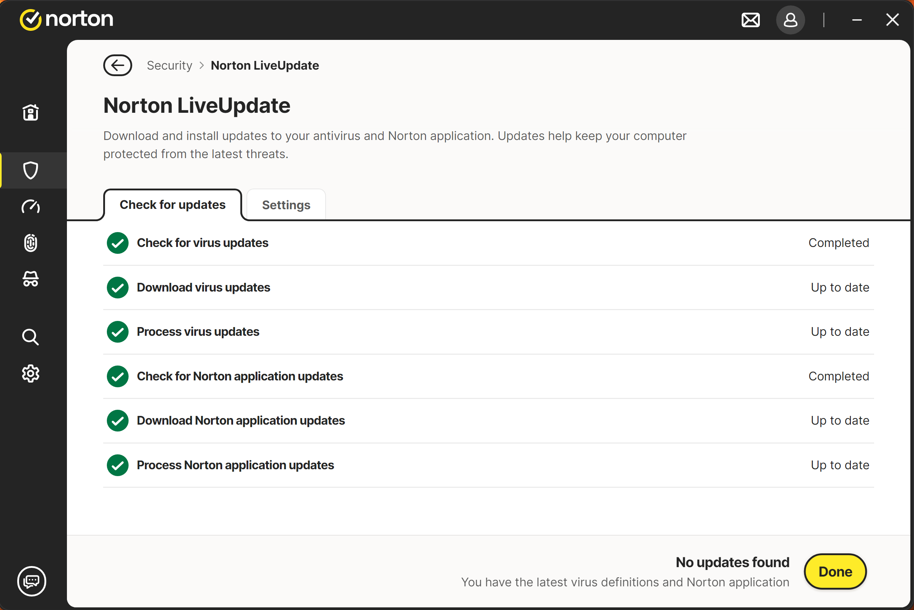
Update Norton :
Run Norton LiveUpdate, make sure Norton is up to date.
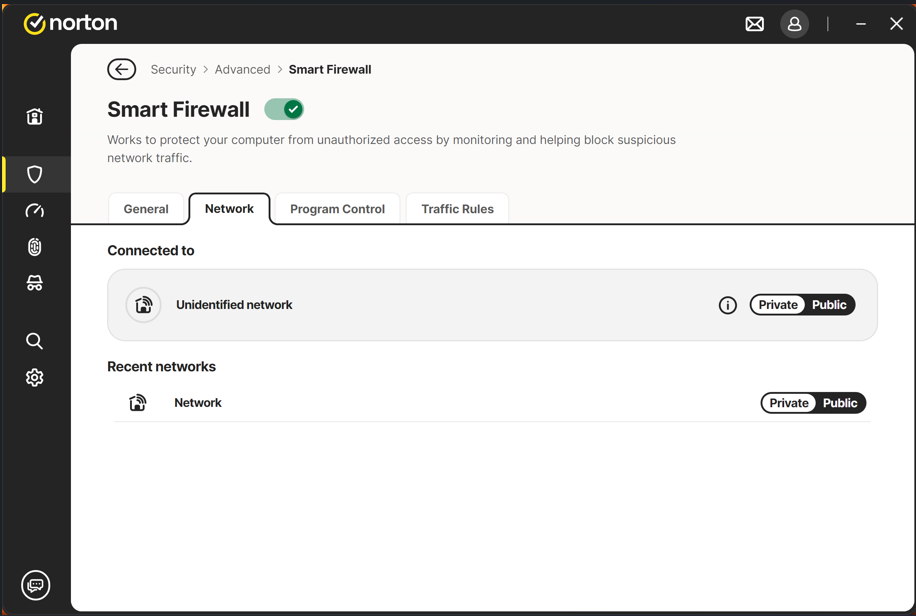
Set Smart Firewall Network to Private:
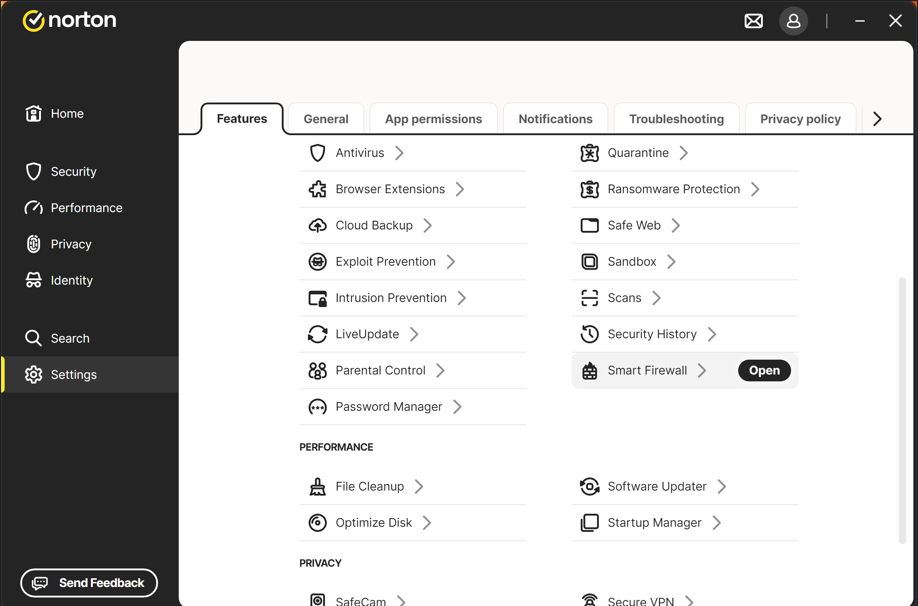
Click the Setting, then go to Smart Firewall, then go to Network setting thunderbolt network to Private