


How to set the power supply behaviors of the USB (Type-A) interface after the motherboard has entered hibernate, sleep, or power-off modes
If you need the motherboard to continue providing the USB (Type-A) charging function after the motherboard has entered hibernate, sleep, or power-off modes, please set the function with following steps.
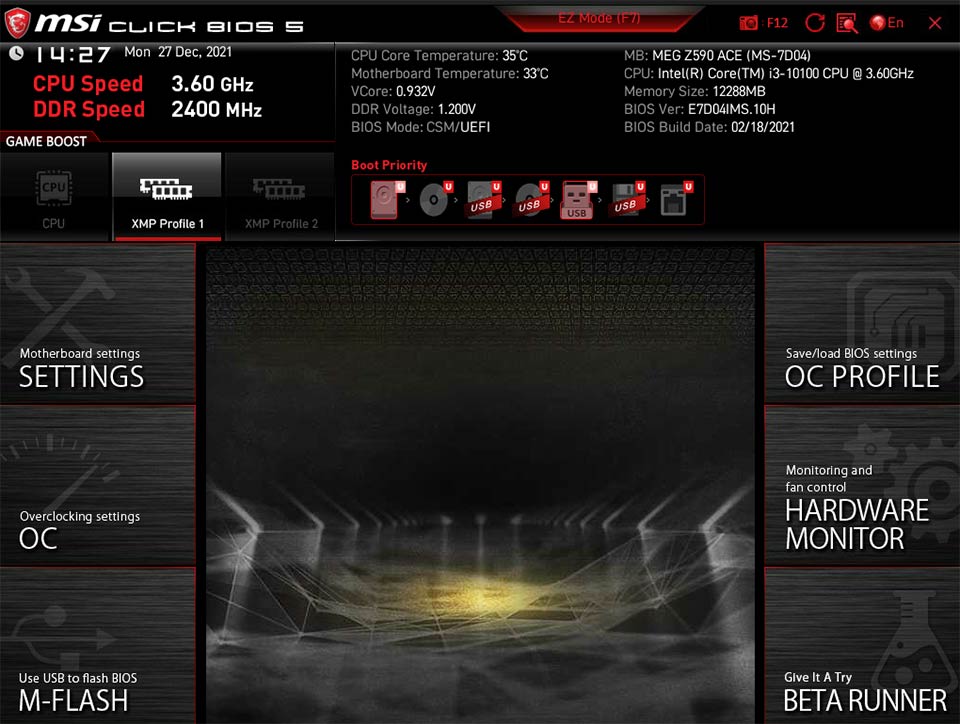
1. When entering the boot screen, press the "Delete" key continuously to enter the BIOS Menu, then press the “F7” key to switch to advanced mode.
2. Select SETTINGS → Advanced → Power Management Setup and set the “ErP Ready” option to “Disabled”.

3. Select SETTINGS → Advanced → Wake Up Event Setup and set the “Resume By USB Device” option to “Enabled”.
