

[Motherboard] How to Perform a Clean Installation of MSI Center
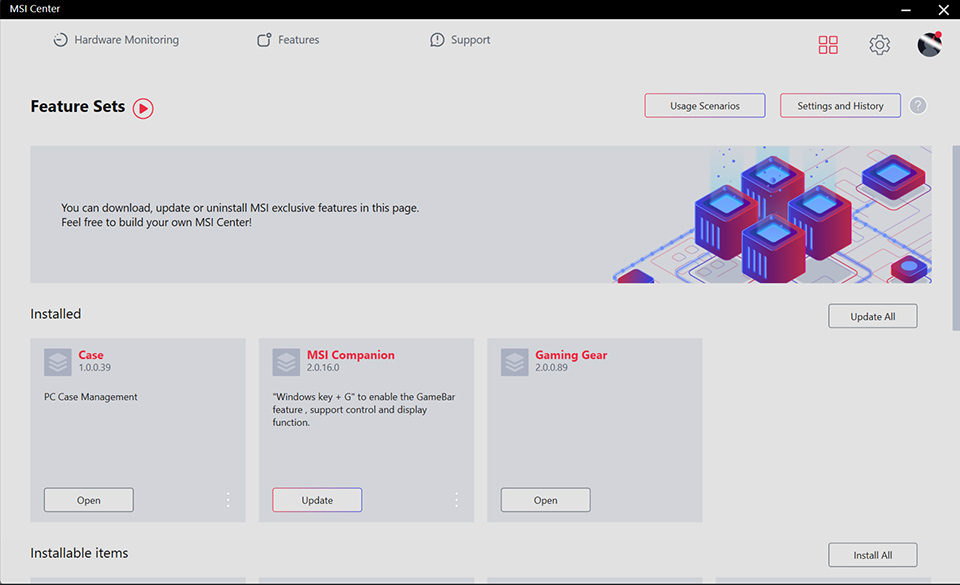
When encountering the following issues with MSI Center, performing a clean uninstall and reinstall of the application can often help troubleshoot the problem.
- The program gets stuck at the SDK Initialization process
- The sidebar does not display complete functionality
- Unable to switch scenarios successfully
- Unable to successfully backup or restore image files
- Unable to register the product
Please follow these steps for a clean installation:
Complete Removal of MSI Center
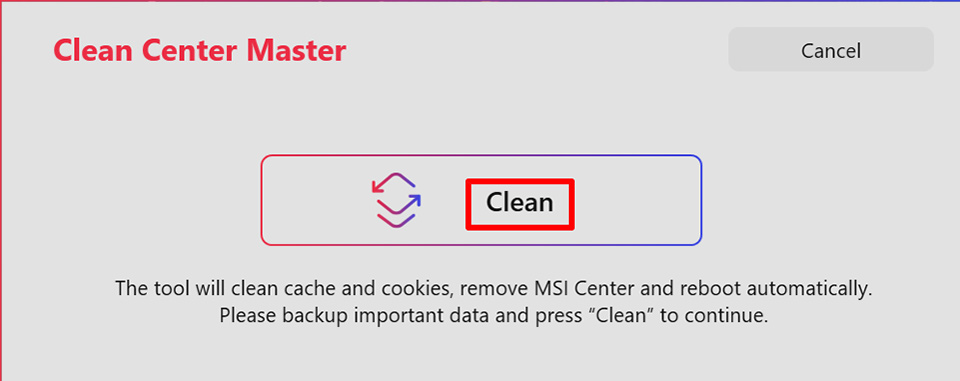
1. Download and run Clean Center Master.
2. Click on "Clean" to start the removal process. After the removal is complete, the system will automatically restart.
Reinstall MSI Center
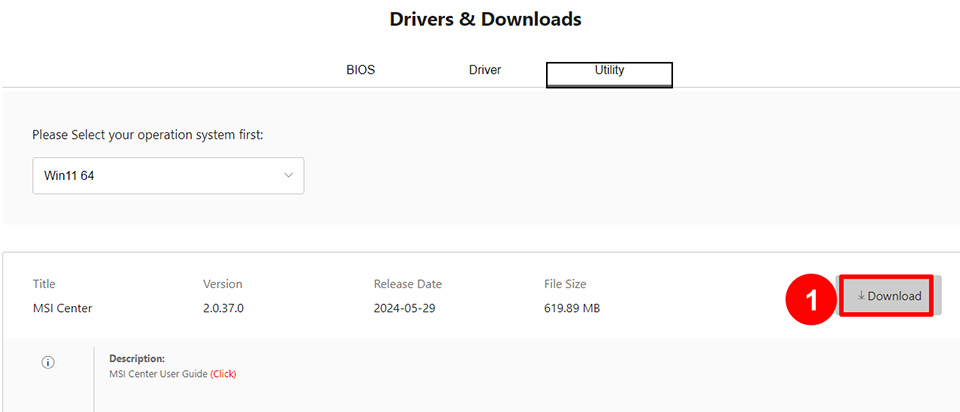
1. Visit the MSI Official Website and search for your product. Locate the "Utility" section to find MSI Center in the download page, then click “download.”
Note: If you do not see MSI Center on the product's utility page, it means that the application is not supported for your product.
2. After the download is complete, please search for MSI Center in the toolbar and click on "Run as administrator."
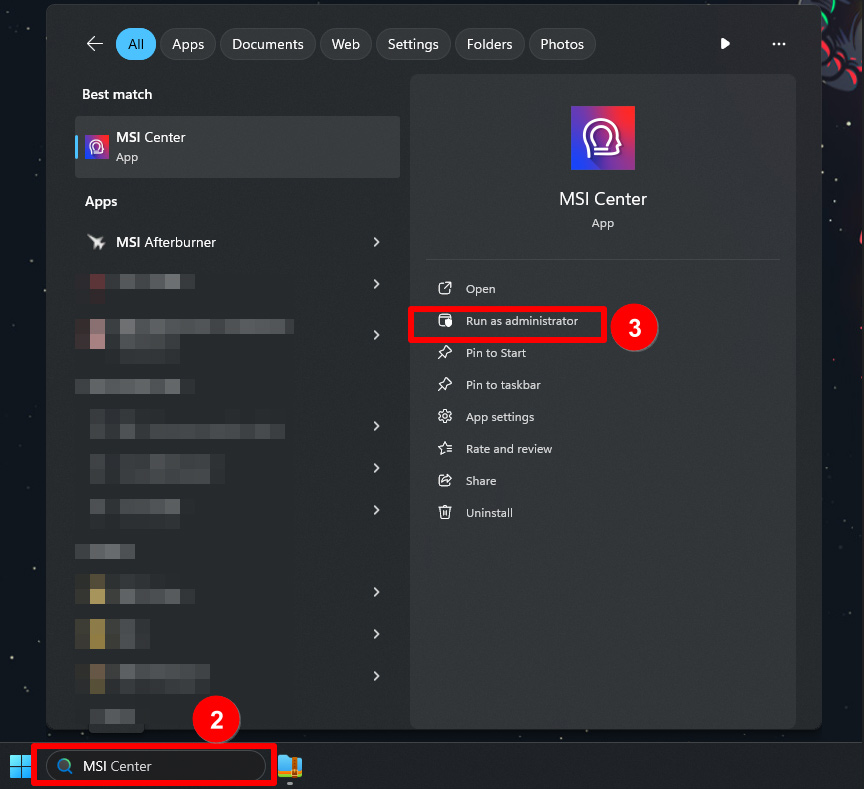
3. The program will begin the installation process. Please be patient and wait for it to complete.
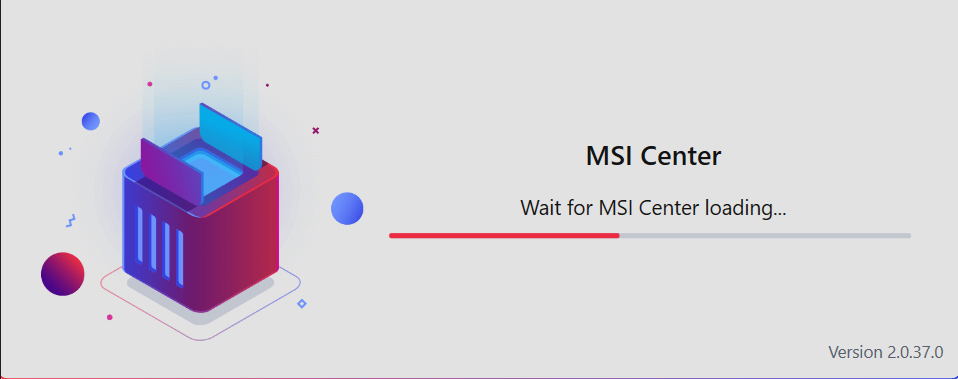
4. The clean installation is complete.