[Notebook] How to Optimize Specific Applications with Intel Application Optimization
For models equipped with the 14th Gen Intel Core processor platform, Intel Application Optimization is a software that can dynamically optimize resources for specific applications. This software enhances the user experience and provides additional performance for specific applications.
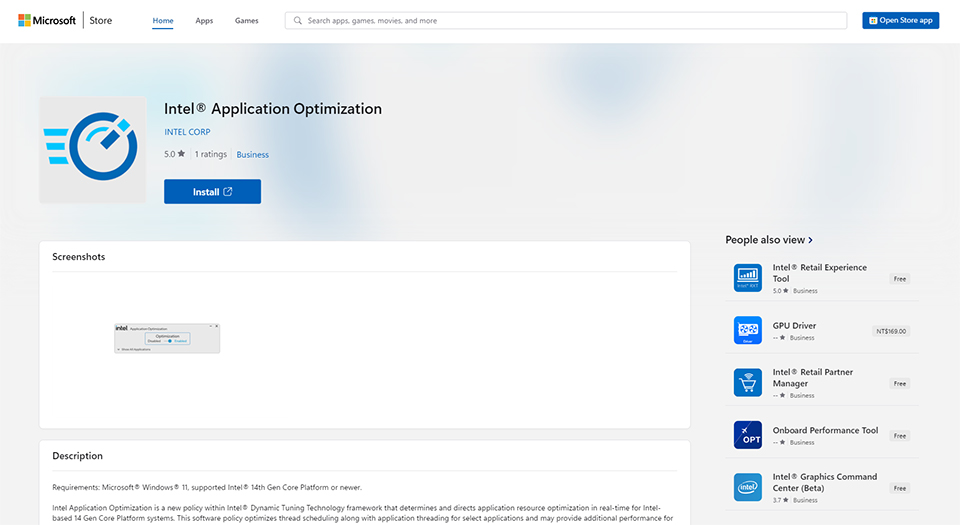
1. Visit the Microsoft Store and download the Intel Application Optimization application.
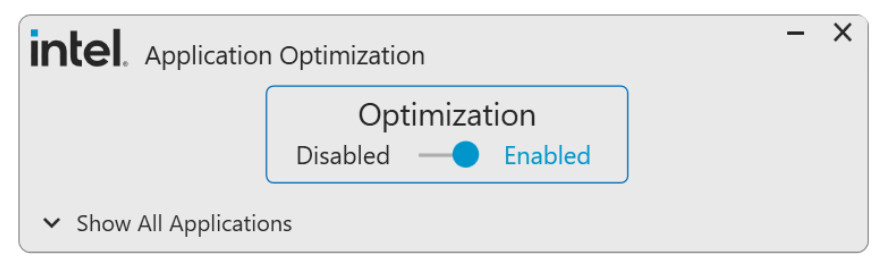
2. After installation is complete, you will see the user interface of the Intel Application Optimization application. Users can manually enable/disable this feature according to personal preferences on this interface.
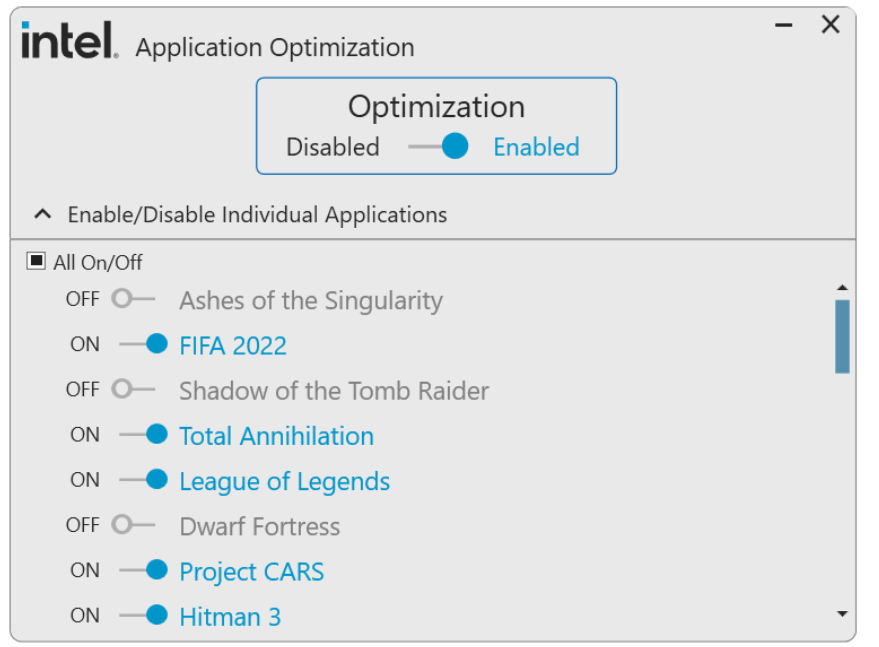
3. You can also expand the list of all applications, view the currently detected applications, and customize the optimization for specific applications based on personal preferences or needs.
Note: The applications listed may vary depending on the user's machine.