

[Graphics Card] How to Perform a Clean Installation of MSI Center
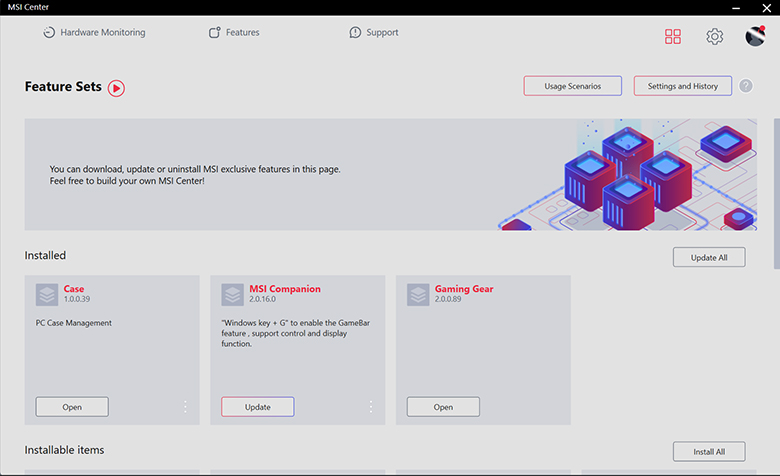
A clean uninstall and reinstall of the application often helps resolve issues when you encounter the following problems in MSI Center.
- The program hangs at the SDK Initialization process when starting up.
- The sidebar is not displaying all features.
- Unable to switch Scenario successfully.
- Image file backup and restore failed.
- Product registration failed.
Please perform a clean installation by following the steps below:
Completely Remove MSI Center
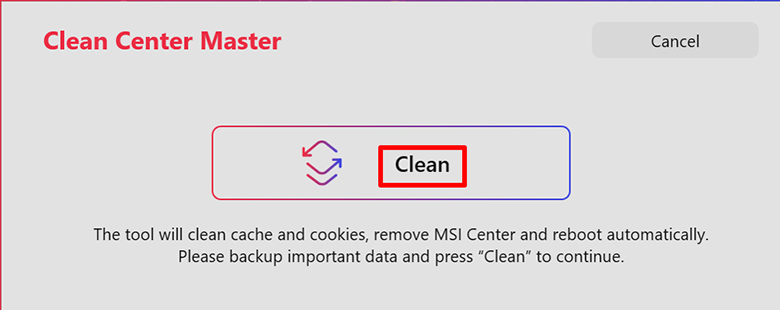
1. Download and run Clean Center Master.
2. Click “Clean” to begin removing the program. Upon completion, the system will automatically restart.
Reinstall MSI Center
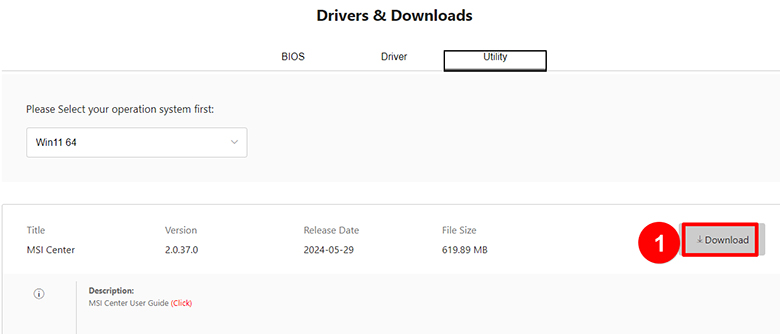
1. Search for your product on the MSI official website, and locate the MSI Center section in the “Utility” tab on the product download page. Click “Download” on the right side.
Caution: If MSI Center is not visible on the product tool download page, it indicates that your model does not support this application.
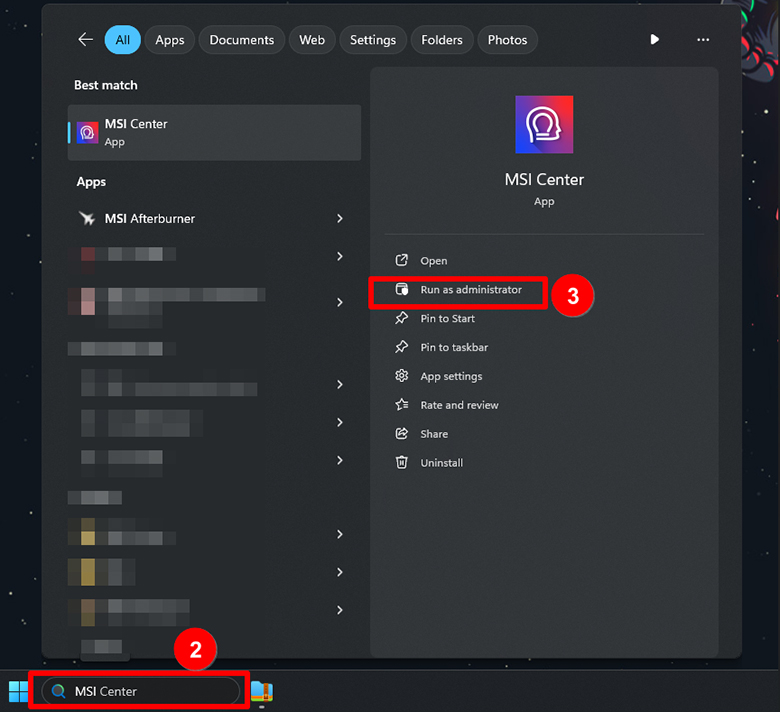
2. After downloading, search for "MSI Center" in the toolbar and click "Run as administrator".
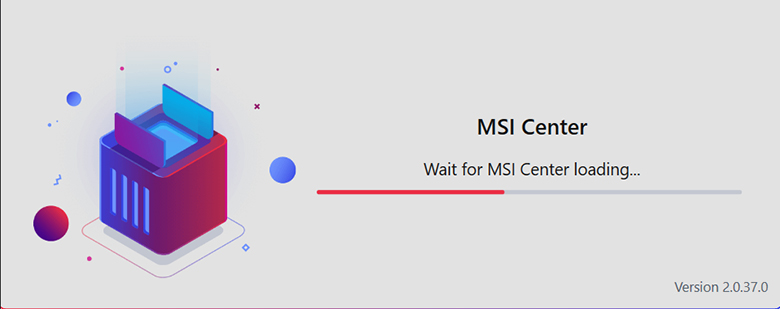
3. The installation process begins. Please wait.
4. Clean installation completed.