
MSI's mainstream MAG series epitomizes stability and durability and is built to withstand the most intense gaming sessions. The entire lineup features robust construction with metallic-like hardness and excellent heat dissipation, ensuring stability for all critical gaming components.
Learn more >


-
AI Dual Mode
-
 AI CROSSHAIR
-
AI VISION
AI Dual Mode, exclusively developed by MSI, is an AI-powered feature that detects the current resolution and refresh rate, automatically adjusting to the optimal refresh rate when switching resolutions. No need to tweak Windows settings—players can enjoy seamless transitions with ease.


AI Dual Mode
Detects resolution and refresh rate.
- UHD 160Hz ⮂ FHD 320Hz
- UHD 120Hz ⮂ FHD 240Hz
- UHD 60Hz ⮂ FHD 120Hz

AI Dual Mode
Detects resolution and refresh rate.
- UHD 160Hz ⮂ FHD 320Hz
- UHD 120Hz ⮂ FHD 240Hz
- UHD 60Hz ⮂ FHD 120Hz

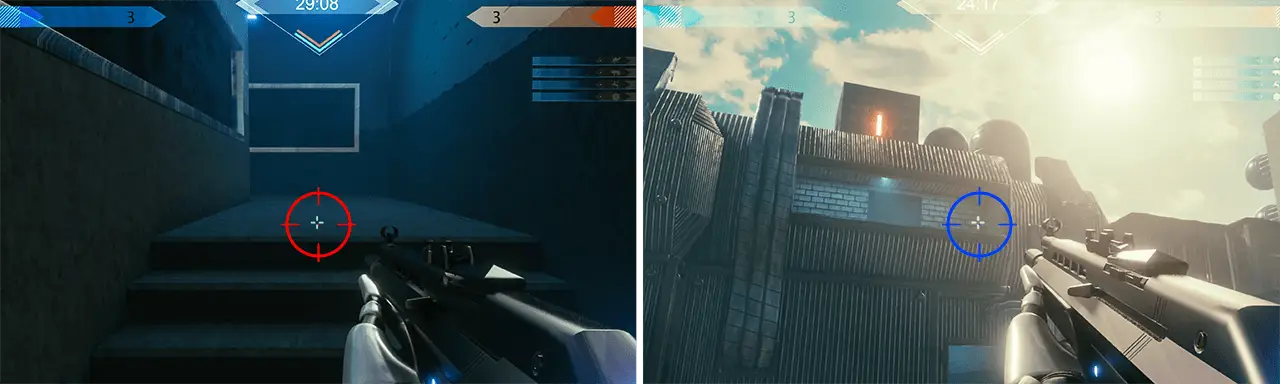
The aim dot automatically changes color, making it visible at any time. If the color of the aim dot overlaps with the background color, it will be problematic for aiming.
The new AI Vision technology can not only reveal details in dark areas but also enhance overall brightness and saturate colors, bringing brightness to your day.
AI VISION OFF
AI VISION ON

ASSISTANCE

-
-
-
Gaming Intelligence APP
Advantages
With the Gaming Intelligence APP is very easy to set up your gaming monitor. You don’t need to use the buttons on the monitor and go through all the menus, just use your Keyboard and Mouse to configure your monitor. The app even gives you hotkey options so you can switch settings between different games with ease.

*The actual software interface and function specifications will vary depending on the software version and monitor model.
Console mode + HDMI™ 2.1
HDMI™ 2.1 provides full bandwidth up to 48Gbps, supporting VRR and ALLM for a smoother, low-latency console gaming experience at up to 120Hz. With built-in HDMI™ CEC (Consumer Electronics Control) technology, the monitor can communicate with controllers, allowing them to wake the monitor and adjust modes tailored to different devices.
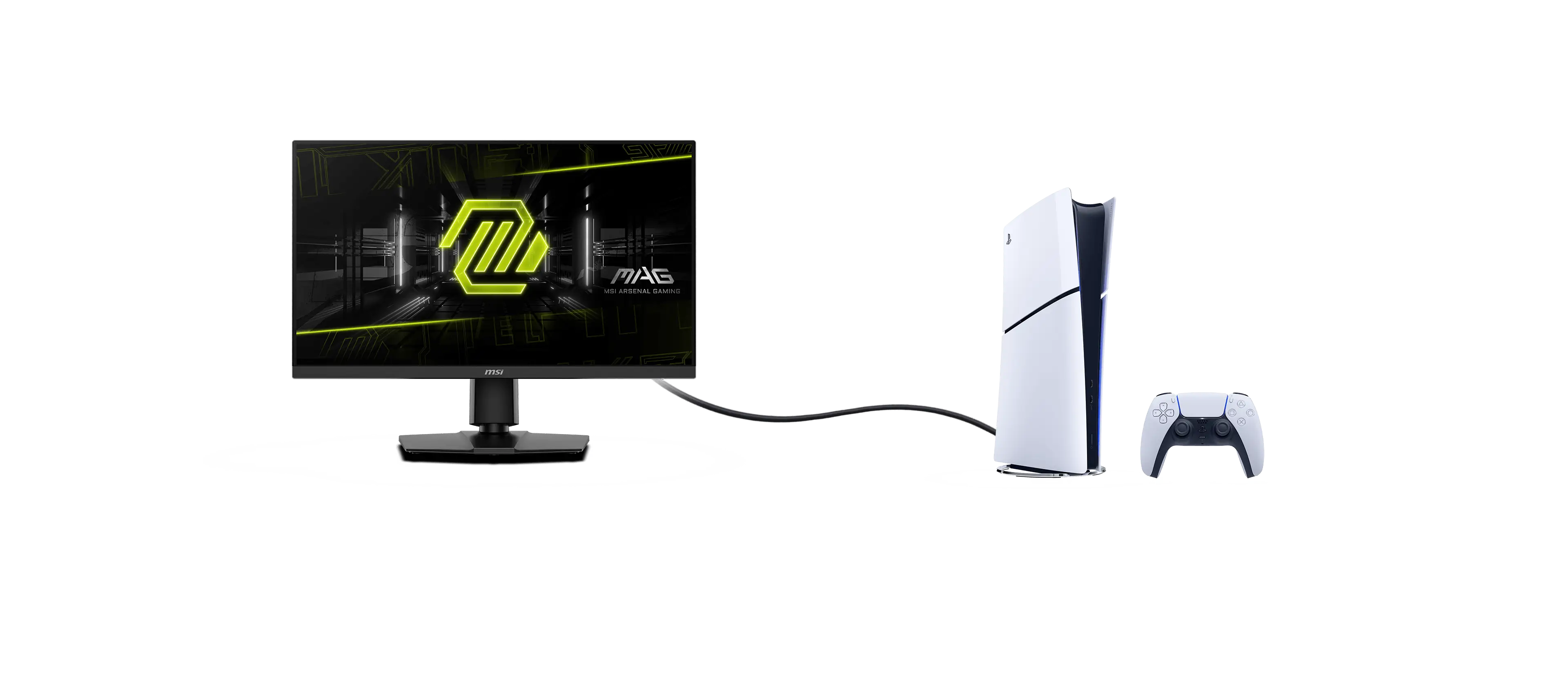

HDMI™ 2.1 48Gbps
-

HDMI™ 2.0 18Gbps
-
HDMI™ 1.4 10.2Gbps
Optix Scope
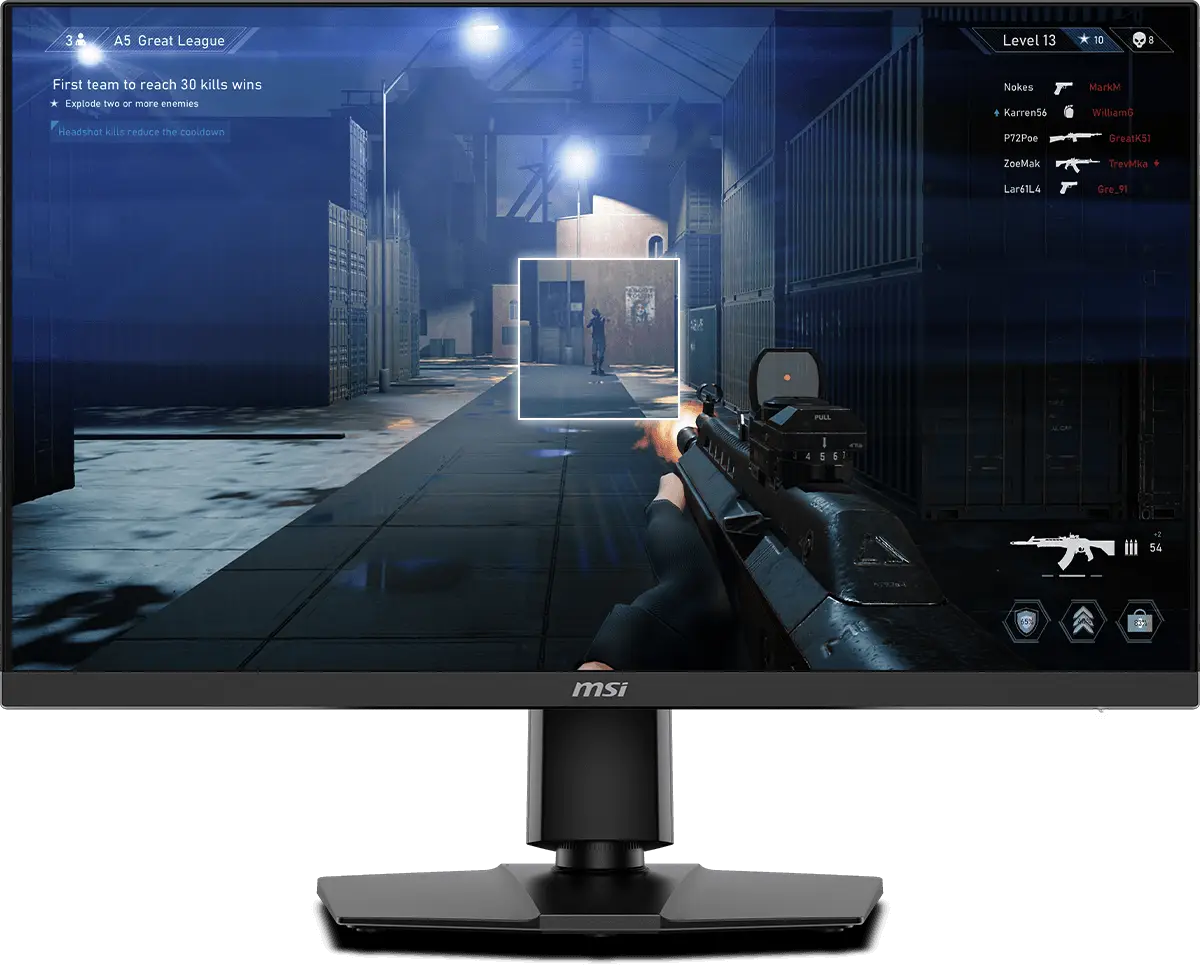
The built-in aim magnifier provides multi-stage zooming with shortcut keys to quickly switch the magnification. The screen can maintain the magnification regardless of the weapon used.

-
-

SMOOTHEN OUT YOUR GAMEPLAY
The MSI Gaming Monitor is built with Adaptive Sync technology to achieve the smooth visuals for your gameplay. Adaptive Sync technology will sync the refresh rate of your monitor with your GPU to eliminate screen tearing or stuttering. The ultra-smooth and lag-free visuals that Adaptive Sync provide will allow you to enjoy the game the way it was meant to be enjoyed.

See Clearly, See Comfortably.
Anti-Flicker and Less Blue Light technologies provide a very comfortable viewing experience by reducing the amount of flicker and displaying lower levels of blue light. You can game for longer periods without experiencing eye fatigue.

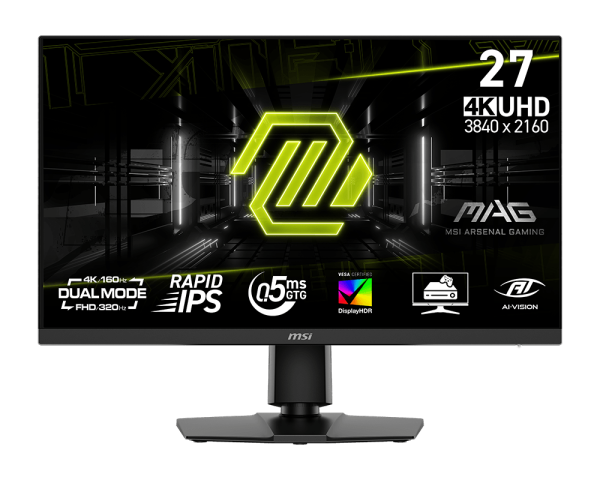
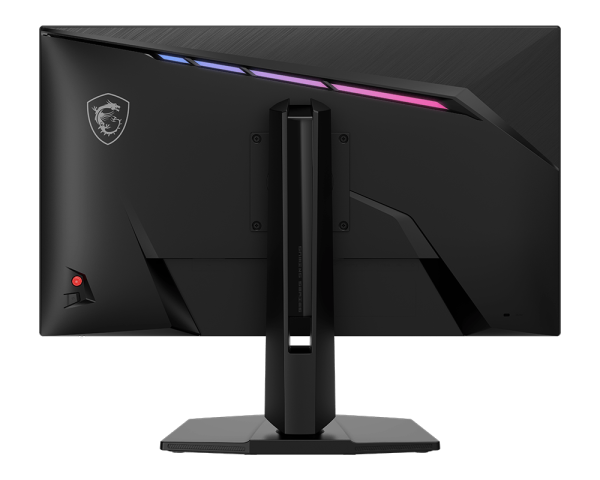
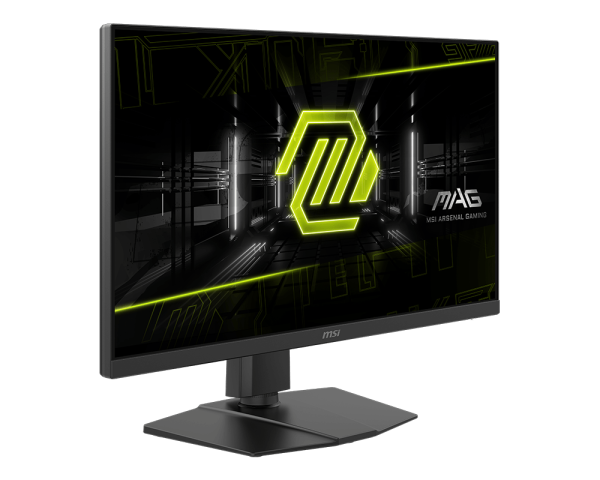
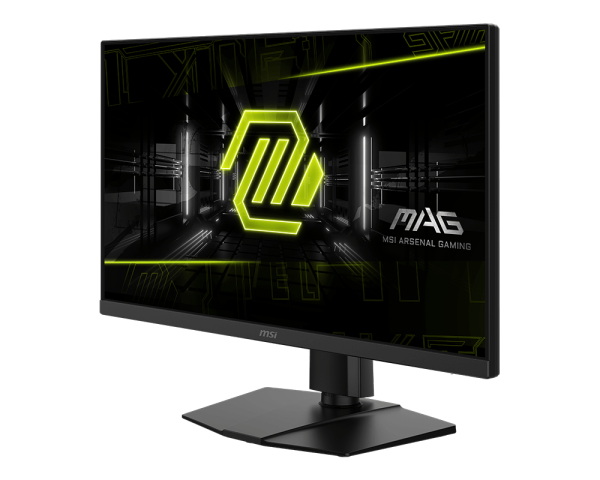
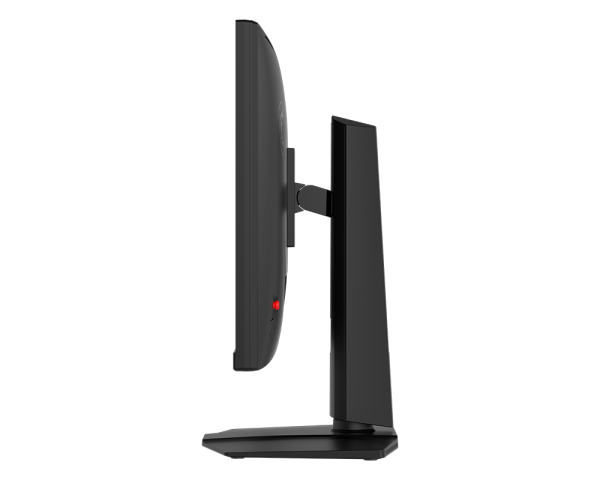
MAG 272URDF E16
- Dual Mode – Easily switch between different resolutions and refresh rates, allowing user to adjust settings based on the game.
- Rapid IPS – Ensures the intensity and purity of colors when gaming.
- 0.5ms (GtG, Min.) Response Time – Eliminates screen tearing and choppy frame rates.
- VESA DisplayHDR 400 – VESA-certified eye-catching details through precise contrast and shadow adjustment.
- Console Mode – Optimized for seamless compatibility with gaming consoles like PS5 and Xbox Series X|S.
- Aspect Ratio Options – Choose between multiple aspect ratios for a more personalized gaming experience.




All images and descriptions are for illustrative purposes only. Visual representation of the products may not be perfectly accurate. Product specification, functions and appearance may vary by models and differ from country to country . All specifications are subject to change without notice. Please consult the product specifications page for full details.Although we endeavor to present the most precise and comprehensive information at the time of publication, a small number of items may contain typography or photography errors. Products may not be available in all markets. We recommend you to check with your local supplier for exact offers.
The terms HDMI™, HDMI™ High-Definition Multimedia Interface, HDMI™ Trade dress and the HDMI™ Logos are trademarks or registered trademarks of HDMI™ Licensing Administrator, Inc.