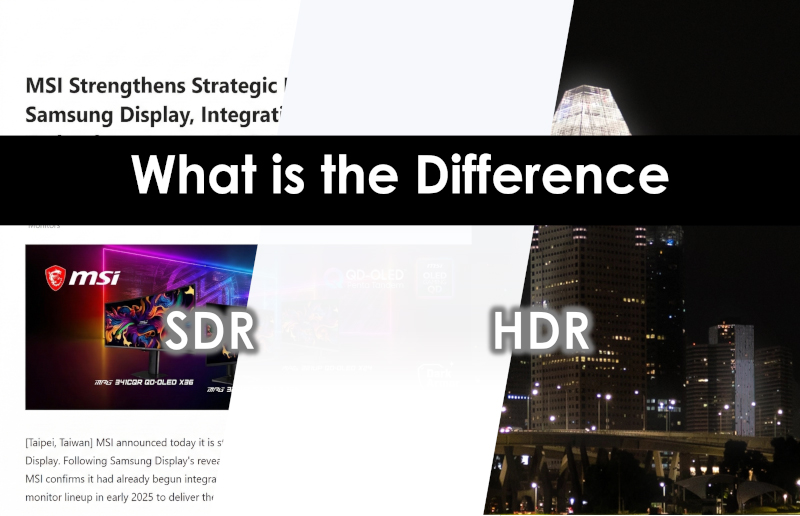
What is the Difference Between SDR and HDR? What are the Best Use Cases?
Monitors
In this article, we will delve into SDR and HDR while exploring the ideal scenarios for them. Furthermore, we will introduce MSI’s exclusive technique designed for both modes, demonstrating how our precision tuning and optimized features significantly enhance both your visual experience and overall productivity.
Quick Summary
The ideal use cases for SDR and HDR Mode:
Scenario
SDR
Productivity, Web Browsing, PvP Games, non-HDR contents
HDR
Native HDR contents
What is SDR (Standard Dynamic Range)?
SDR is a legacy video processing format that served as the industry standard for early display devices and DVDs. Due to its technical framework, SDR offers a limited range of brightness and color gamut, which constrains its ability to fully replicate the visual depth found in the real world.
When is the Best Timing to Use SDR Mode?
Despite the limitations in brightness and saturation, SDR remains our primary and often more suitable mode for daily tasks, web browsing, and even specific games. The key advantage is SDR's ability to maintain a consistent brightness level. SDR has the superior choice for sustained concentration. Besides, much content may not support native HDR. When you turn on the HDR function on non-HDR content, the image won’t look better.
What is HDR (High Dynamic Range)?
The purpose of HDR is to reveal the details within both high-luminance highlights and deep shadows. By leveraging exceptional contrast, HDR reproduces vivid, lifelike imagery—from the shimmering stars in a night sky to the brilliance of a sun-drenched beach, every detail is laid bare, allowing you to witness the subtle gradations of light. To fully realize the potential of HDR, a display must support high peak brightness and precise local dimming to achieve such profound contrast. Consequently, monitors equipped with OLED or Mini-LED technology are the premier choice for unleashing the true visual impact of HDR.
When is the Best Timing to Use HDR Mode?
Before diving in, ensure your monitor and the content support HDR. The ideal time to enable HDR is when viewing native HDR content, such as watching HDR films or playing HDR-supported games. Through its exceptional dynamic range, HDR dramatically enhances color depth , showing exactly how the human eye perceives the real world and rendering every scene with breathtaking realism.
MSI Exclusive Features on QD-OLED Monitors
Ultimate Eye Comfort: MSI Uniform Luminance in HDR Mode:
HDR definitely enhances your visual experience. The benefit of HDR is its ability to achieve extreme peak brightness. However, these sudden, intense highlights can sometimes cause visual discomfort or fatigue during long movies or intense gameplay. Furthermore, frequent fluctuations in luminance may disrupt your overall immersion.
Default Peak 1300
Cust. Peak 1300
Sudden Brightness Drop
Smooth Brightness Transition


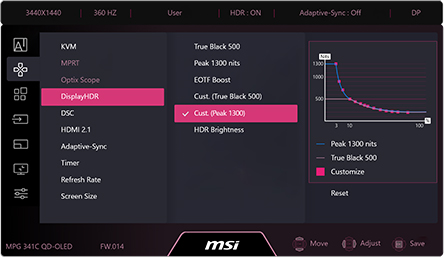
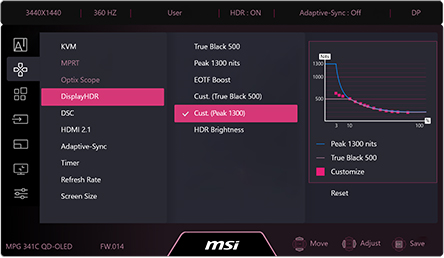
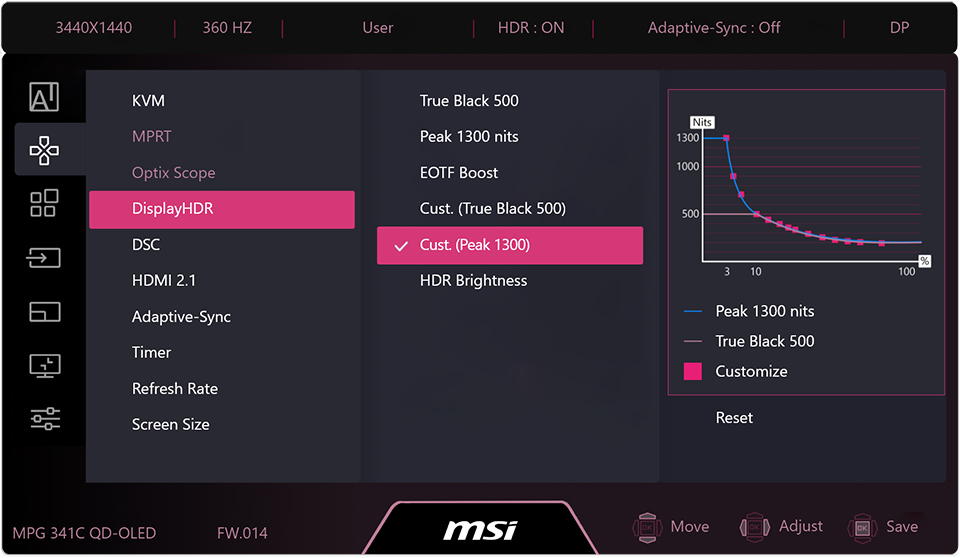
To solve this pain point and refine the HDR experience, MSI has developed the Uniform Luminance feature for some QD-OLED Monitors. This technology gives users the flexibility to manually adjust brightness levels, freeing them from the constraints of manufacturer-preset APL (Average Picture Level) algorithms. You can utilize the MSI Uniform Luminance to effectively lower the peak brightness and smooth out harsh luminance transitions. This ensures a more stable and comfortable viewing experience while still preserving the intricate details that HDR has to offer.
SDR Brightness Control in SDR Mode:
As previously mentioned, the advantage of SDR is its consistent brightness, which allows users to maintain focus and enjoy a more comfortable experience. To achieve this, MSI’s Monitor in SDR Mode maintain a constant luminance level, effectively eliminating the distractions caused by fluctuating brightness.
However, for those who want even smarter control, MSI offers the SDR Brightness feature on selected QD-OLED Monitors, allowing users to easily toggle it on or off. When turned on, the monitor intelligently adapts to your content: the brightness will smoothly decrease when the APL (Average Picture Level) drops (for instance, when you switch to dark-mode applications or enter a dark scene in a game). This guarantees peak comfort for your eyes at all times.