Build
for Glory
PC Assembly, Upgrade & Optimization Guide
SETUP IDEAS
COMPATIBILITY
PERFORMANCE
PC DIY TIPS
#BuildForGlory is your all-in-one PC DIY hub, designed to guide you through every step of building a PC, from hardware compatibility and performance optimization to assembly, BIOS/software setup, and aesthetic design. Powered by MSI, we also recommend the best MSI components and peripherals to help you build with confidence, without the usual worries.
Discover the complete PC DIY guide Now!

 CPU & Motherboard Matching



Build for Glory: Elevating Your DIY Experience with MSI
MSI bridges the gap between expert knowledge and practical hardware design to ensure your build is a success from start to finish.
Motherboard
EZ M.2 Installation
MSI’s exclusive EZ M.2 Shield Frozr II and EZ M.2 CLIP II make M.2 installation seamless. One finger can give you perfect DIY experience.
Power Supply
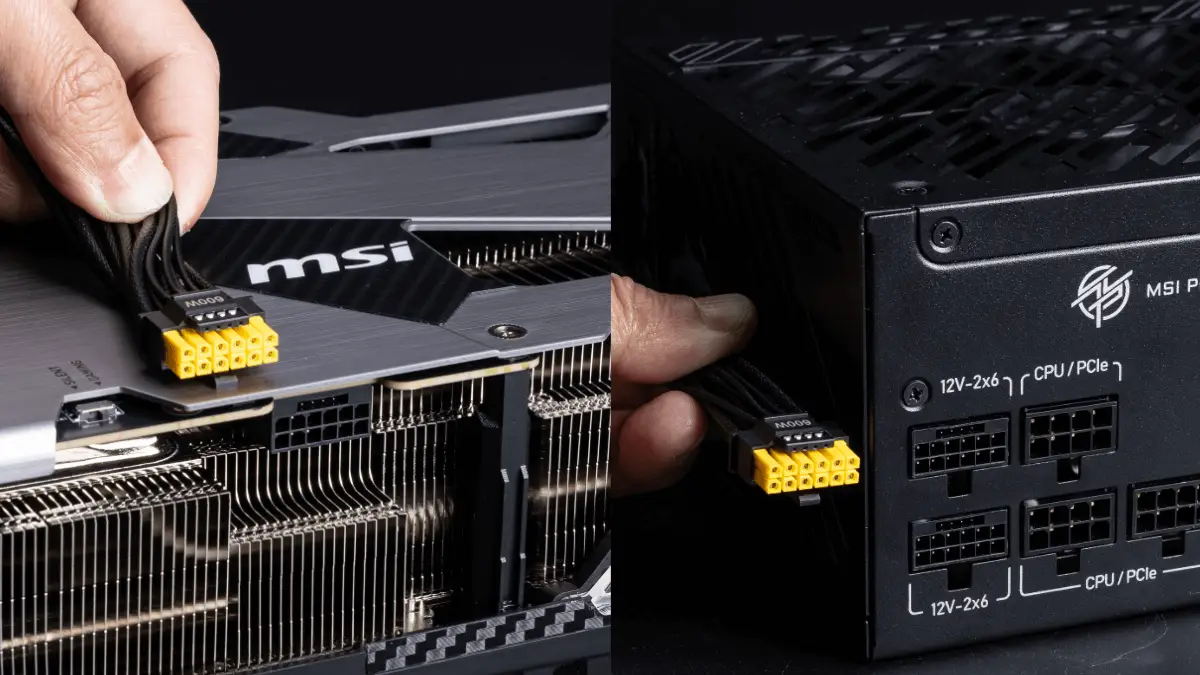
Dual-Color 12V-2X6 Cable
The 12V-2x6 cable’s connector color has been changed to yellow so that users can easily see if the connector has been plugged in properly.
Motherboard
EZ PCIe Release
A one-tap PCIe card release button for easier upgrades, simplifying GPU or compatible device swaps.
Liquid Cooling
EZ CONNECT
Not only are the fans pre-installed, but the time needed to organize the cables has also been simplified with just one cable.

Liquid Cooling
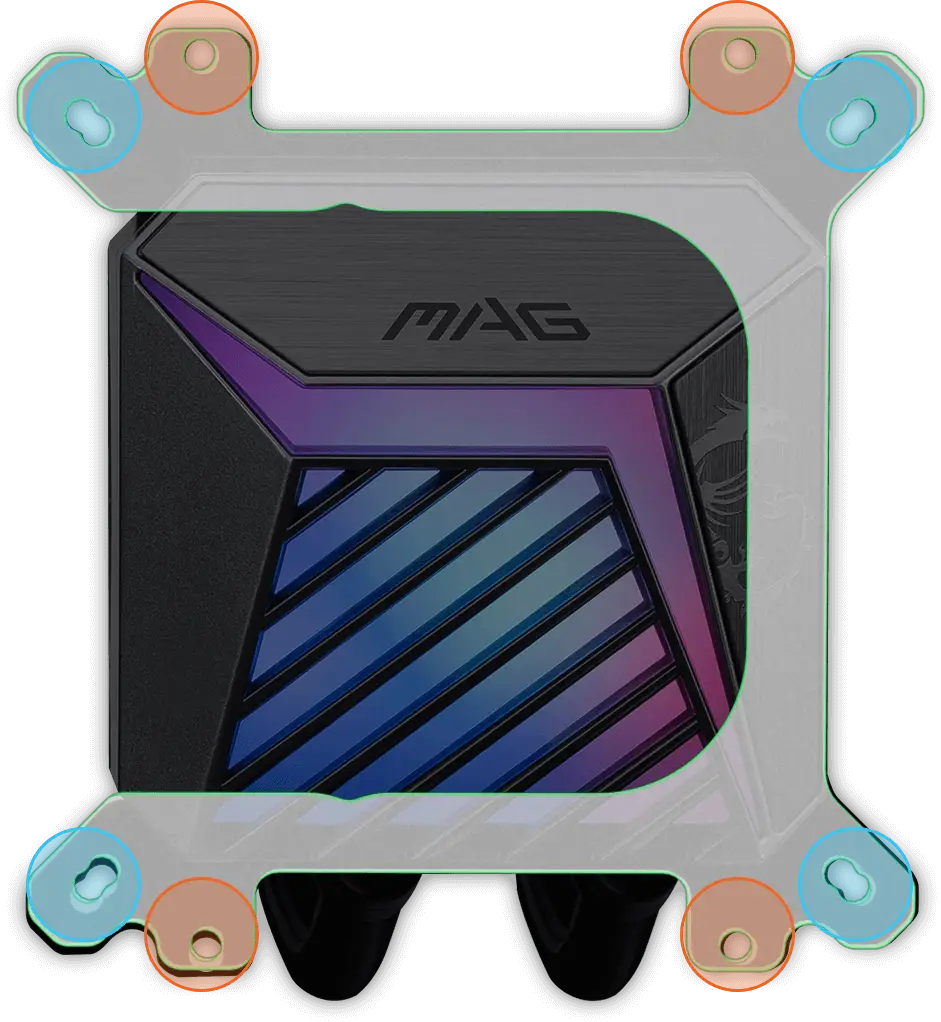
UNI Bracket
The pre-installed and easy-to-use UNI Bracket supports both Intel and AMD sockets, significantly reducing assembly time.

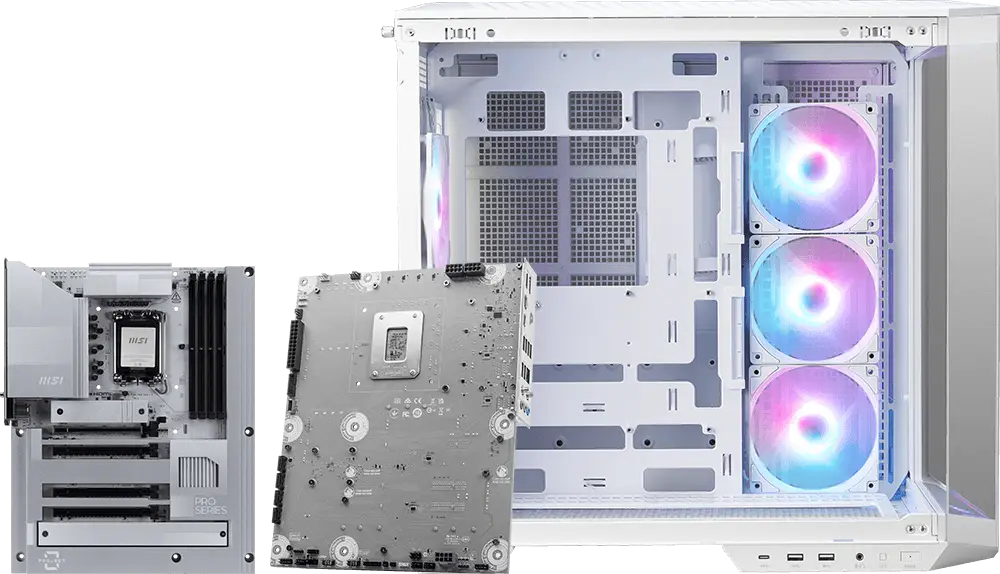
Motherboard & Case
Back-Connect Design
Ensure the compatibility of back-connect motherboard and PC cases, providing a cleaner and more aesthetically pleasing appearance for the system.
Learn MSI Back-Connect Design and Compatible Products

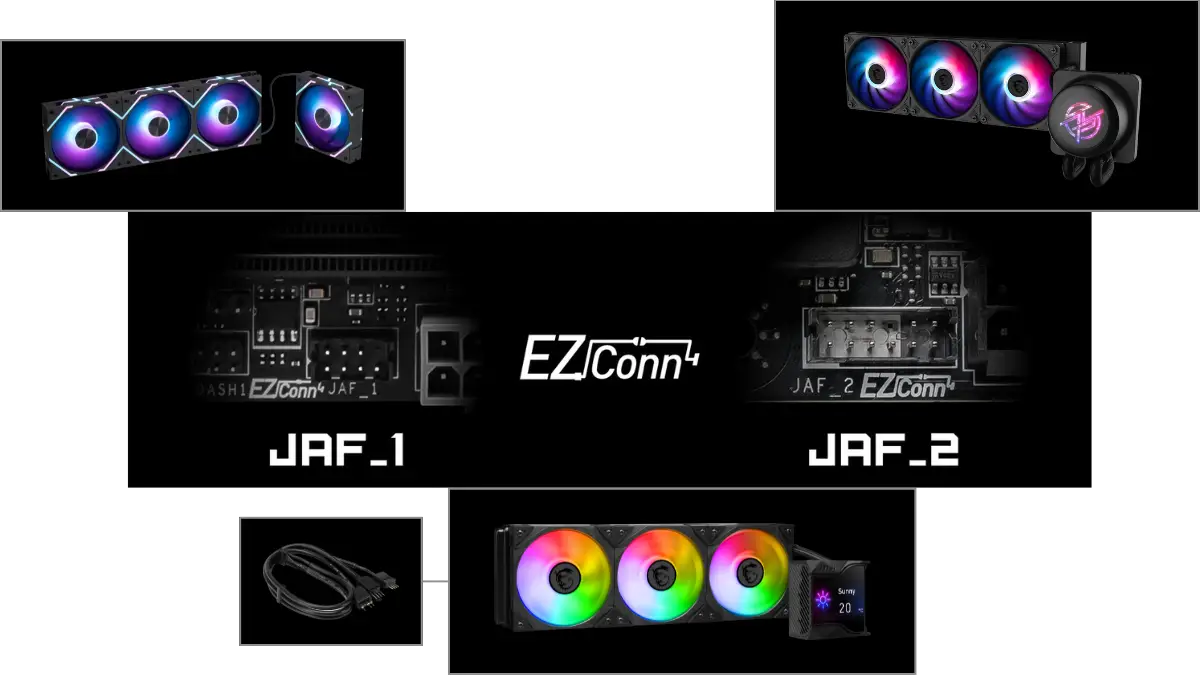
Motherboard & Liquid Cooling
EZ Conn-Design
MSI's EZ Conn header allows users to easily connect MSI EZ series fans (7 pin) or MSI liquid cooling (11 pin). MSI also provide a 1 to 3 EZ Conn-Cable, enabling you to connect ARGB light, system fan and USB device.
Learn how to use MSI exclusive EZ Conn-connector and cable
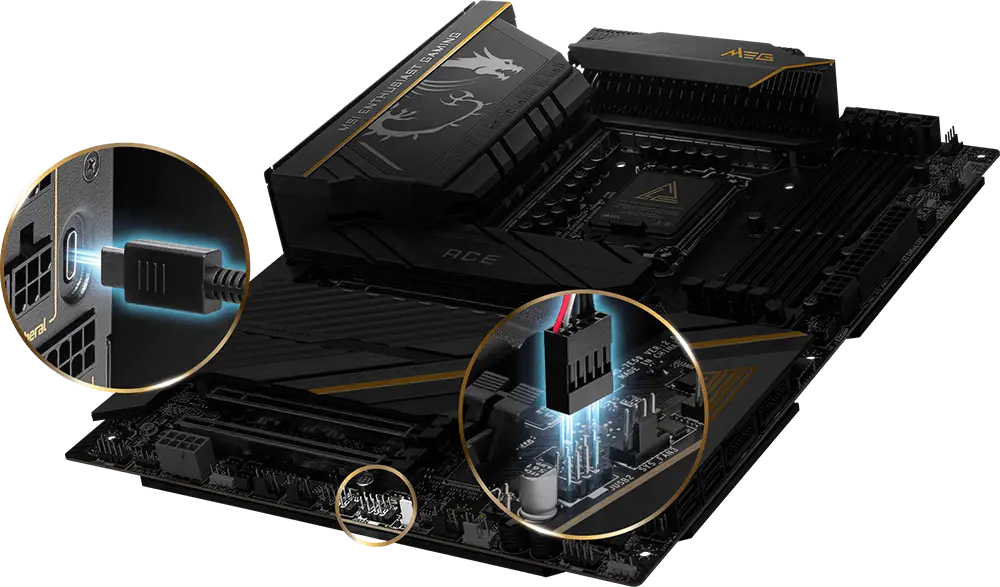
Motherboard & Power Supply
MSI Gaming Intelligence
By connecting the type-C cable to the motherboard, MSI’s high-end power supply is fully supported by MSI Gaming Intelligence, allowing to sync the power supply’s information and optimize the user experience.
All PC components
MSI Mystic Light
Command the vibe with MSI Mystic Light, featuring 16.8 million colors and vibrant lighting effects. MSI Center gives you full RGB control and seamless sync across all compatible gear.
-
Wave
-
Steady
-
Flame
-
Breathing
-
CPU Temperature
-
Color Ring
-
Lightning
-
Receration
-
Meteor
-
Default
What is MSI Mystic Light and How to download and use.
PSU & Motherboard & Case
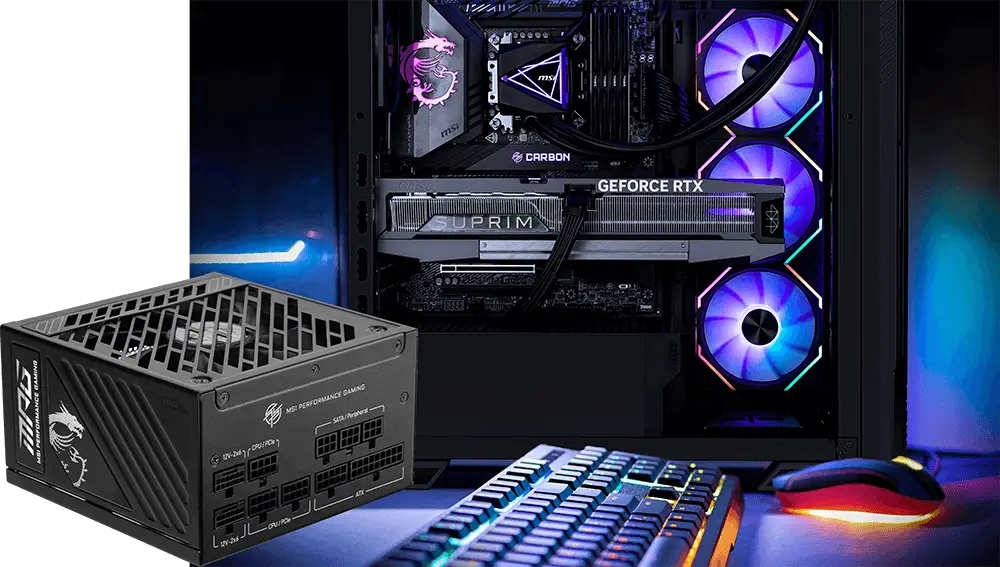
Ready for GeForce RTX 50 Series Graphics Card
MSI supports you to build a system ready for NVIDIA GeForce RTX 50 Series and AI PCs, with full consideration for PCIe 5.0 compatibility, 12V-2x6 connectors, case clearance, and efficient thermal solutions.
RTX 50 Graphics Card Compatible Products
Motherboard
EZ Overclocking & AI Boost
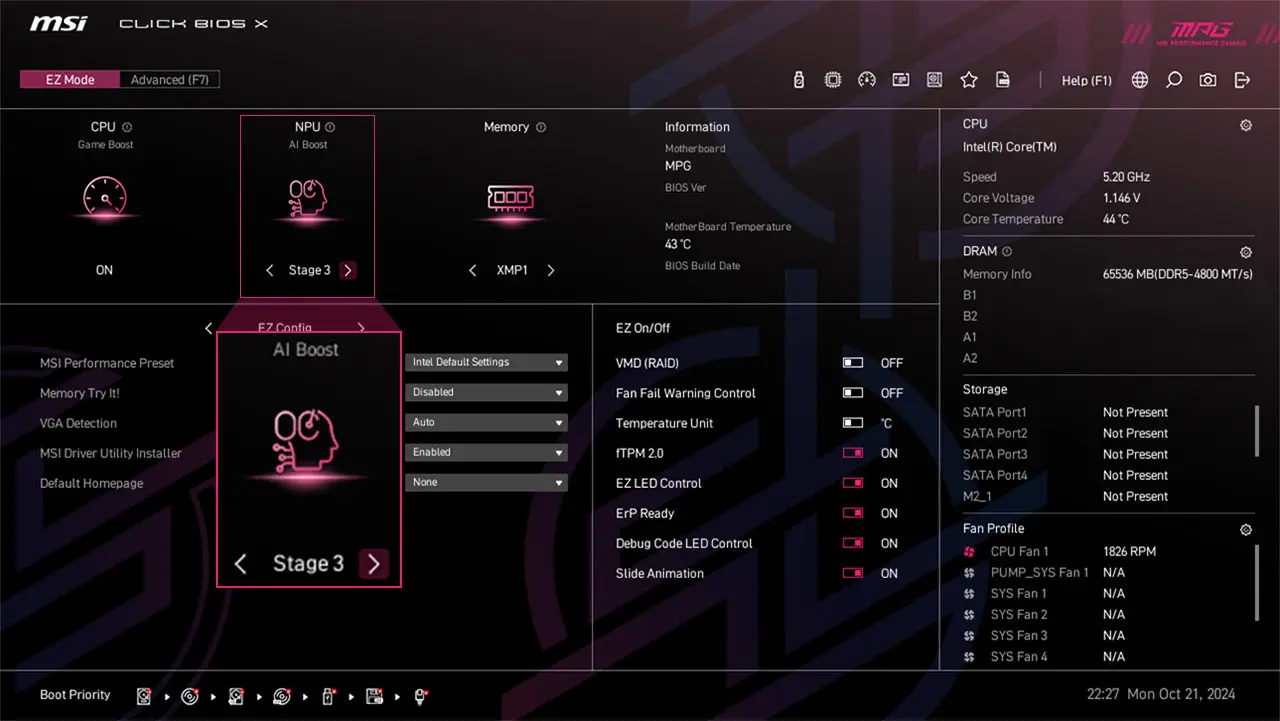
MSI Click BIOS X makes overclocking more accessible for both processors and memory. AI Boost offers three-stage NPU overclocking, tested by MSI OC Lab and capable of delivering up to a 27% performance increase, which significantly enhances AI computing tasks.
Motherboard
AI Engine
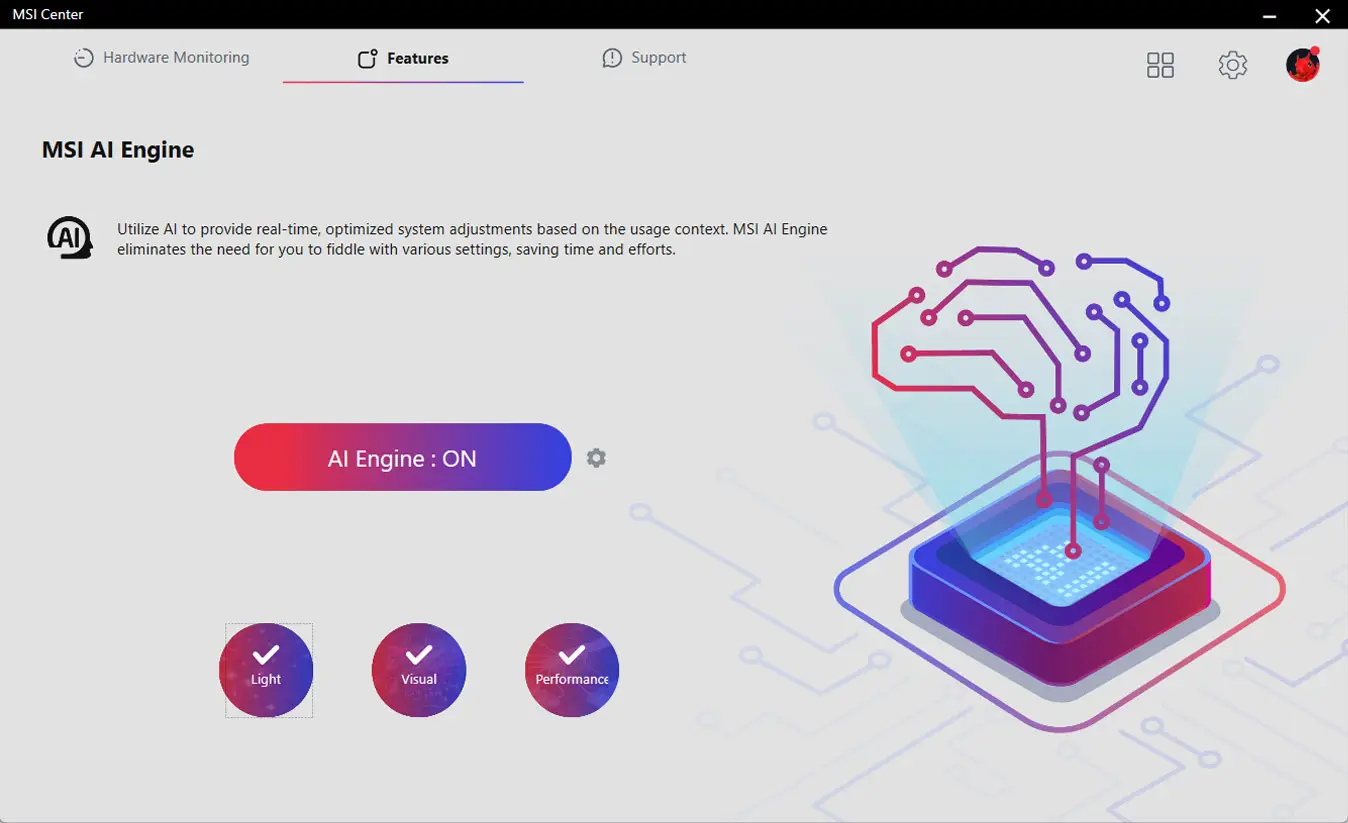
Automatically adjust settings based on the applications you're using, ensuring seamless performance and productive environment.
Motherboard
Frozr AI Cooling
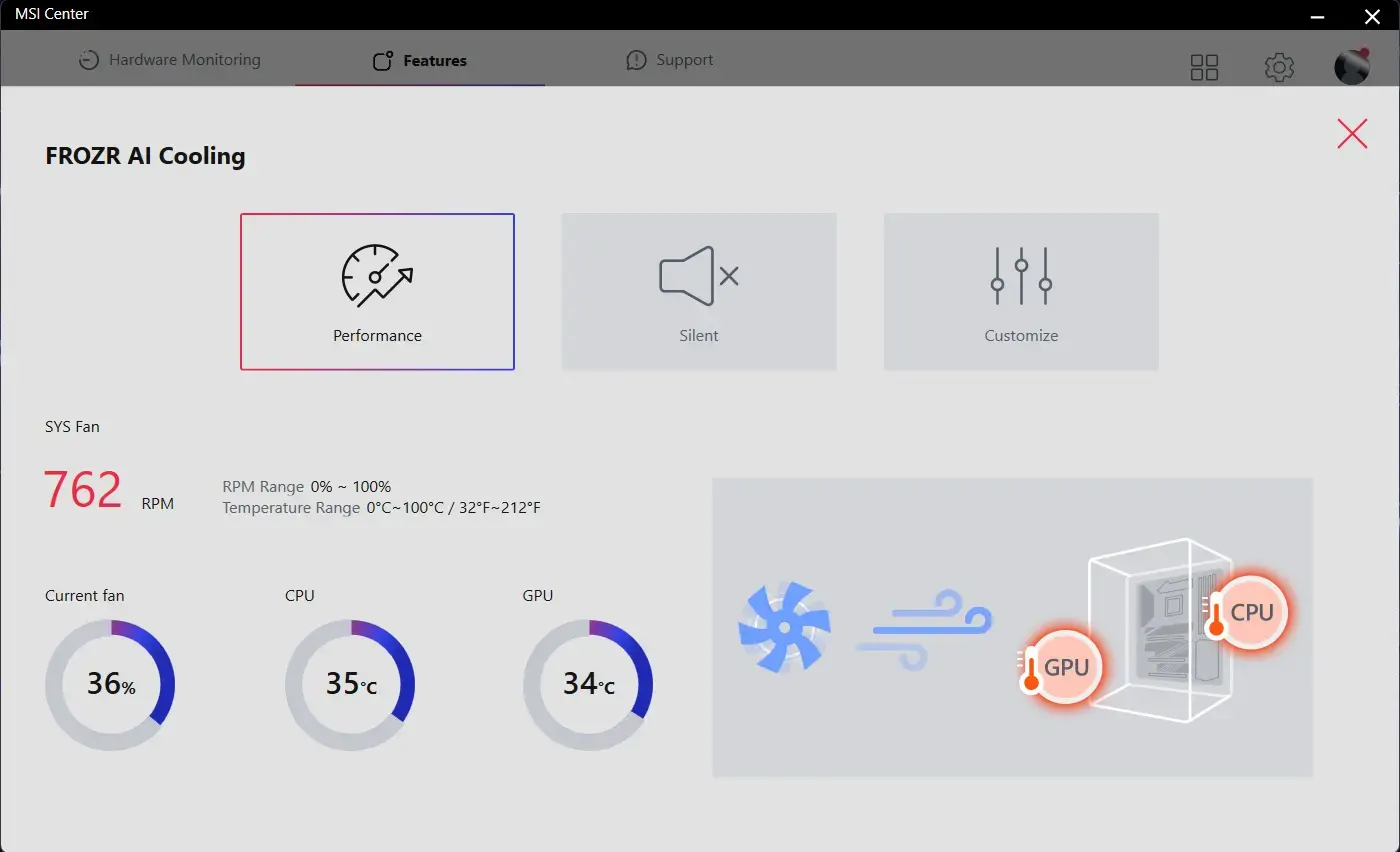
The AI system detects CPU and GPU temperatures and automatically adjusts the fan duty of system fans to ensure optimal performance.
Liquid Cooling
Adjustable Offset Kit
The adjustable offset kit provides 2 positions and allows for precise adjustment of position of CPU, ensuring optimal alignment and significantly improving the cooling effect.
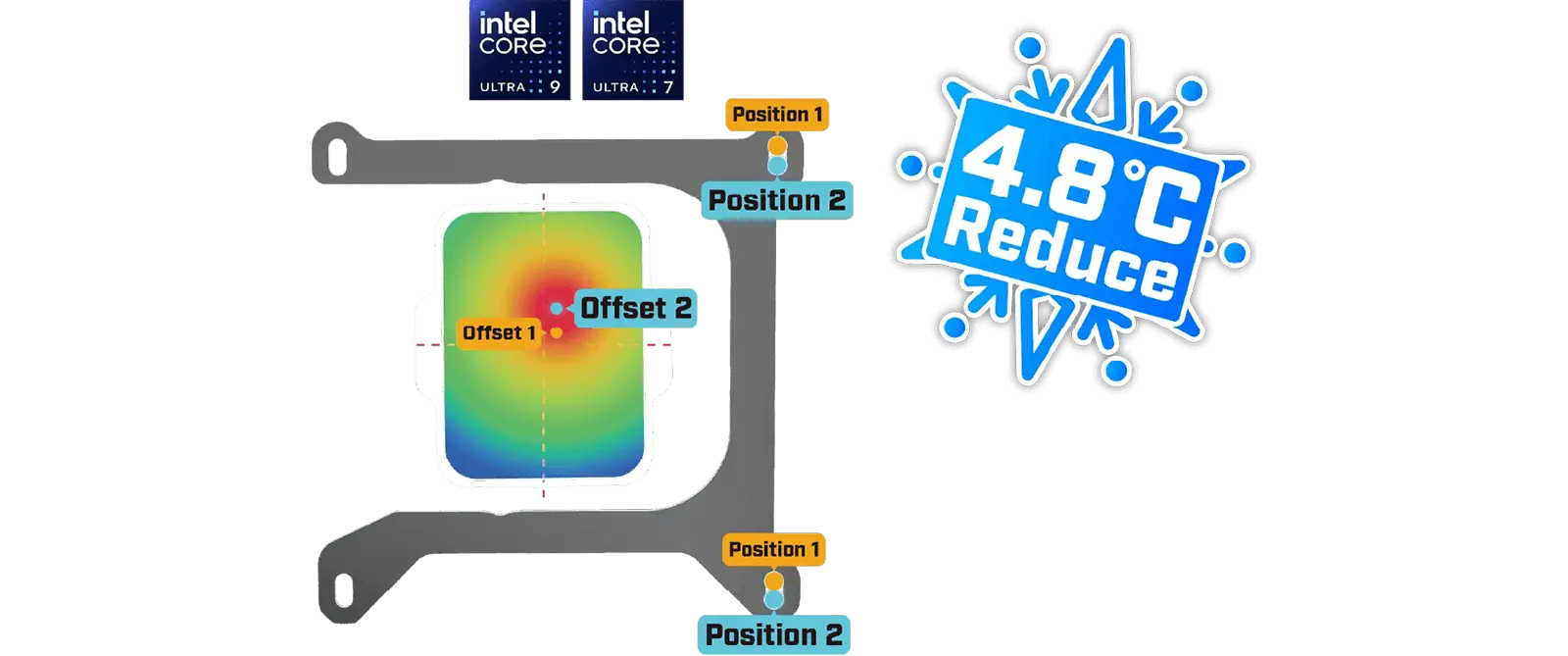
Adjustable Offset Kit
Liquid Cooling
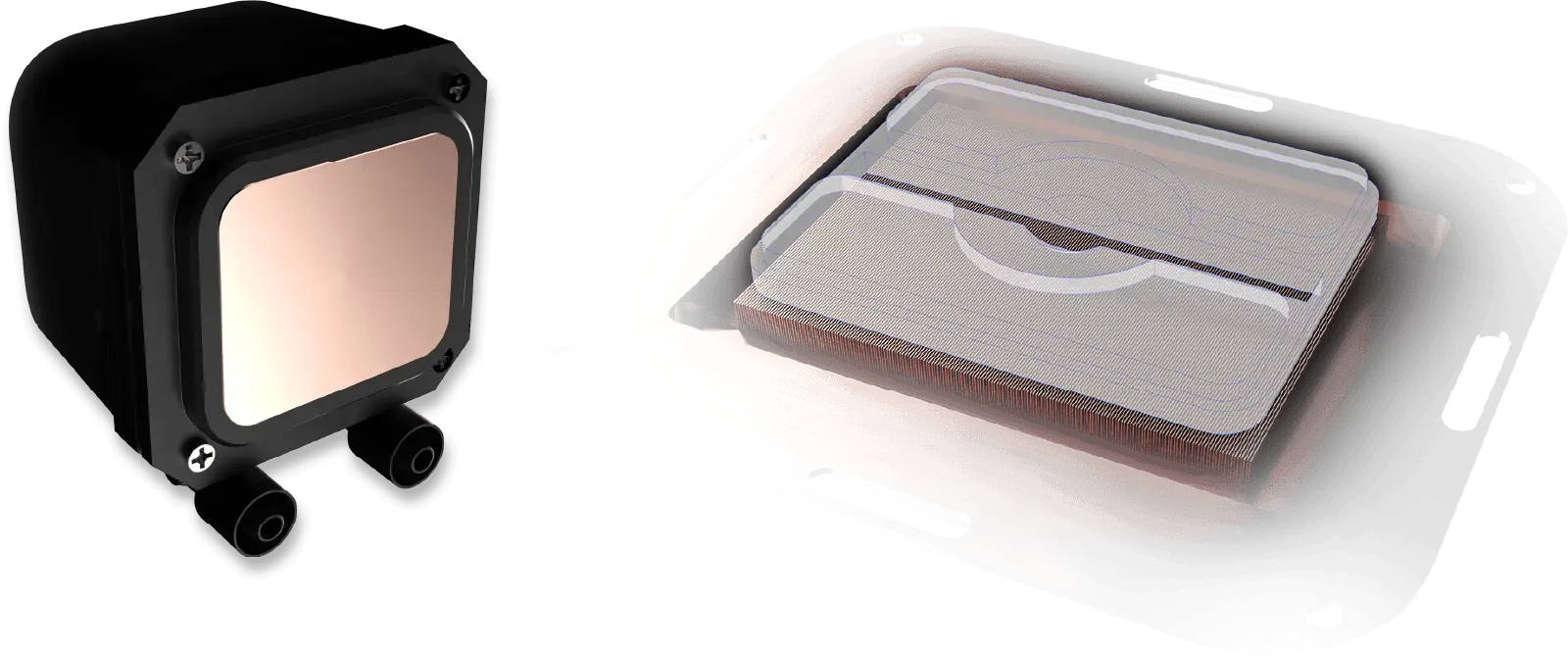
Full-Plane & Screwless Copper Base
The new copper base eliminates the traditional screw perforation design to enhance water-tightness. Equipped with a precise 0.1mm micro-channel design, it efficiently absorbs CPU heat, delivering exceptional cooling performance.
Case
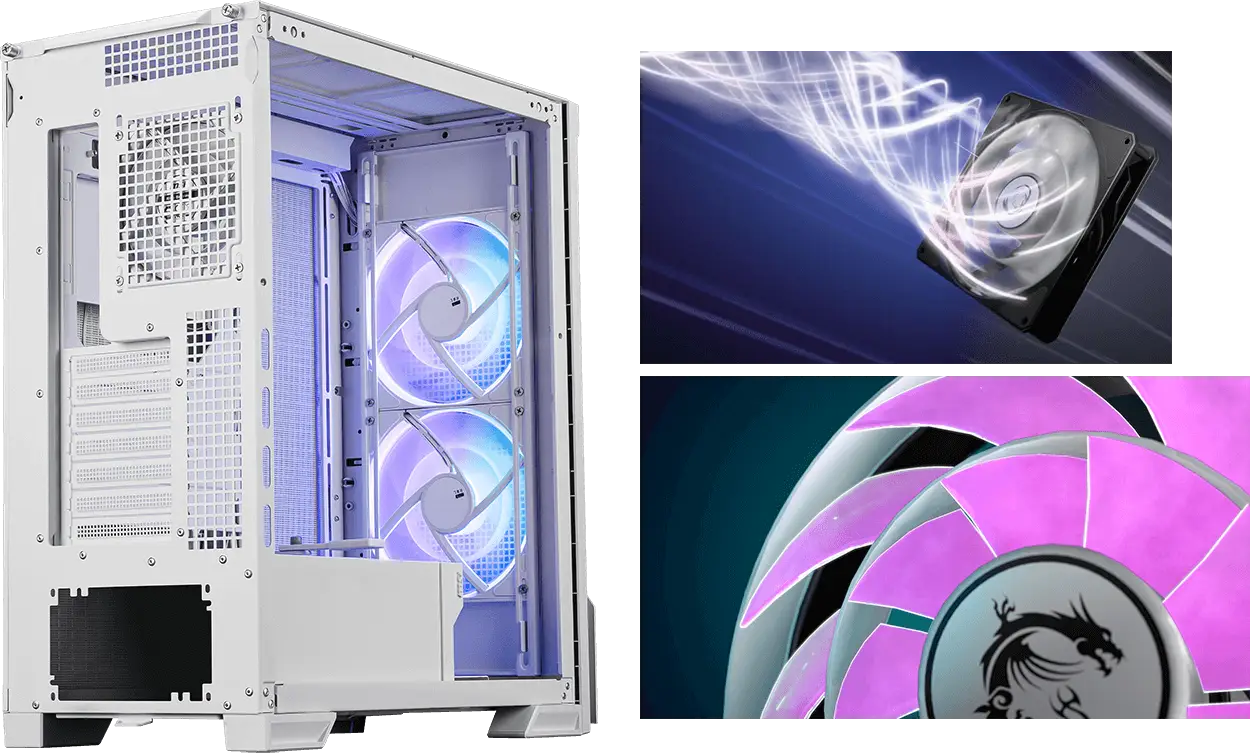
Pre-installed Dual Layer Blades Fan
The rigid dual-layer structure minimizes vibration and generates concentrated airflow, expanding the heat dissipation range.
* MPG VELOX 300R AIRFLOW
Motherboard
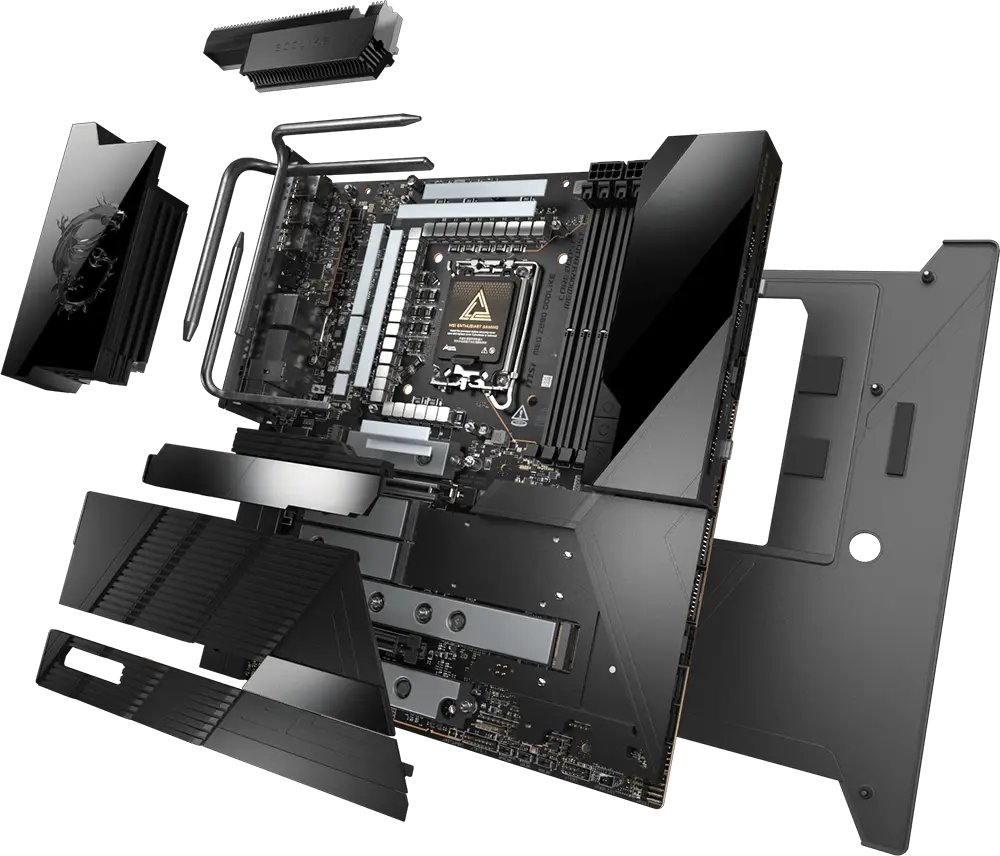
Frozr Guard
Frozr Guard offers superior heat dissipation while providing exceptional protection for motherboards. Designed to keep your system cool and stable, Frozr Guard ensures optimal performance even under extreme conditions.
Compatibility & Safety Check
Building your PC starts with making sure every component works seamlessly together.
How to check if pc parts are compatible
Ensure your PC parts are compatible before building—check CPU, motherboard, RAM, GPU, PSU, storage, cooler, case fit, connectors, BIOS, and airflow. The full 10-point compatibility checklist is provided below for reference. Check Now!
Match CPU & Motherboard Socket
Always confirm the CPU socket and chipset generation are supported.
Check RAM Type First
DDR4 and DDR5 are not interchangeable. Verify supported speed and capacity.
Confirm PSU Headroom
Choose a power supply with enough wattage and the right GPU connectors (12VHPWR / 12V-2x6).
Verify Case Clearance
Make sure GPU length, CPU cooler height, and radiator size fit the case.
Ensure Cooling Compatibility
Cooler must support the CPU socket (AMD or Intel) and its TDP
Storage Interface Matters
Confirm M.2 (PCIe Gen3/4/5) and SATA slot availability on the motherboard.
BIOS Support Check
New CPUs may require BIOS update on older boards.
Front Panel & I/O Headers
USB, audio, and RGB headers on the case must match the motherboard.
Airflow Planning
Balance intake and exhaust fans to avoid thermal throttling.
Leave Upgrade Room
Extra RAM slots, stronger PSU, and PCIe lanes help future expansion.
Run Full MSI PC Compatibility on MSI PC EZ Builder Now!

Expert Compatible guides, tutorials, and insights to help you build, optimize, and maintain your dream PC
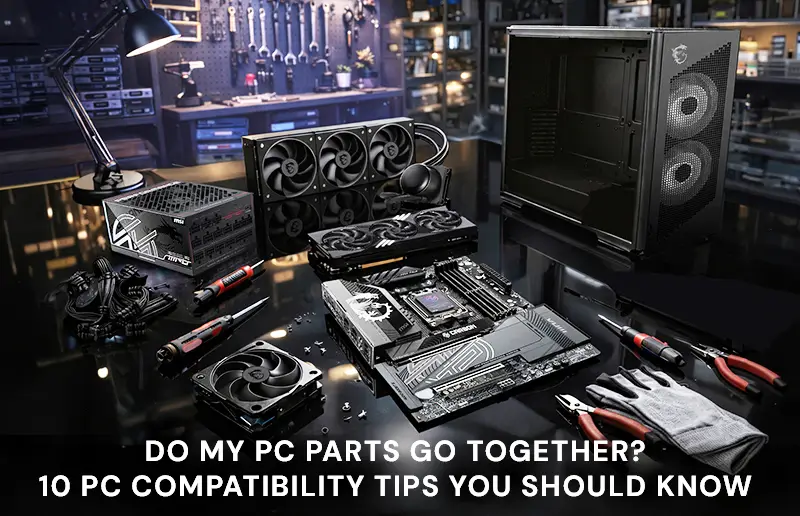
PC Building Guide: 10 Essential Tips to Check PC Component Compatibility
With all the pitfalls involved in building a new PC, it is sensible to ask ‘How do I check if parts go together?’ So, we think a full 10-point compatibility checklist should be of great value to the community.

MSI X870E and X870 Motherboard Roundup for AMD Ryzen 9000 & Ryzen 7000(X3D) Series Processors: It’s Time to Pick!
MSI has always focused on delivering value and quality to those who want to build PCs, and our lineup of X870E and X870 motherboards reflect that focus. What’s more, the launch of AMD Ryzen 9000 processors should accompany shiny-new motherboards to match their power and new capabilities!

RECOMMENDED PSU TABLE FOR NVIDIA 30/40/50 SERIES
Please see the chart below for PSU recommendations. It makes it very evident how much power the associated GPUs and CPUs are using. With this knowledge, you should be able to select the most fitting power supply units for your components.

BEST PSU FOR RTX 5090
NVIDIA has officially unveiled the RTX 50 Series GPUs, and as anticipated, they come with high power demands—the RTX 5090 alone draws up to 575W and it operates with a 12V-2x6 connector.
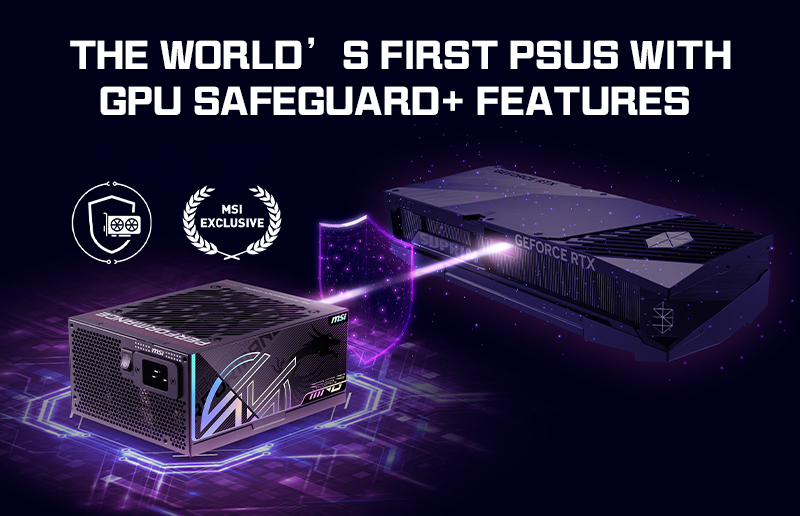
Introducing GPU Safeguard+: Advanced GPU Protection on MSI Next-Gen Power Supplies
At CES 2026, you’ll find brand-new power supplies from MSI, featuring our latest GPU safeguard feature. We’ve engineered these new PSUs (Power Supply Units) to directly combat certain issues around the 12V-2x6 connector that we’ve seen in the past few years.
RTX 50 Ready PC Build: Components & Monitors
Get the most out of your NVIDIA RTX 50-series GPU with our power, case and cooling solutions. Whether you're upgrading or building anew, our guide helps you optimize performance, power, and compatibility.

Power Calculator
Find the perfect power supply unit (PSU) for your computer system with our accurate PSU calculator. Determine the ideal wattage based on your components and calculate power requirements for optimal performance.
RECOMMENDED PSU TABLE FOR NVIDIA 30/40/50 SERIES
Please see the chart below for PSU recommendations. It makes it very evident how much power the associated GPUs and CPUs are using. With this knowledge, you should be able to select the most fitting power supply units for your components.
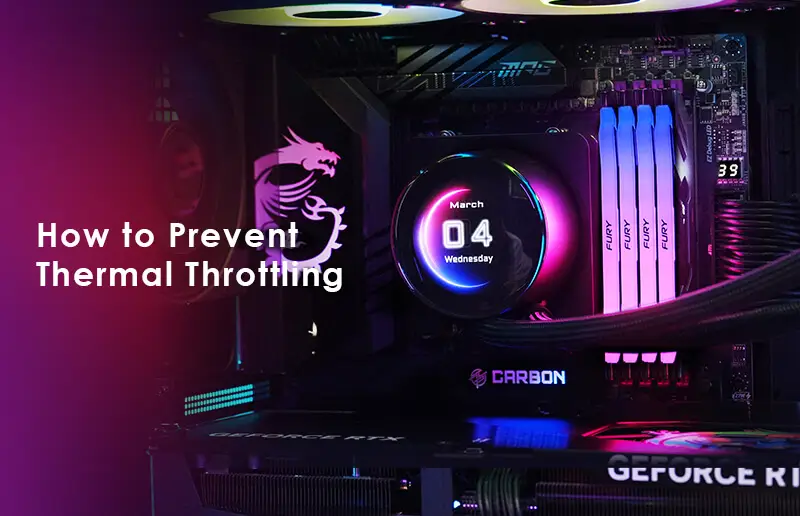
Preventing Thermal Throttling: What it is and How to Stop it
Thermal throttling could be a sign of a deeper, potentially damaging, problem in your PC system’s configuration. But don’t worry, we are here to tell you all you need to know about thermal throttling, how to identify it as an issue, and to share methods to reduce or eliminate it.
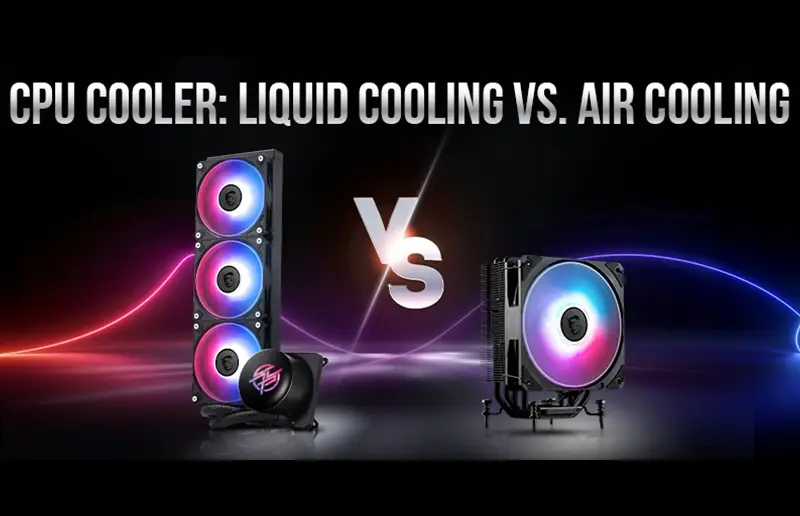
CPU Cooler- Liquid Cooling Vs. Air Cooling: What is Better for Your Next PC?
While air cooling purists champion the fail-proof reliability and simplicity of a massive chunk of metal and a simple fan, liquid cooling enthusiasts argue that modern high-end computing has simply outgrown air. Understanding how they work is the only way to make the right choice for your specific build.
PC DIY TIPS
Explore our curated DIY tips designed to simplify every step of your journey.
Essential PC DIY Tips: The Ultimate Builder's Checklist
Building your own computer is a rewarding experience, but getting the details right is the difference between a high-performance machine and a frustrating technical headache. This session covers the foundational best practices for PC assembly, from initial component installation to long-term maintenance. Master Your Build with These Pro Tips Below:
Cable Management
Route cables behind the motherboard tray whenever possible
Group cables by function and secure with velcro straps
Leave front panel and USB cables slightly loose for future adjustments
Cool Down the PC
Front/bottom fans = intake, top/rear fans = exhaust for optimal airflow
Aim for slightly positive air pressure to reduce dust buildup
Don't block ventilation - give your PC breathing room
Component Installation
Test components outside the case first (breadboarding) if possible
Don't overtighten screws - snug is enough
Install M.2 SSDs before GPU to avoid tight spaces
First Boot
Update BIOS before installing Windows for best compatibility
Install motherboard chipset drivers first, then GPU drivers
Enable XMP/DOCP in BIOS to run RAM at rated speed
Maintenance
Clean dust filters every 1-2 months for optimal airflow
Reapply thermal paste every 2-3 years or if temps increase
Update drivers regularly for security and performance
Trouble Shooting
No display? Check GPU is fully seated and power cables connected
Random restarts? Check CPU cooler mounting and temperatures
Won't POST? Try one RAM stick at a time in different slots
Still Have Question?
These PC building Videos are incredibly helpful. Check out these resources for more support.
Performance Seeking
Select high-performance components and provide performance optimization guidelines.
This section explores the CPU Boost and Memory Boost categories, detailing the technologies that
maximize clock speeds and data transfer efficiency. Learn to safely push your processor's limits
and fine-tune memory for a stutter-free, high-performance experience.
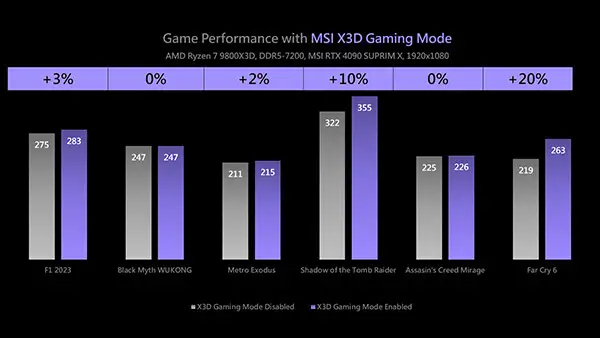
MSI X3D Gaming Mode Enhances Gaming Performance on AMD Ryzen Processors
Want to unlock the full gaming potential of your Ryzen X3D CPU? MSI X3D Gaming Mode lets you boost in-game performance with a simple BIOS toggle by intelligently adjusting core and SMT settings based on game behavior. Benchmarks at 1080p show performance gains ranging from 2% to 20
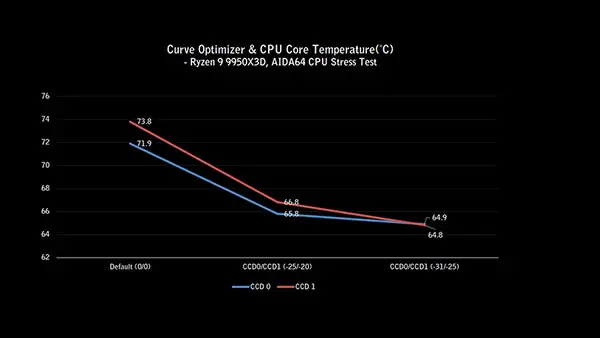
How to Use Curve Optimizer to Lower Ryzen 9 9950X3D Temperatures and Boost Performance
AMD Precision Boost 2 technology dynamically adjusts processor frequency based on factors like processor temperature, workload, firmware, and software settings. In general, lower temperatures and lighter workloads result in higher frequencies and better performance.
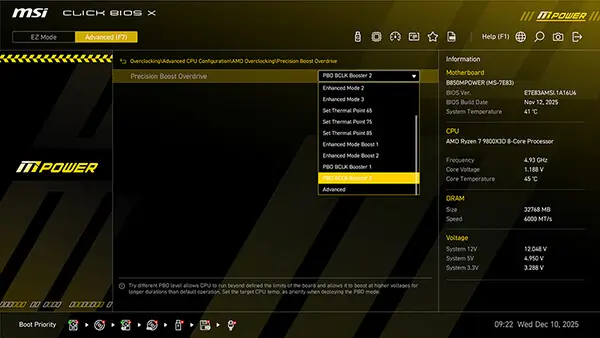
MSI PBO BCLK Booster x High-Efficiency Mode: Unleashing Ryzen 7 9800X3D Gaming Performance
For the latest X870 MAX, B850 MAX series, and B850MPOWER motherboards equipped with MSI OC ENGINE technology, MSI introduces a new BIOS feature - PBO BCLK Booster. This feature allows users to easily adjust the CPU base clock (BCLK) to improve processor and gaming performance.
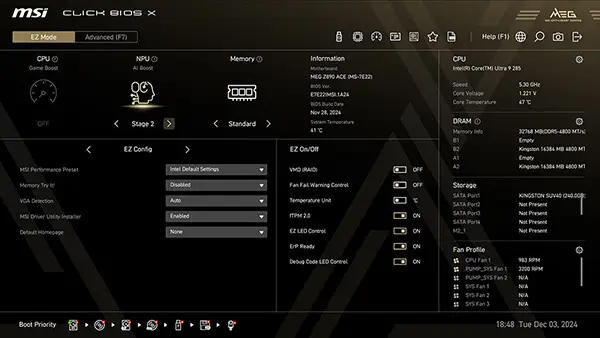
MSI AI Boost Enhances Intel Core Ultra 9 285K AI Performance by 17%
The Intel Core Ultra 200S series processors are equipped with a Neural Processing Unit (NPU) designed to handle AI workloads efficiently. To further enhance AI computing performance, MSI introduces the AI Boost feature, which can be enabled in the BIOS.
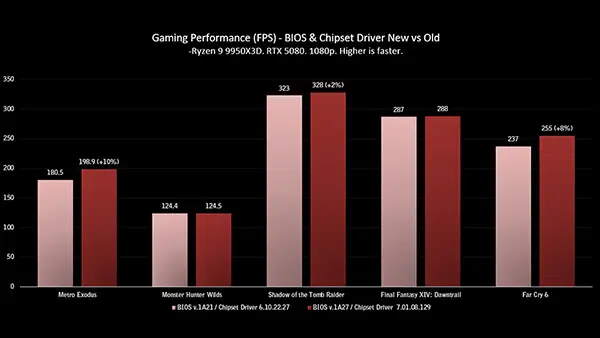
How to Boost AMD Ryzen 9 9950X3D Gaming Performance
AMD’s newly released Ryzen 9 9950X3D delivers impressive performance in both content creation and gaming. If you're still not satisfied with the current performance, you can further enhance the Ryzen 9 9950X3D's capabilities by utilizing the features provided in the MSI BIOS, taking your gaming experience to the next level.
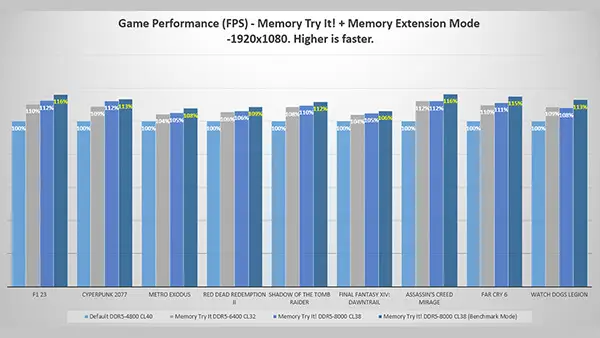
MSI Memory Extension Mode Boosts Intel Core Ultra 9 285 Gaming Performance
The Intel B860 chipset does not support CPU overclocking, but it allows memory overclocking. This means users can enhance performance by overclocking their RAM using XMP (Extreme Memory Profile) or MSI Memory Try It! feature.
The Latency Killer – Killing DDR5 Latency for your AM5 platforms
MSI is devoted to providing the best gaming performance and stability for motherboards' hardware and BIOS. Today, we will introduce the new BIOS function—Latency Killer.
Strategic Scaling for Next-Gen Performance whether transitioning from legacy hardware or optimizing your system, a smart upgrade ensures every component works in harmony. Learn how to strategically scale your PC parts to unleash the full potential of the latest technologies.
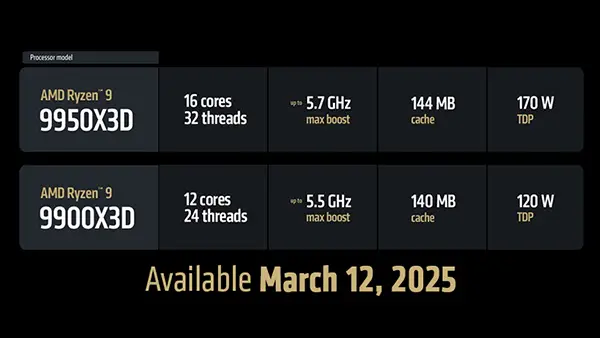
AMD Ryzen 9 9950X3D, 9900X3D, and Ryzen 7 9800X3D Upgrade Guide
AMD’s X3D processors have dominated the gaming charts for a few years. With the release of the AMD Ryzen 9 9950X3D and the Ryzen 9 9900X3D, it is rounding out its lineup to ensure top-tier workstation performance alongside its incredible gaming performance.
AMD Ryzen 9 9950X3D, 9900X3D, and Ryzen 7 9800X3D Upgrade Guide
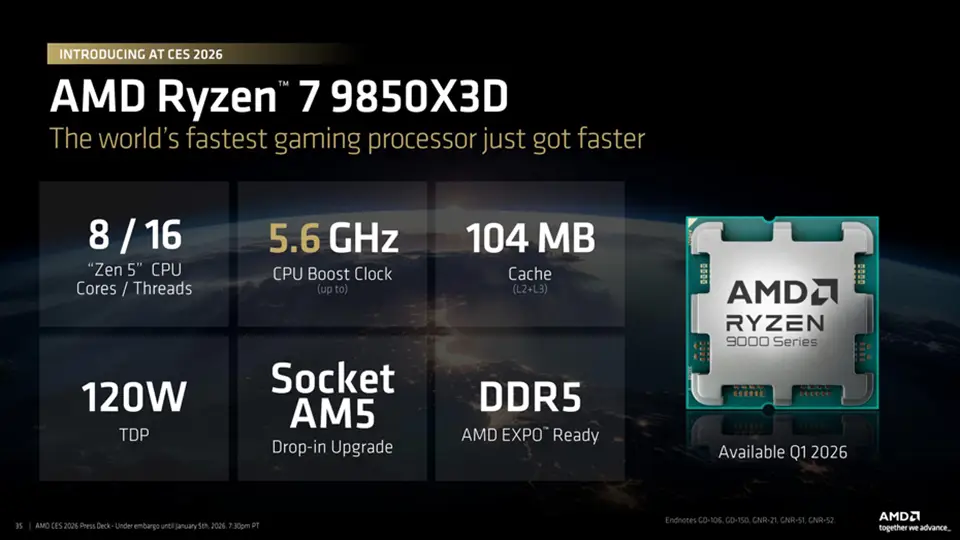
AMD took the wraps off what it claimed to be the “new fastest gaming processor.” With the announcement of the new AMD Ryzen 7 9850X3D “the world’s fastest gaming processor just got faster,” it boasted, at the flagship Consumer Electronics Show.
Discover the MSI advantage through our suite of proprietary technologies designed to simplify your DIY journey. We provide the tools you need to build faster, play harder, and manage your system with intelligence.
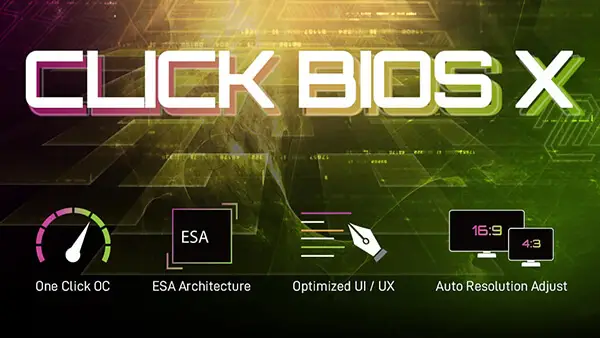
MSI Click BIOS - One-click optimization for Intel / AMD motherboards, effortlessly and efficiently
Unlock advanced overclocking capabilities and optimize system performance with the user-friendly interfaces of MSI Click BIOS. This robust toolset is designed to provide a seamless experience for both enthusiasts and users alike.
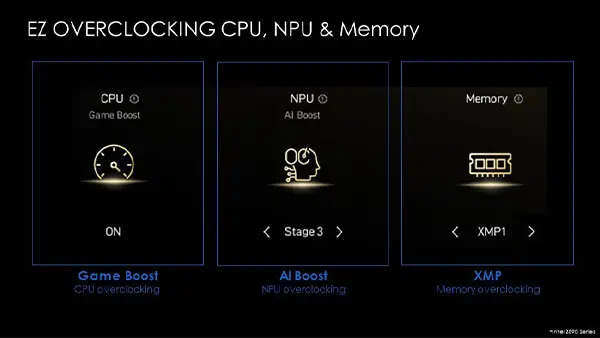
MSI Click BIOS X Revealed: Simplified Overclocking, New Looks, and Unmatched Control
MSI’s range of 800-series motherboards for Intel and AMD (Z890 and X870, respectively) are built to handle even the most demanding hardware, inside and outside. These motherboards boast several convenient EZ DIY features, robust power delivery, supplemental on-board PCIe power, and more.
How to Boost AMD Ryzen 9 9950X3D Gaming Performance
AMD’s newly released Ryzen 9 9950X3D delivers impressive performance in both content creation and gaming. If you're still not satisfied with the current performance, you can further enhance the Ryzen 9 9950X3D's capabilities by utilizing the features provided in the MSI BIOS, taking your gaming experience to the next level.
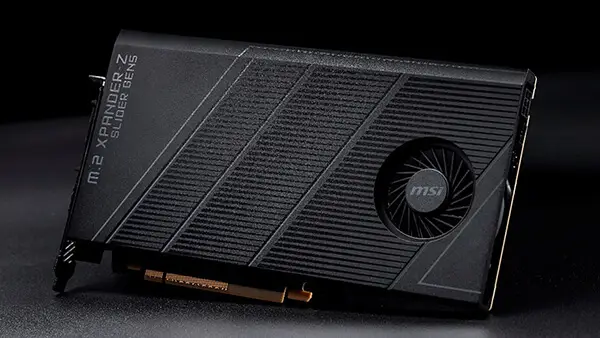
New Expansion Card Introduction - M.2 XPANDER-Z SLIDER GEN5
The M.2 XPANDER-Z SLIDER GEN5 is a new add-on card for storage expansion designed with EZ DIY features for effortless assembly. Today, we would like to introduce this new accessory and give you more information about it.
Setup Inspiration
PC build inspiration and desk setup ideas to help you create your ideal-looking rig.
BEST PC BUILD SETUP IDEAS FOR GAMING
Fuel your passion for play with curated PC Setup Inspiration built for the ultimate gamer. From high-refresh-rate dominance to immersive RGB environments, discover the layouts and hardware combinations that turn a simple desk into a pro-tier gaming arena. See how top-tier MSI components and cutting-edge tech come together to create a setup that doesn't just look legendary—it plays like it.
TechSource

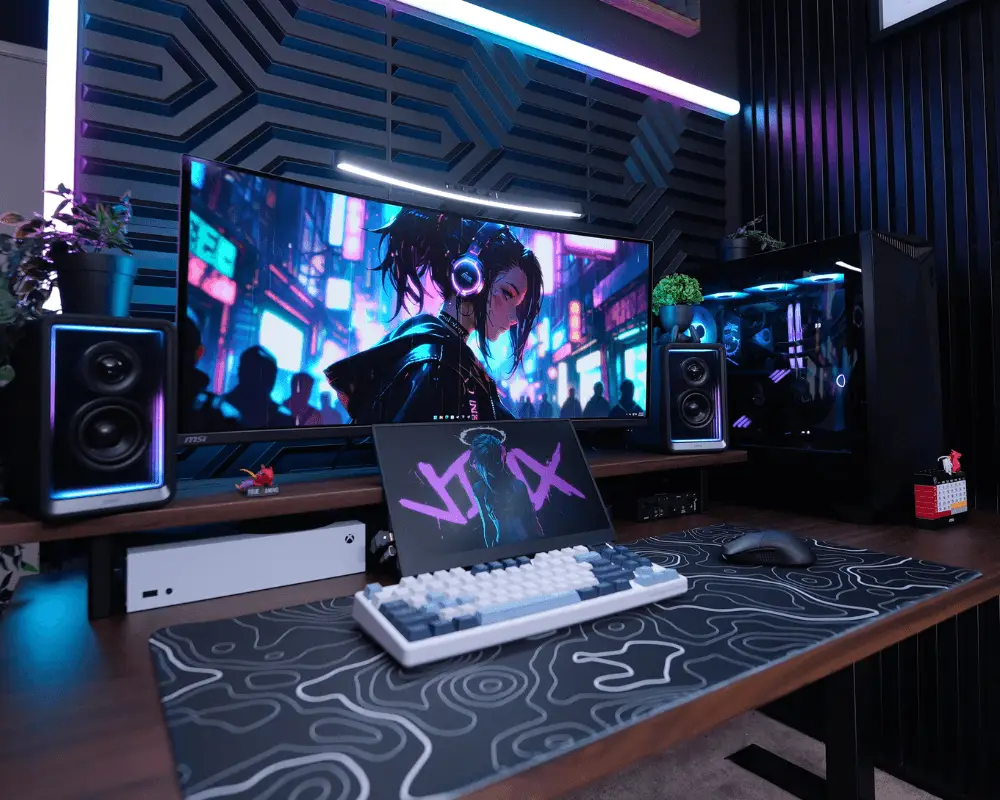
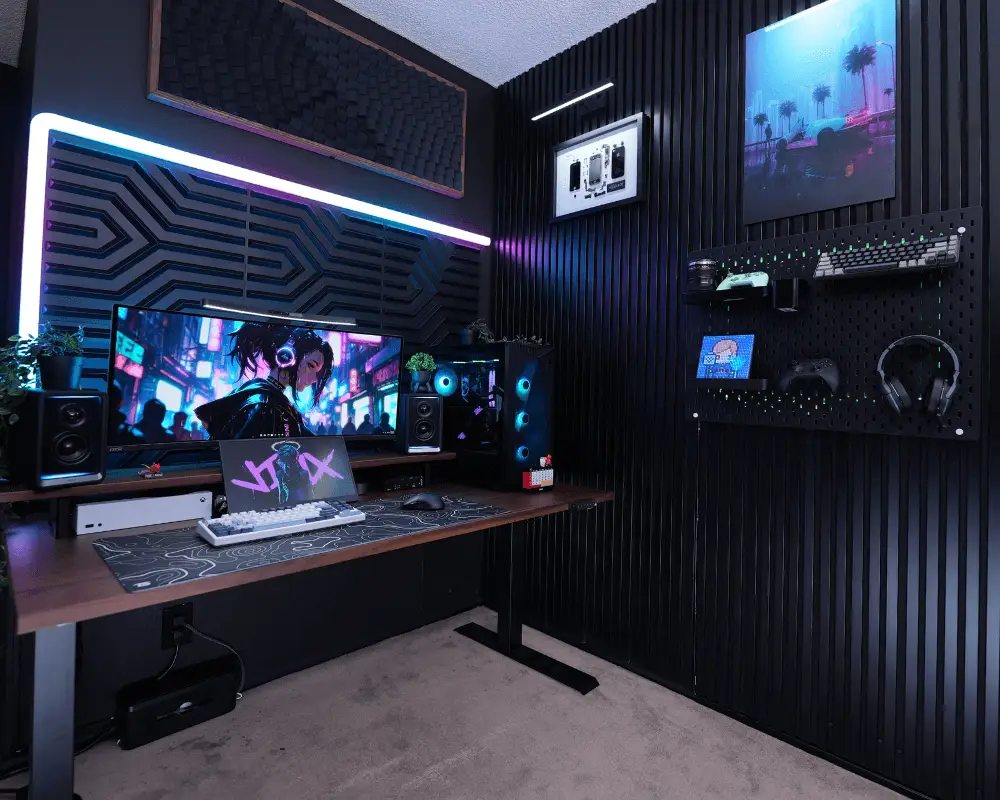
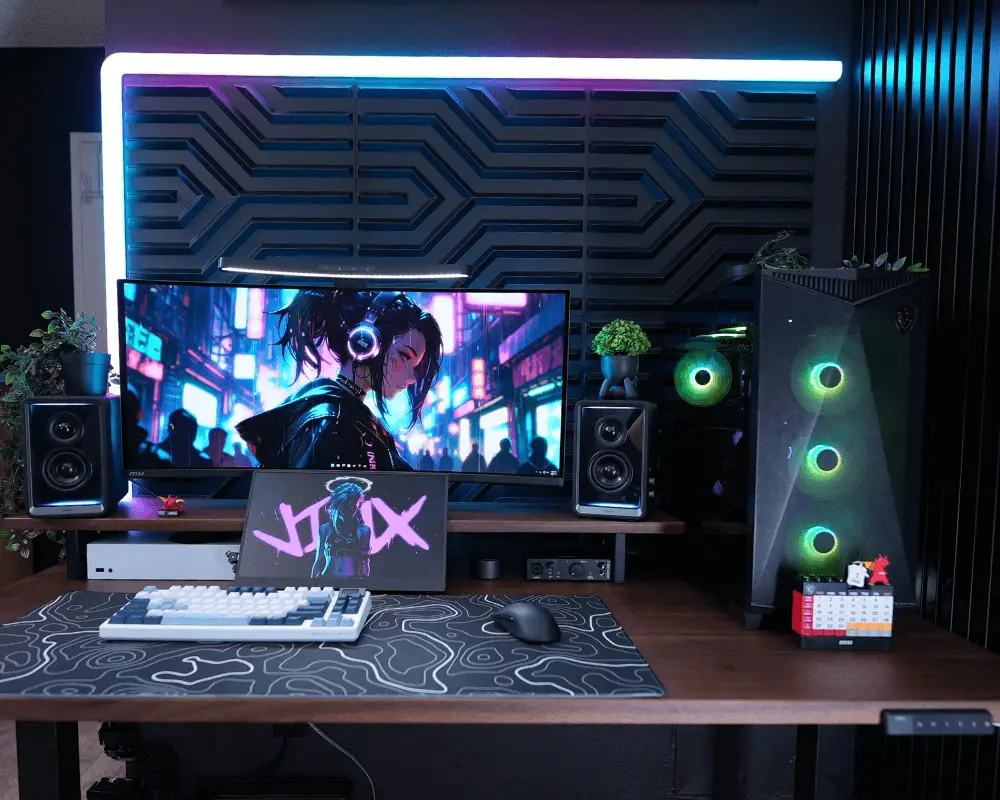
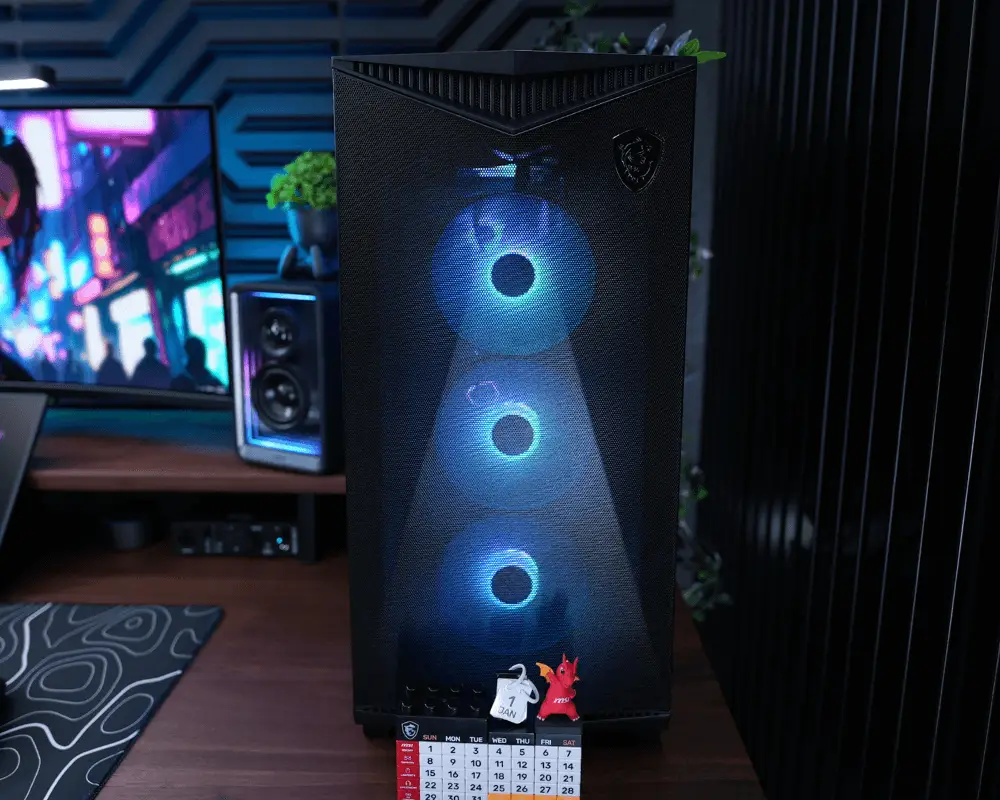
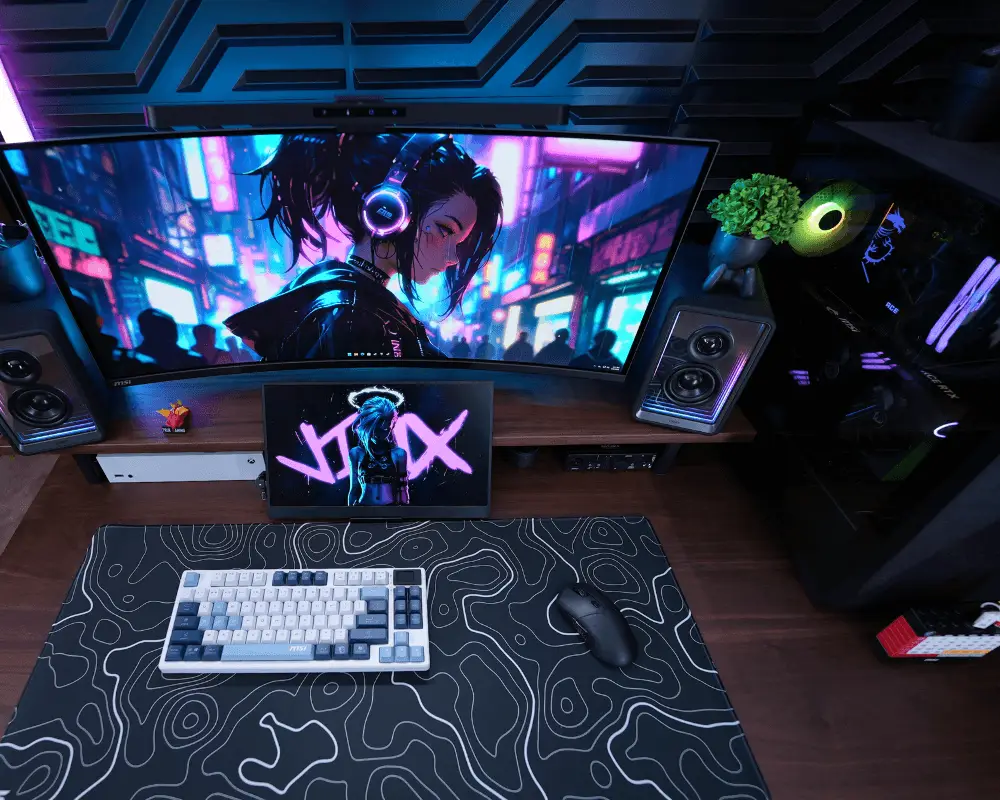
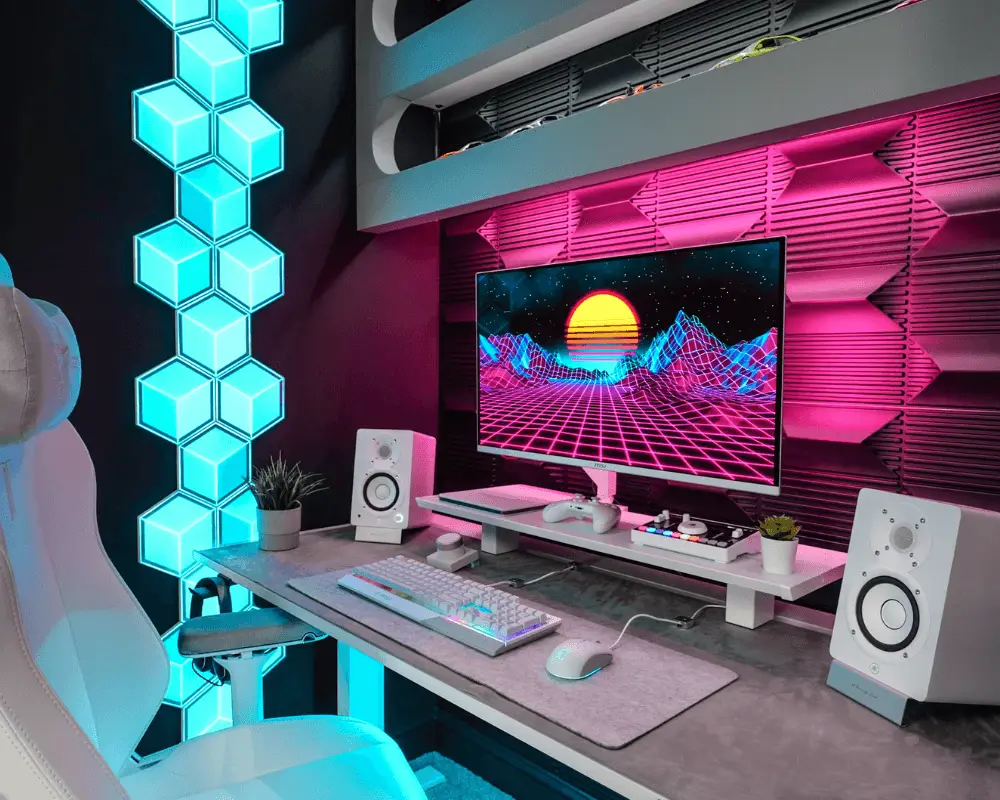
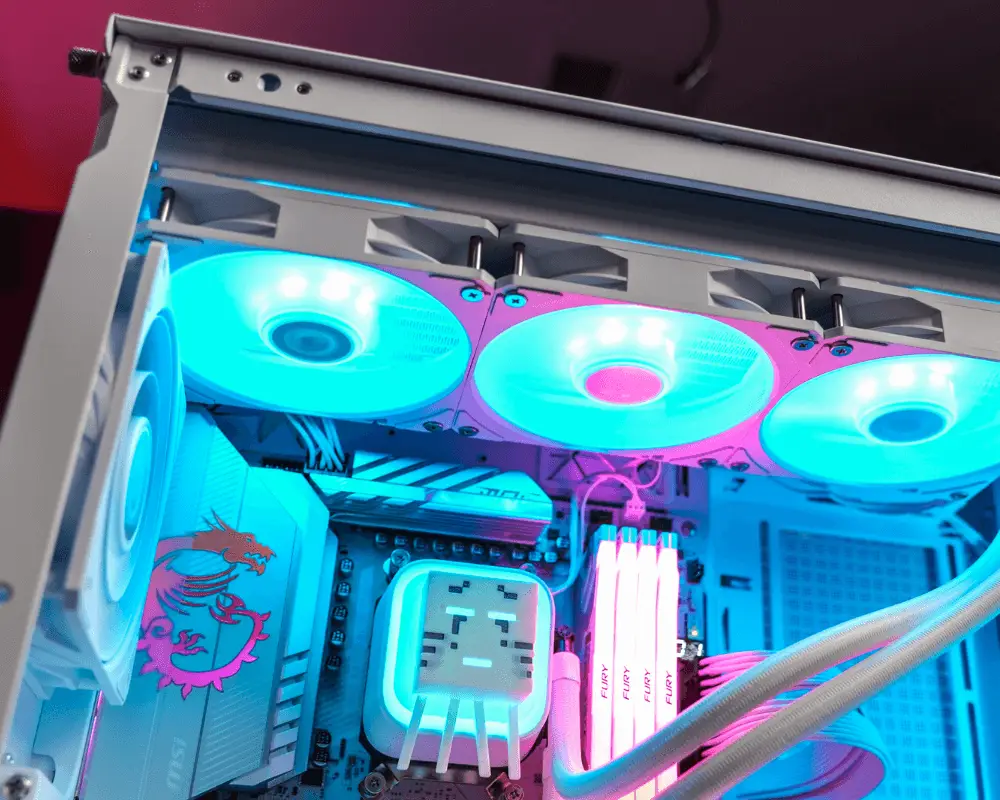
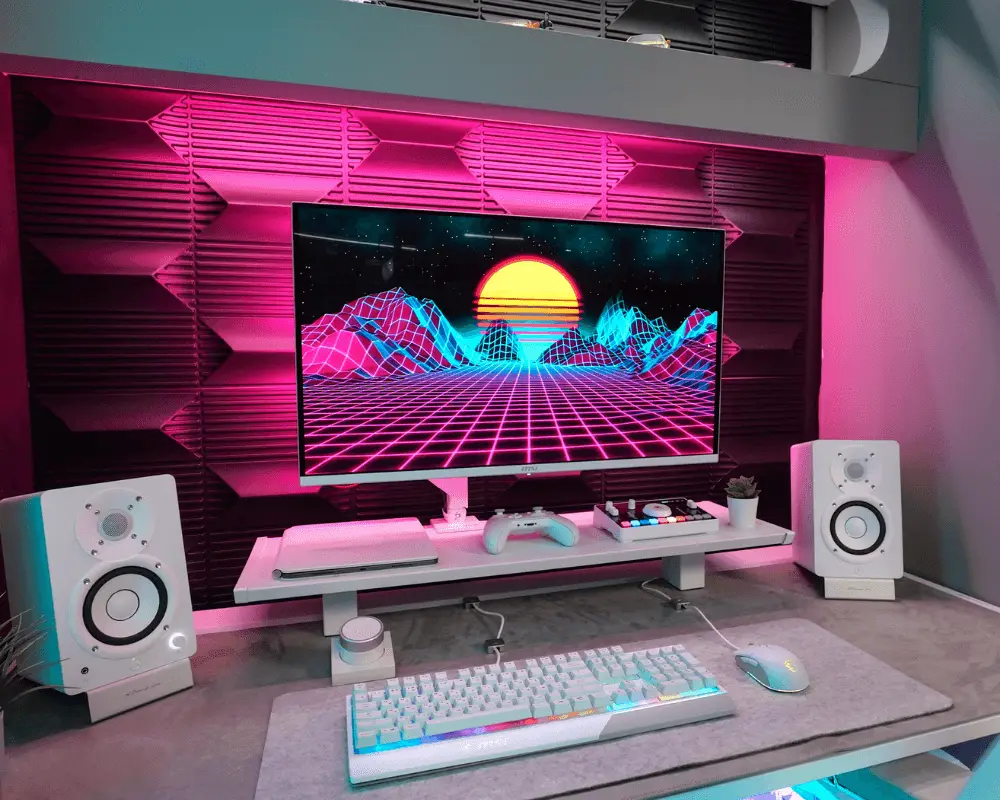
CyberLounge 2077
The inspiration to build Cyberpunk inspired gaming den came from using high end next gen tech and sticking to the synthwave color scheme. The MSI PC components have helped bring this vision to life by allowing the PC to fit naturally in the space and complement the colors with its RGB lighting and powerful PC components.
See Full PC Spec

| Processor | Intel Core Ultra 7 265K |
| Motherboard | MEG Z890 ACE |
| Graphics Card | GeForce RTX 5080 16G GAMING TRIO OC |
TechSource
CyberLounge 2077
The inspiration to build Cyberpunk inspired gaming den came from using high end next gen tech and sticking to the synthwave color scheme. The MSI PC components have helped bring this vision to life by allowing the PC to fit naturally in the space and complement the colors with its RGB lighting and powerful PC components.
Full PC Spec
Processor
Intel Core Ultra 7 265K
Motherboard
MEG Z890 ACE
Graphics Card
GeForce RTX 5080 16G GAMING TRIO OC
Power Supply
MPG A1250GS PCIE5
Liquid Cooling
MAG CORELIQUID I360
Memory
DDR5 8000MT/s 2x24GB
Keyboard
FORGE GK600 TKL WIRELESS SKY
Mouse
VERSA 300 ELITE WIRELESS
Headset
IMMERSE GH50 WIRELESS
Monitor
MAG 341CQP QD-OLED
TechTesseract
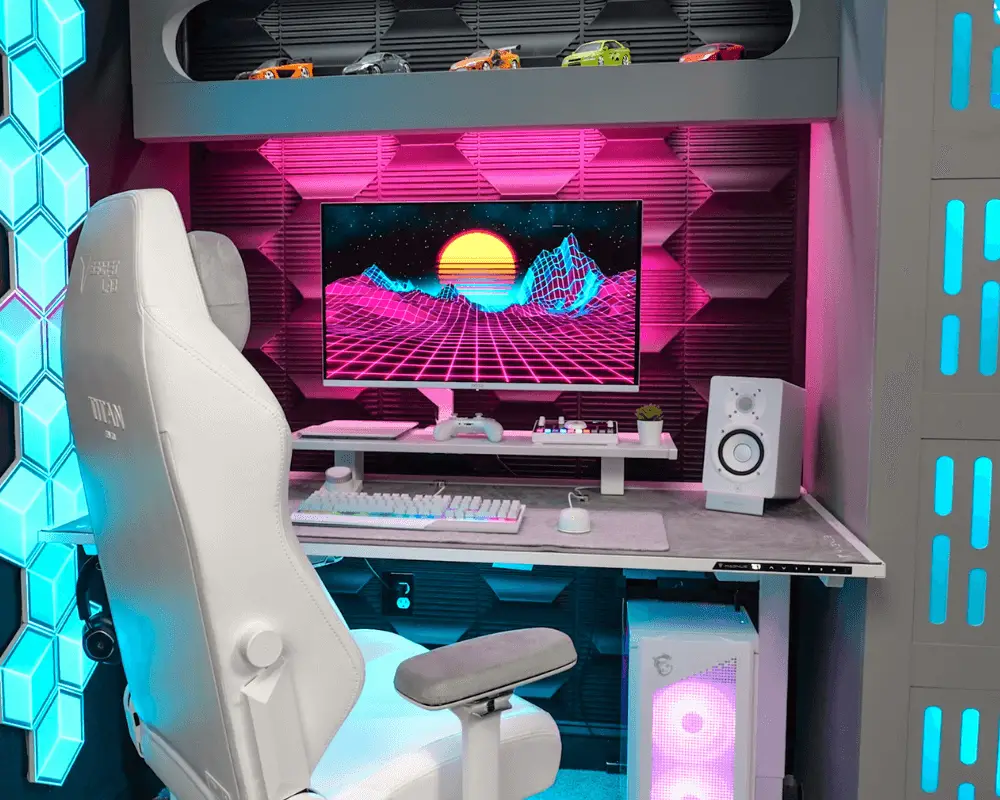
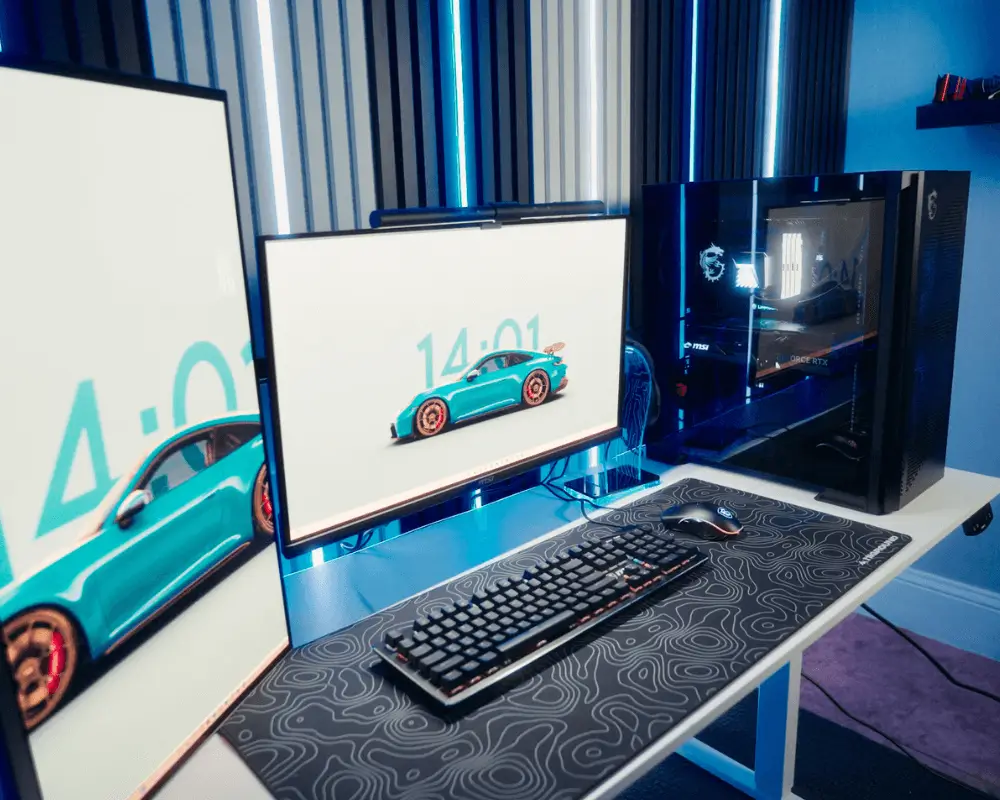
Lunar V1
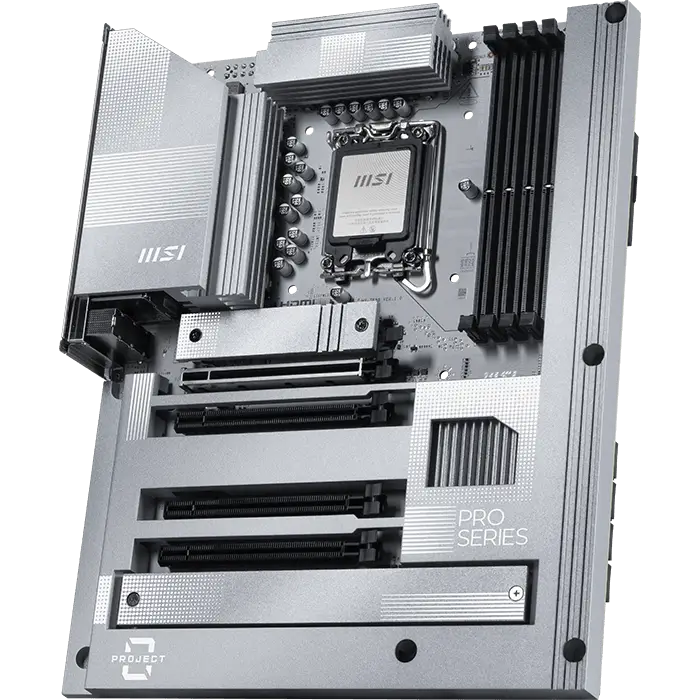
Wanted to stick to a white and silver/gray theme for the desk setup, PC and accessories, inspired by lunar/space aesthetic, instead of just all-white. The MSI components all match each other, including nice silver accents on the PC parts that contribute to the sleek overall styling of the setup. The desk setup is placed against a black accent wall to make everything pop.
See Full PC Spec


| Processor | AMD Ryzen 9 9950X3D |
| Motherboard | MPG X870E EDGE TI WIFI |
| Graphics Card | GeForce RTX 5070 Ti 16G GAMING TRIO OC WHITE |
TechTesseract
Lunar V1
Wanted to stick to a white and silver/gray theme for the desk setup, PC and accessories, inspired by lunar/space aesthetic, instead of just all-white. The MSI components all match each other, including nice silver accents on the PC parts that contribute to the sleek overall styling of the setup. The desk setup is placed against a black accent wall to make everything pop.
Full PC Spec
Processor
AMD Ryzen 9 9950X3D
Motherboard
MPG X870E EDGE TI WIFI
Graphics Card
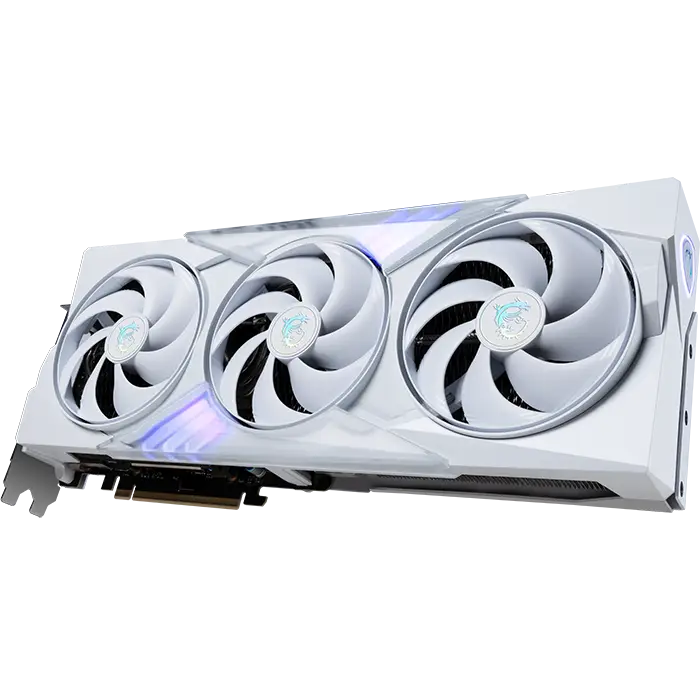
GeForce RTX 5070 Ti 16G GAMING TRIO OC WHITE
Power Supply
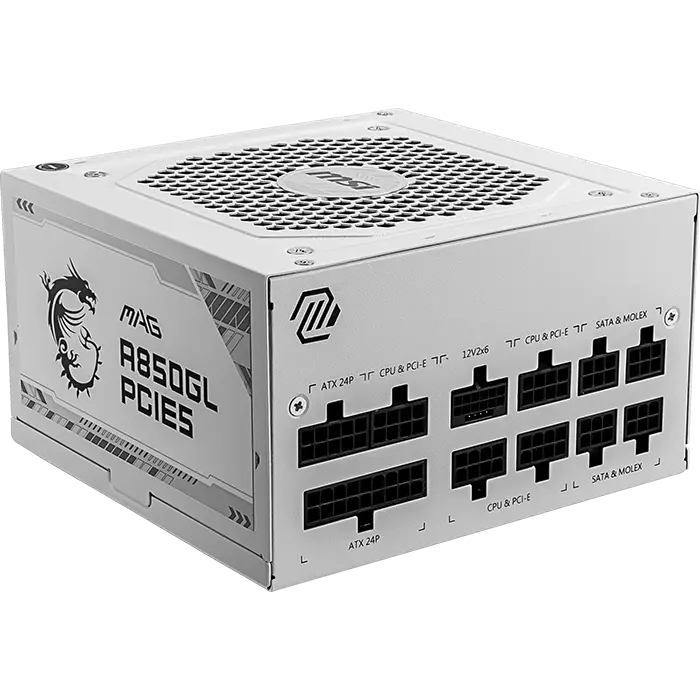
MAG A850GL PCIE5 WHITE
Liquid Cooling
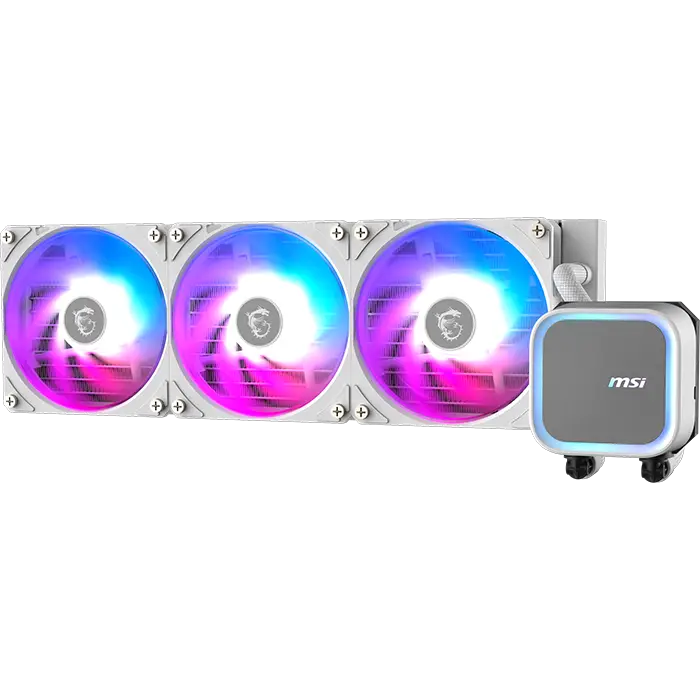
MAG CORELIQUID A13 360 WHITE
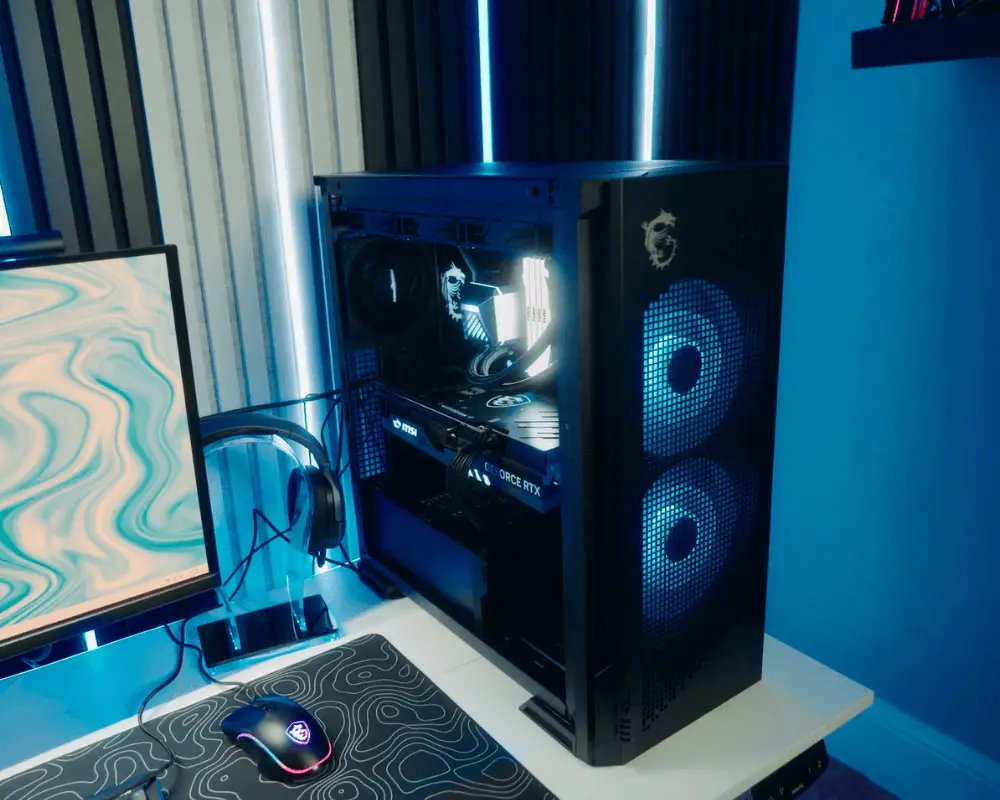
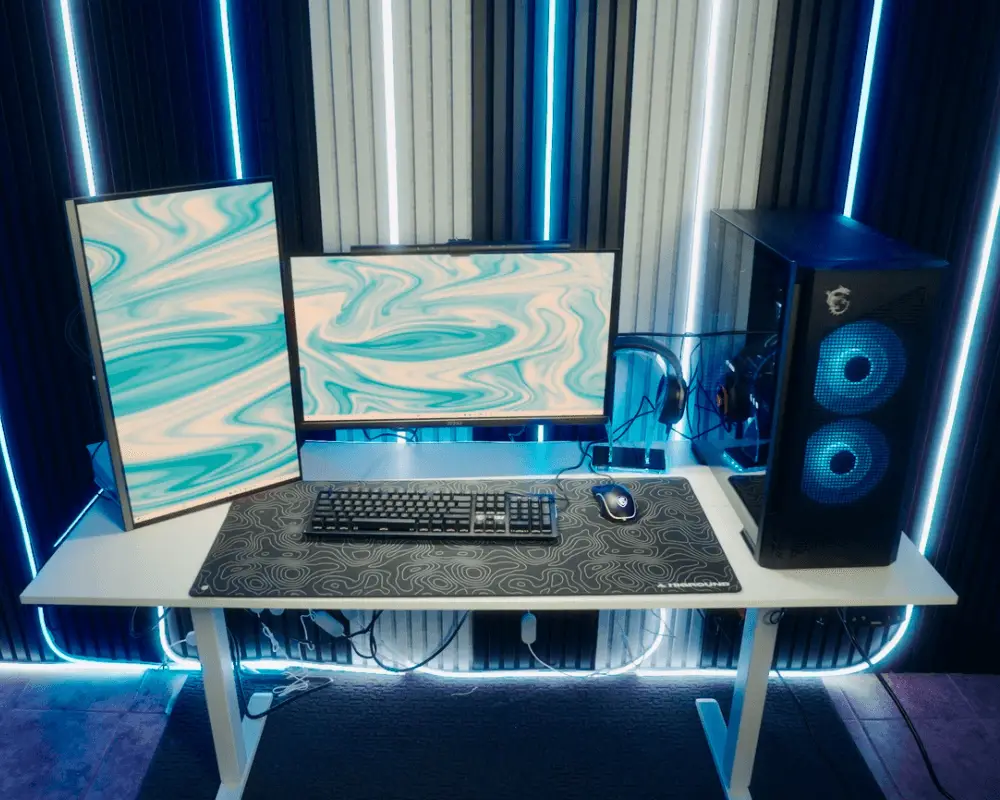
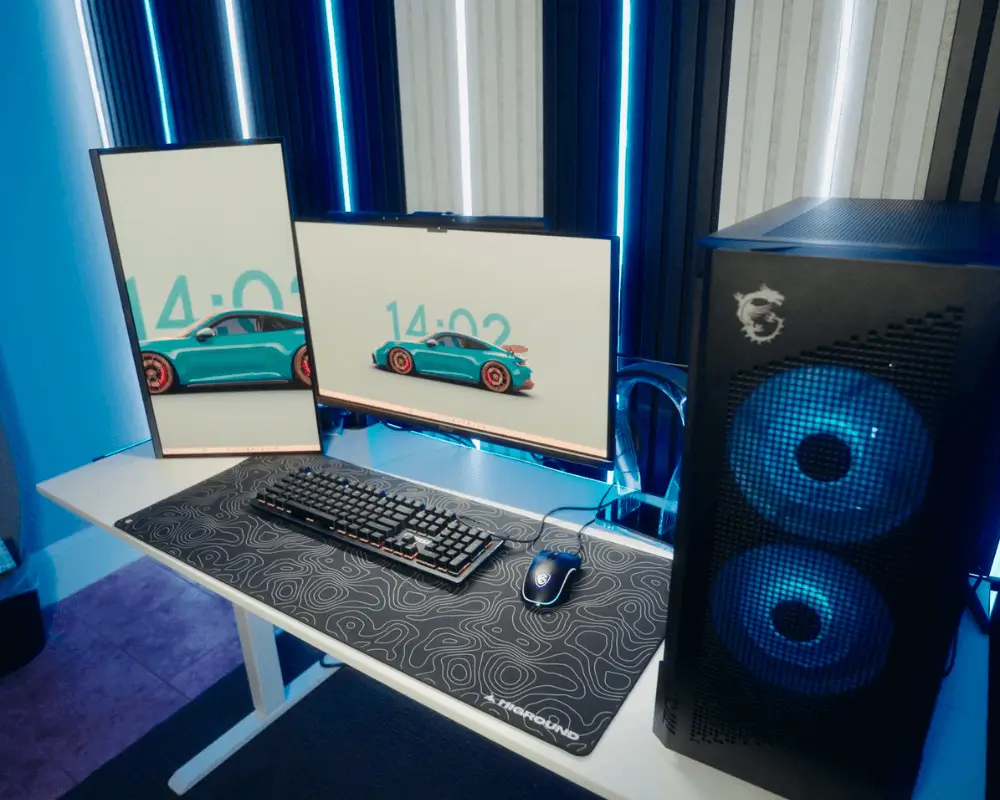
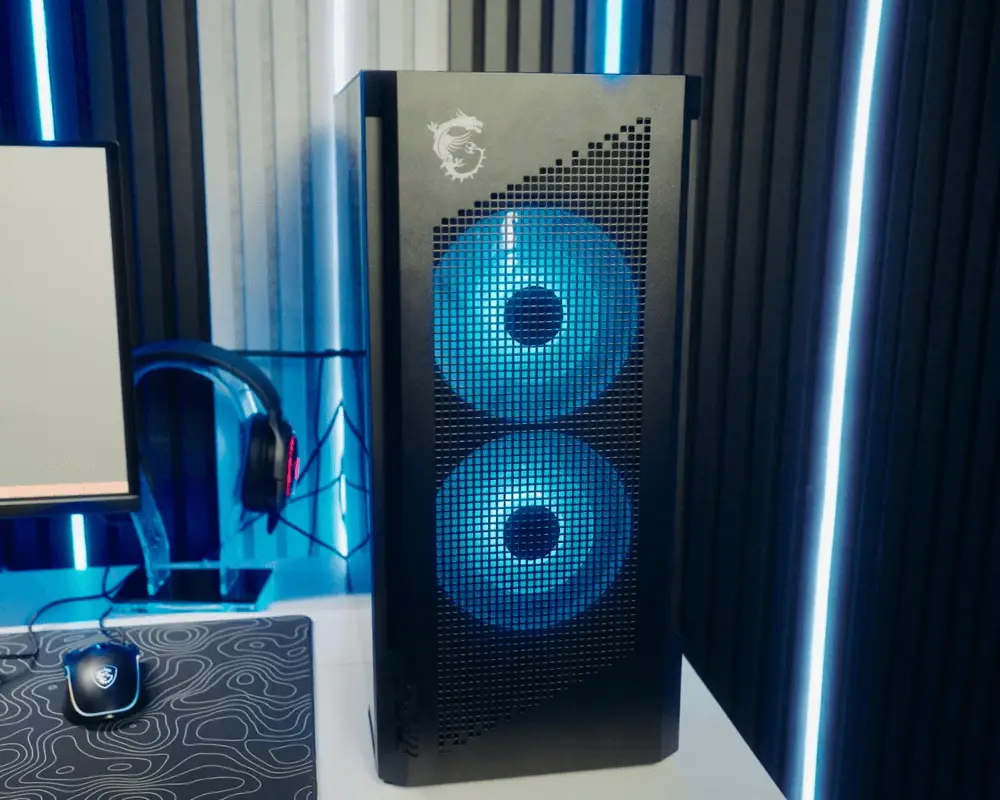
The Chandler
Cyber Bloom
In my journey to build the Ultimate Dream Gaming House - I’ve built unique setups in every room with different vibes. This time I decided to create a warm styled setup. The MSI components in this setup played a huge role - all flowing together to have the best of the best performance and looks.
See Full PC Spec
| Processor | Intel Core Ultra 9 285K |
| Motherboard | MPG Z890 CARBON WIFI |
| Graphics Card | GeForce RTX™ 4080 16GB GAMING X TRIO |
The Chandler
Cyber Bloom
In my journey to build the Ultimate Dream Gaming House - I’ve built unique setups in every room with different vibes. This time I decided to create a warm styled setup. The MSI components in this setup played a huge role - all flowing together to have the best of the best performance and looks.
Full PC Spec
Processor
Intel Core Ultra 9 285K
Motherboard
MPG Z890 CARBON WIFI
Graphics Card
GeForce RTX™ 4080 16GB GAMING X TRIO
Power Supply
MPG A1250GS PCIE5
Liquid Cooling
MAG CORELIQUID A15 360
Keyboard/Mouse
FORGE GK300 COMBO - BLUE SWITCHES
Headset
IMMERSE GH50 WIRELESS
Monitor
MPG 271QRX QD-OLED
Monitor
MAG 271QPX QD-OLED E2
BUILD YOUR PC, POWERED BY MSI
Pick, assemble, and power up with MSI PC components. Explore our curated PC builds of MEG, MPG, MAG series and more.
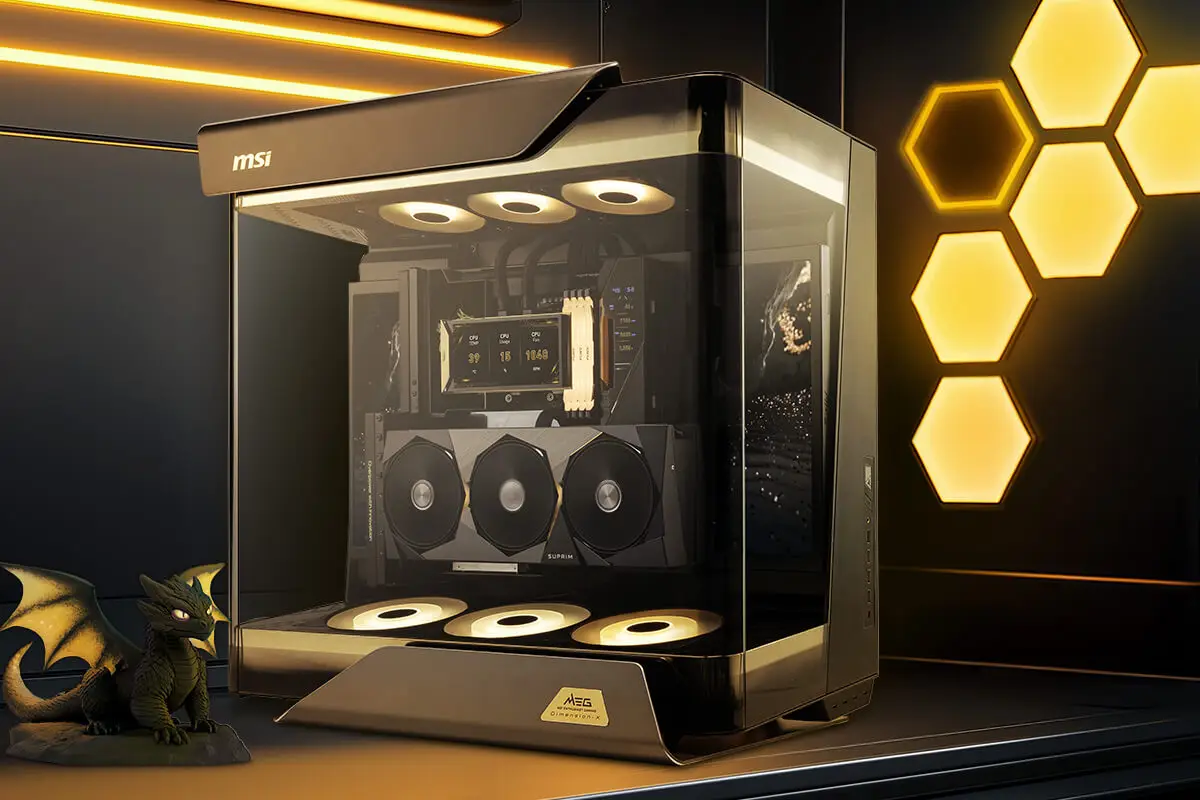
* Image(s) for reference only.
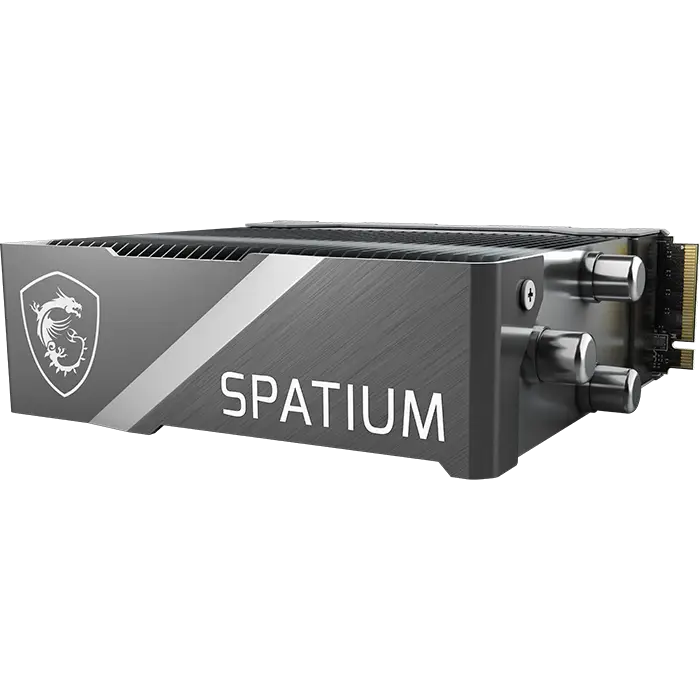
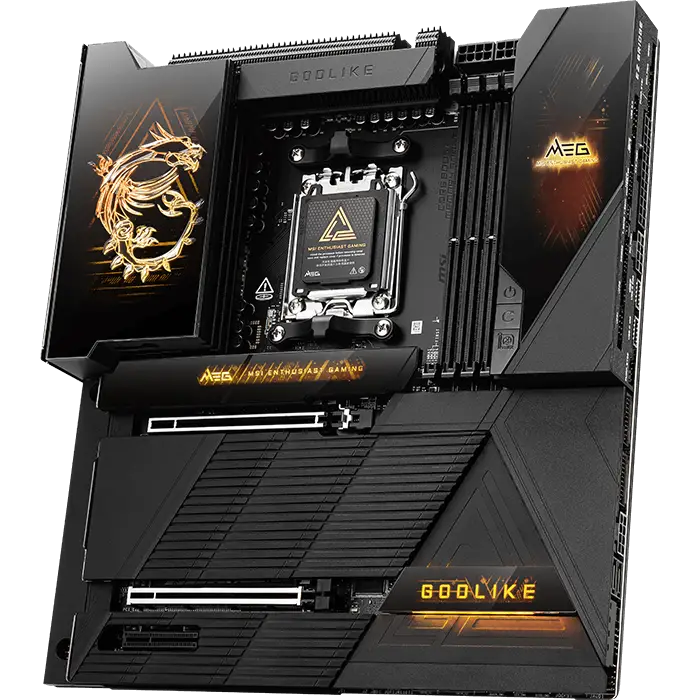
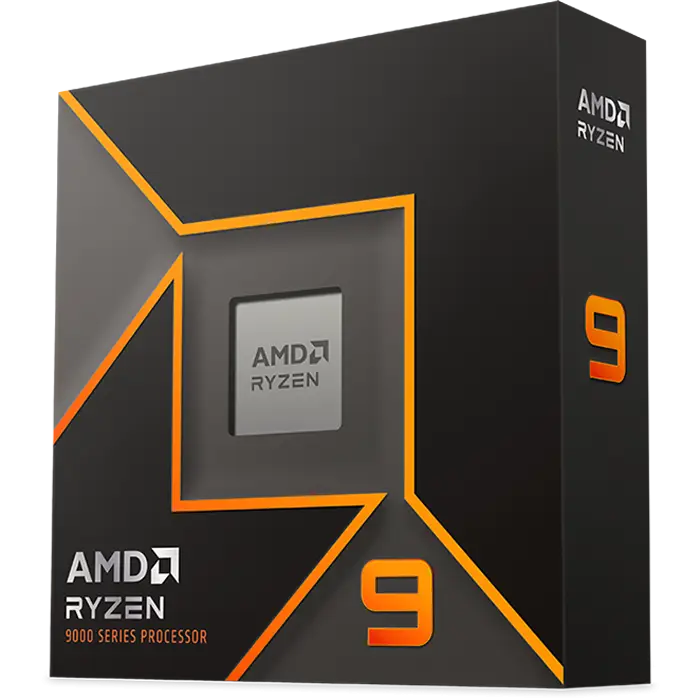
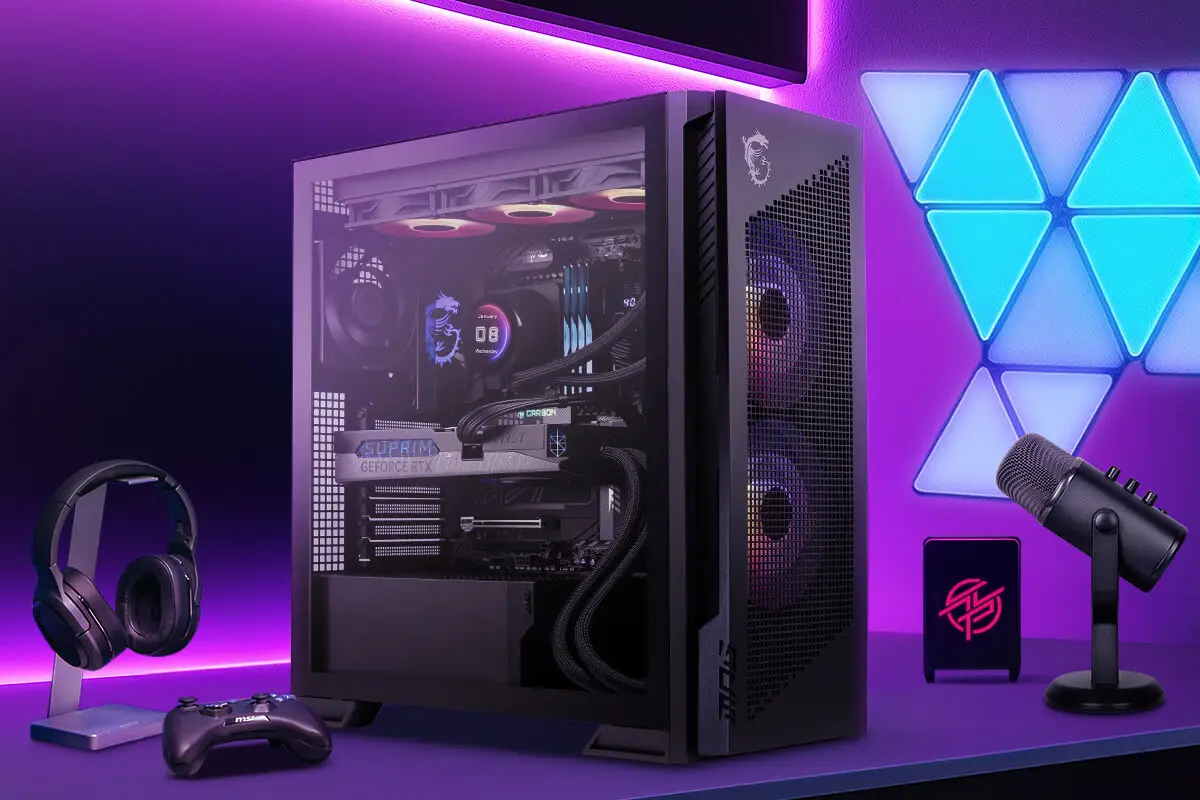
MEG PC BUILD
Built for those who demand cutting-edge design and ultimate performance. The MEG series is a masterpiece of innovation and power, engineered to push beyond limits and conquer the most demanding games and AI workloads.
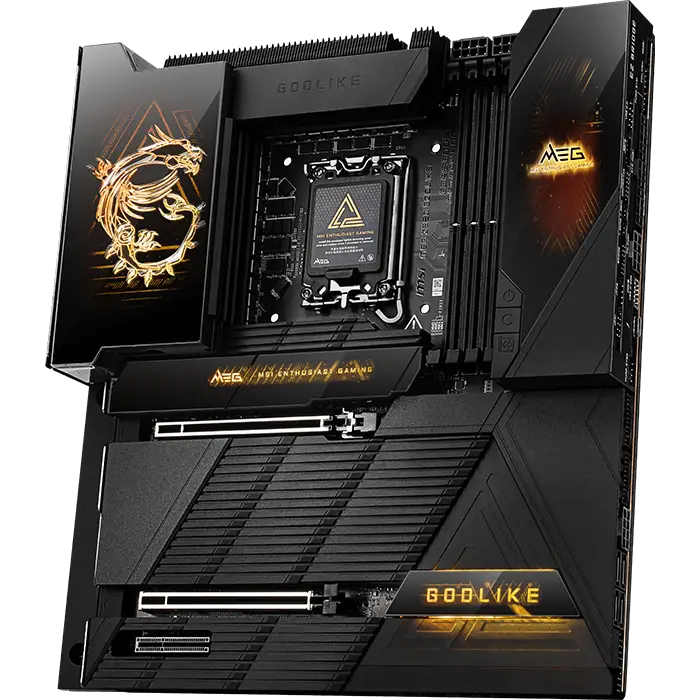
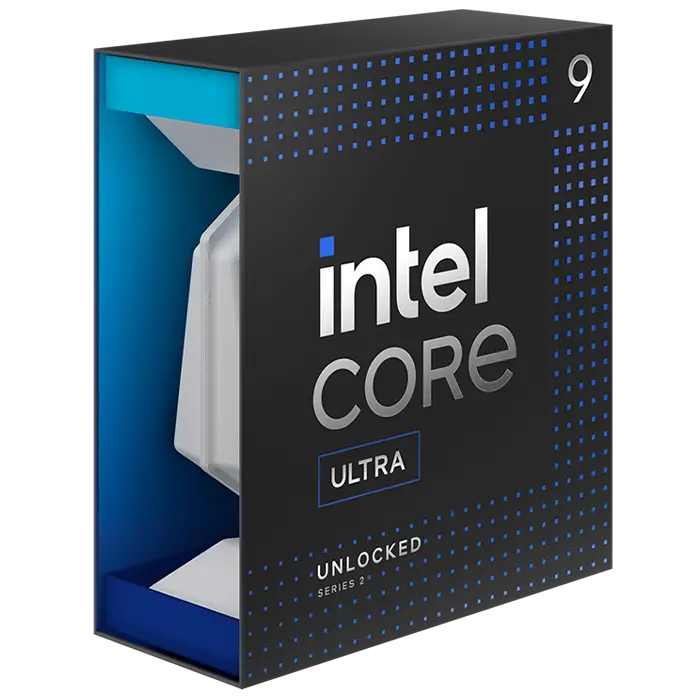
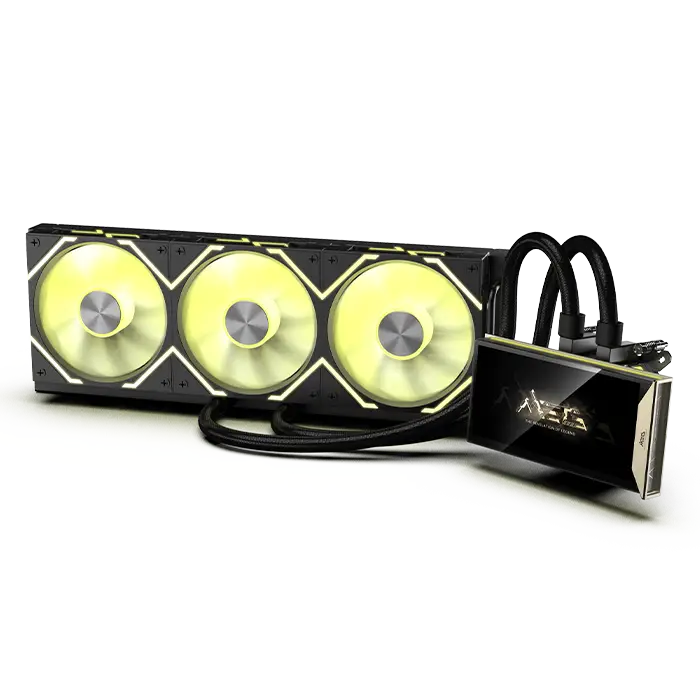
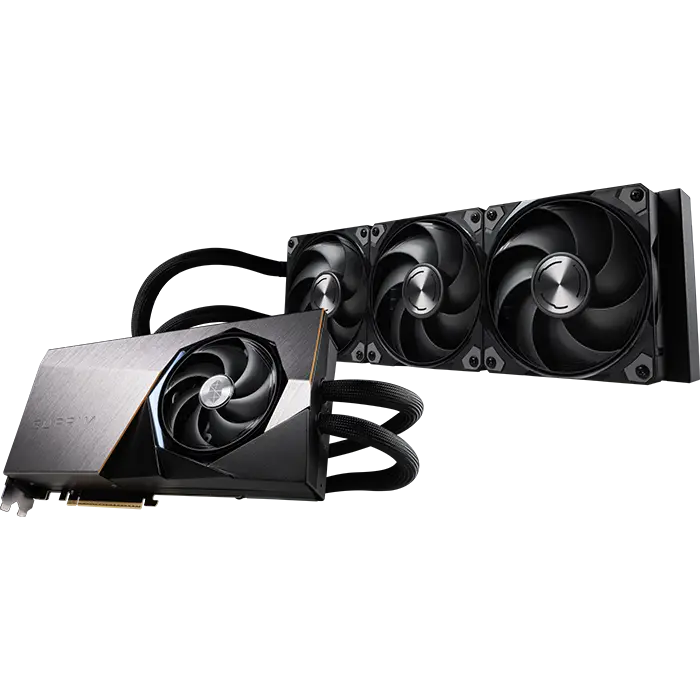
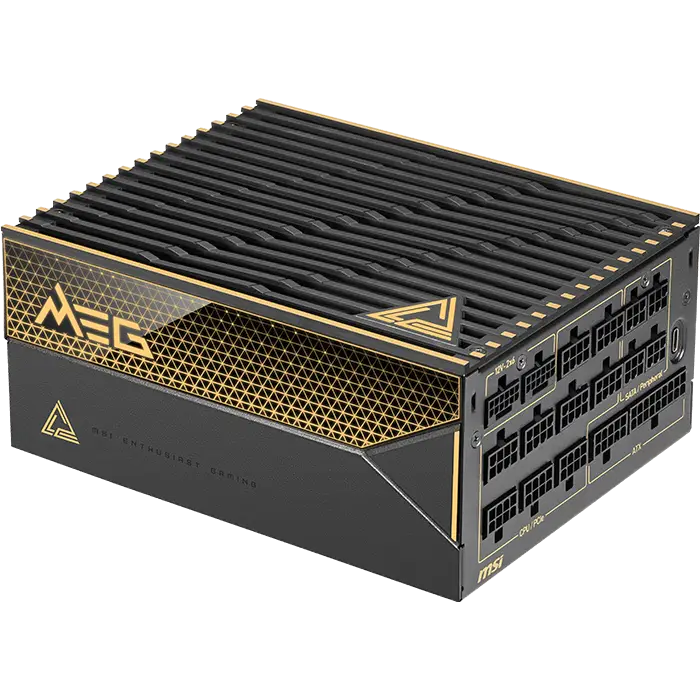
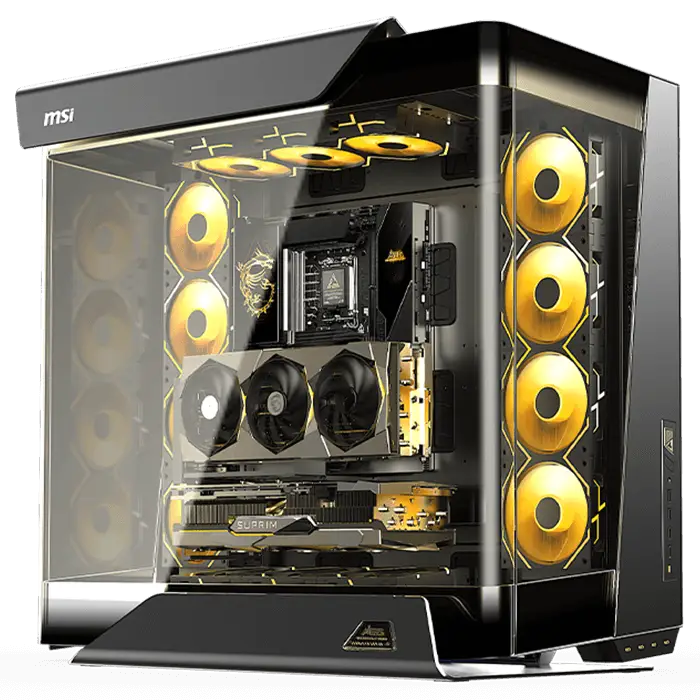
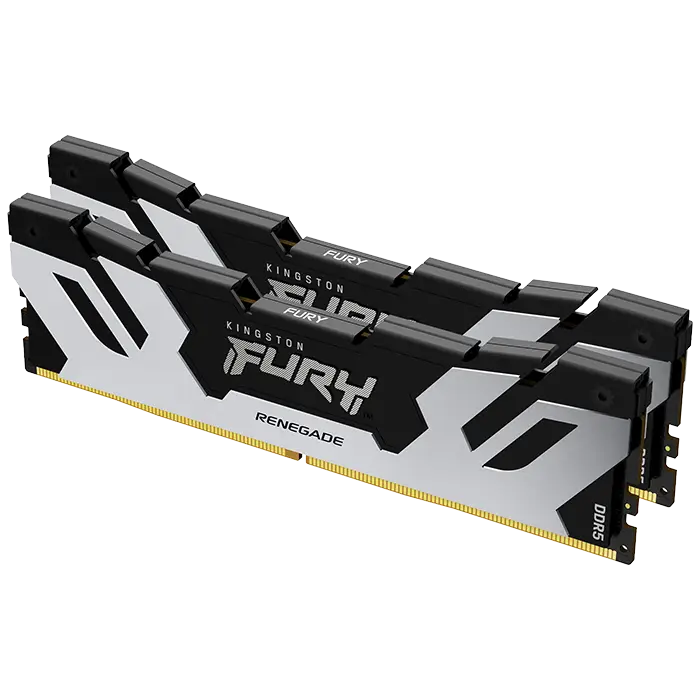
* Image(s) for reference only.
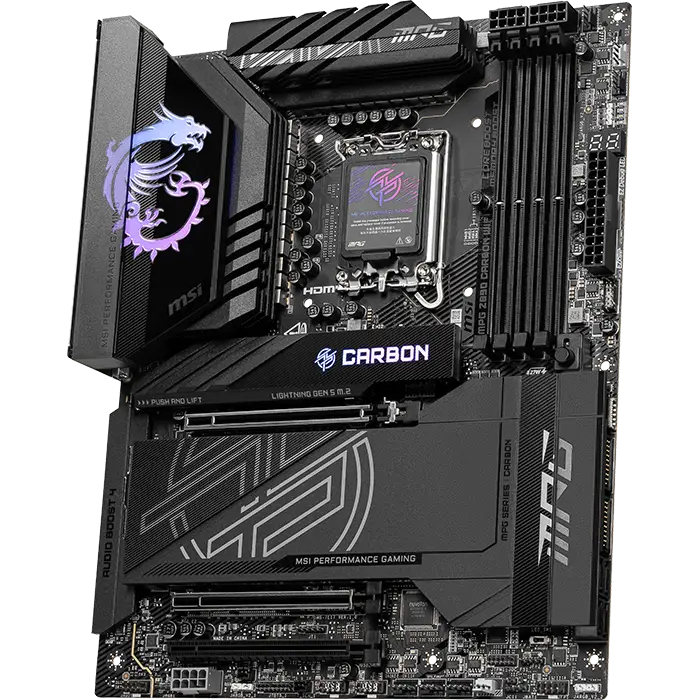
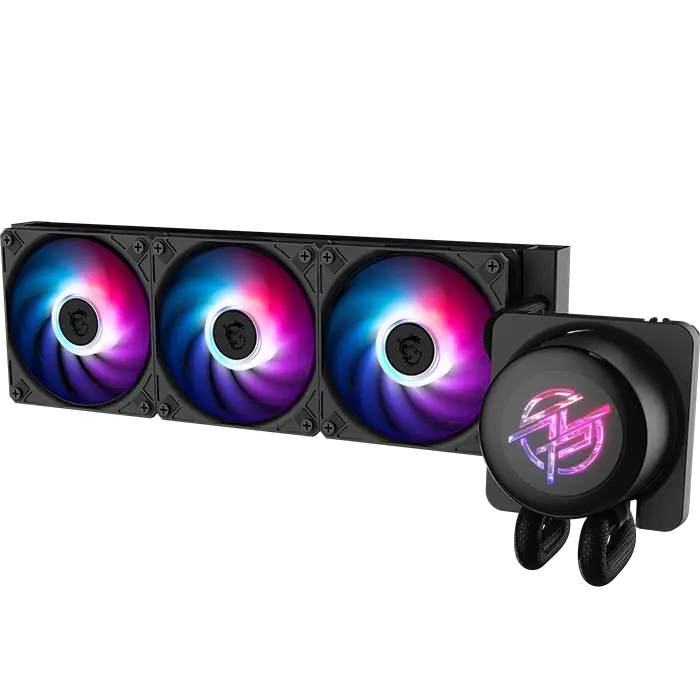
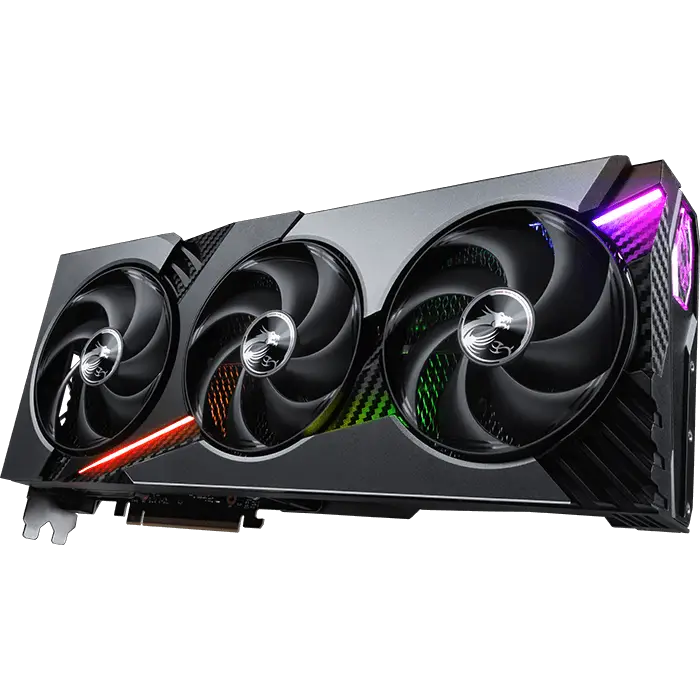
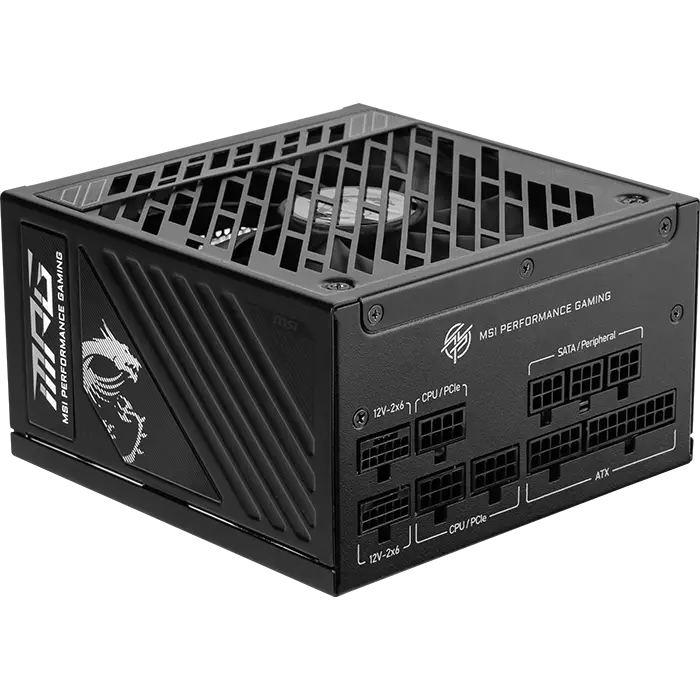
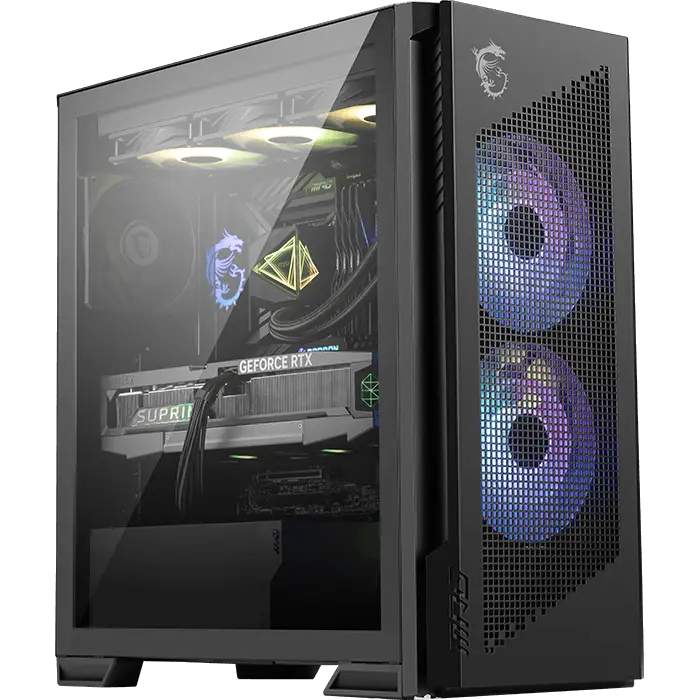
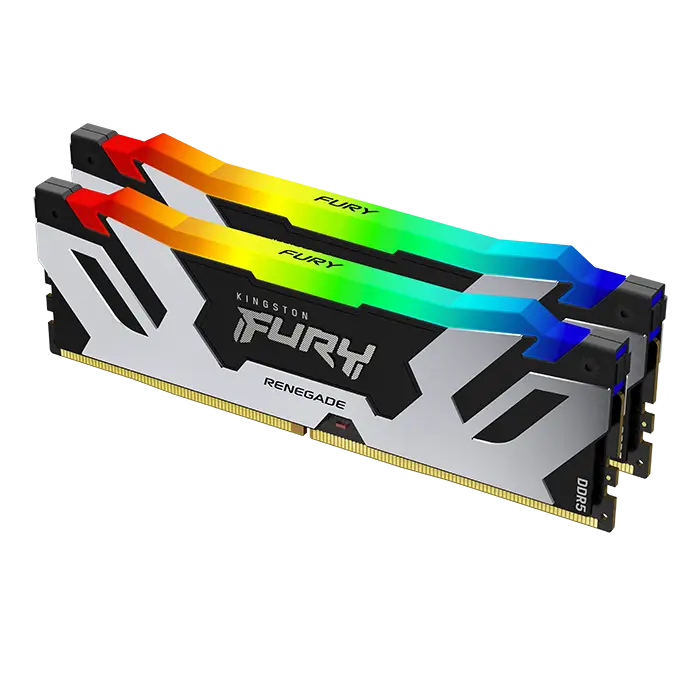
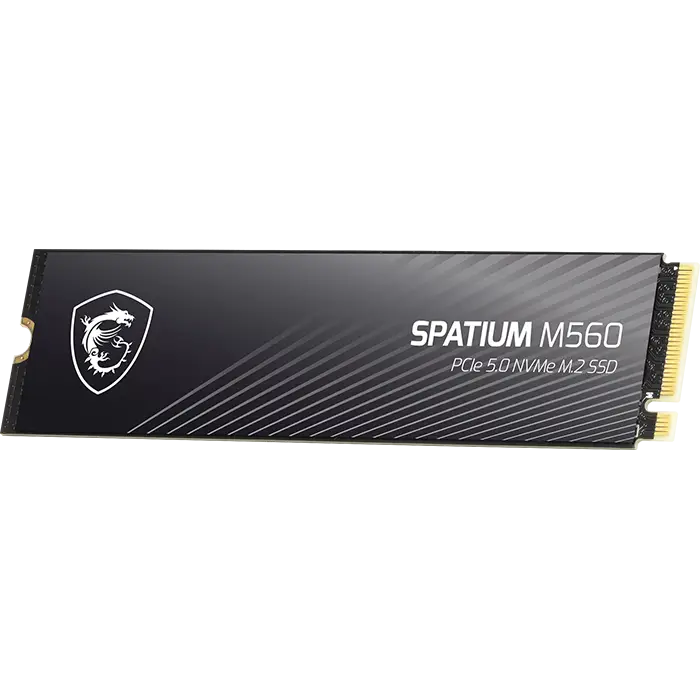
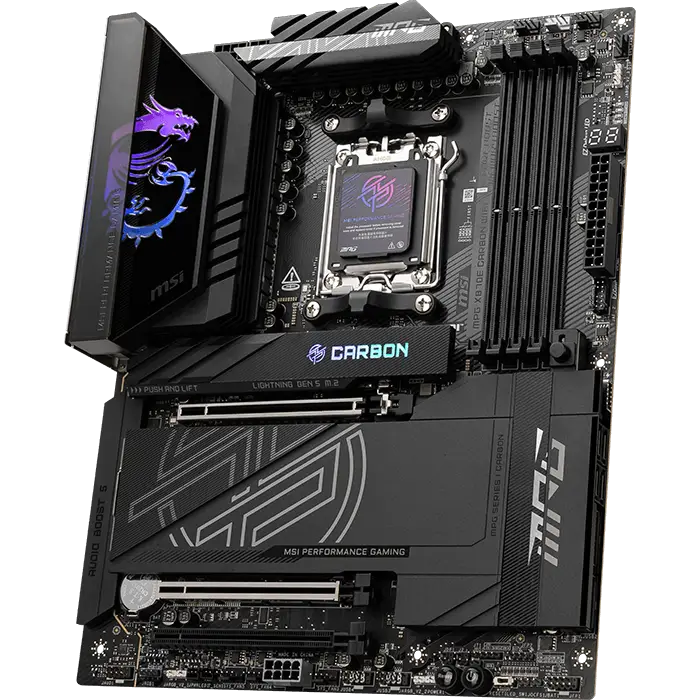
MPG PC BUILD
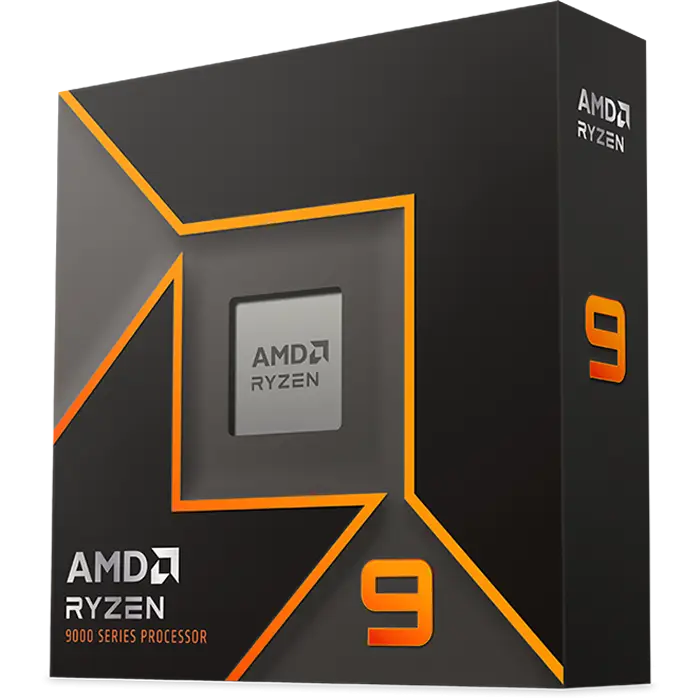
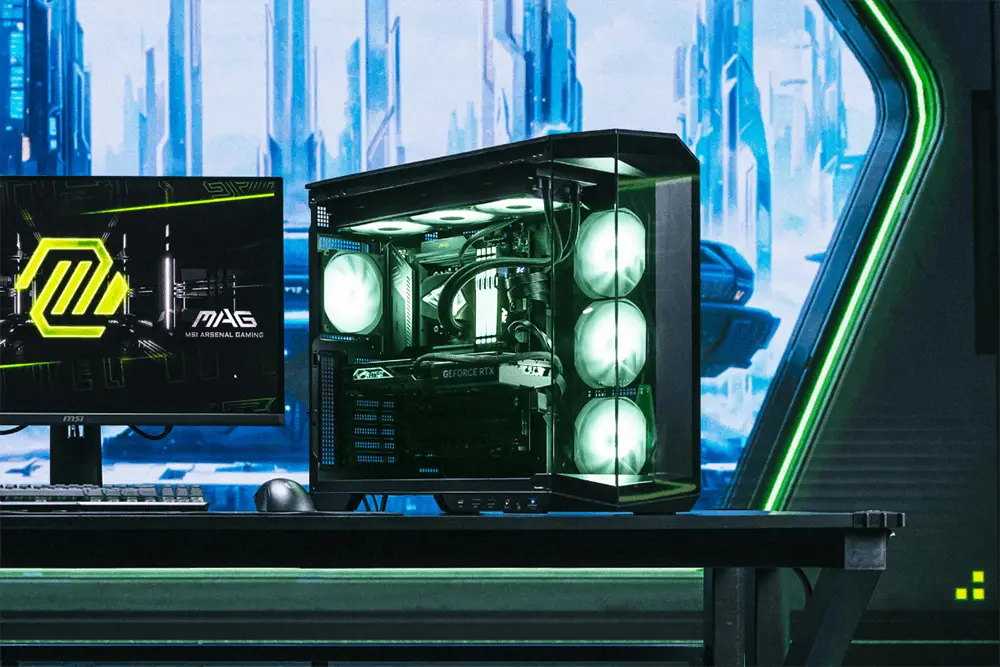
A bold fusion of performance and style. The MPG series is made for gamers who want both powerful specs and unique personality, featuring vibe lighting and sleek design. This setup looks just as fascinating as it plays.
* Image(s) for reference only.
MAG PC BUILD
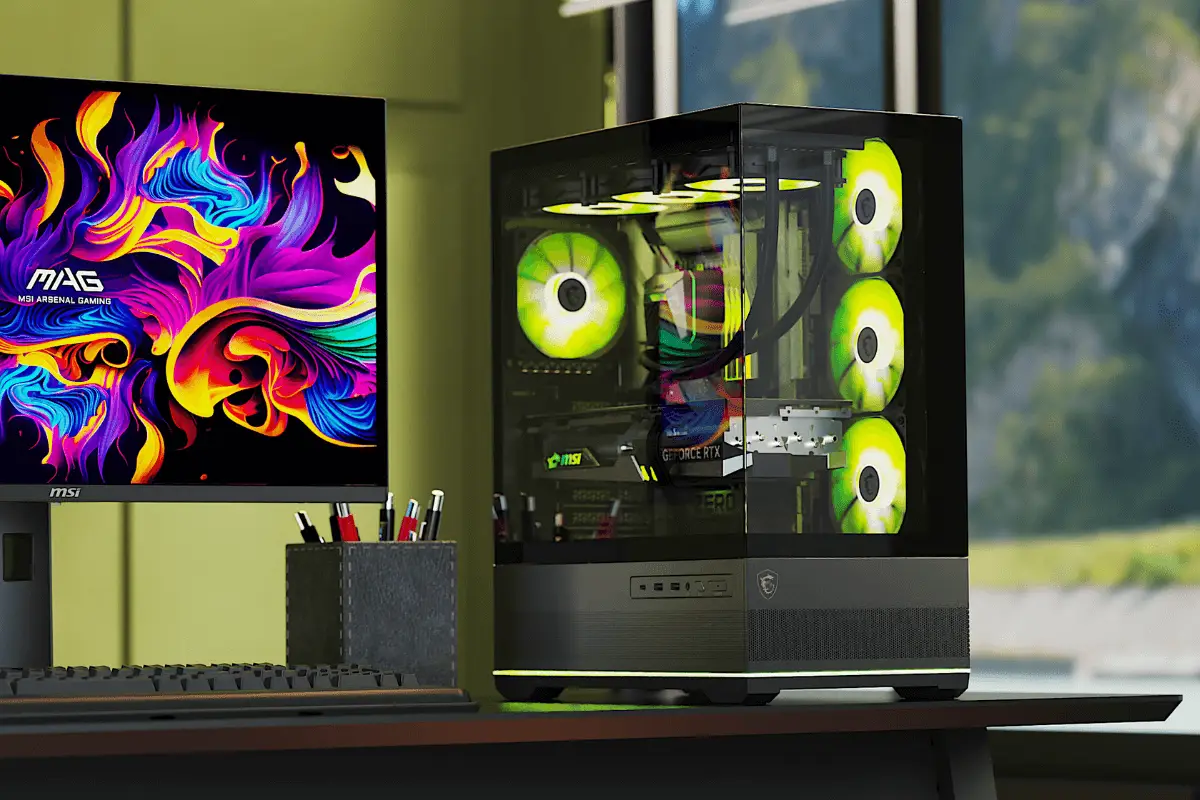
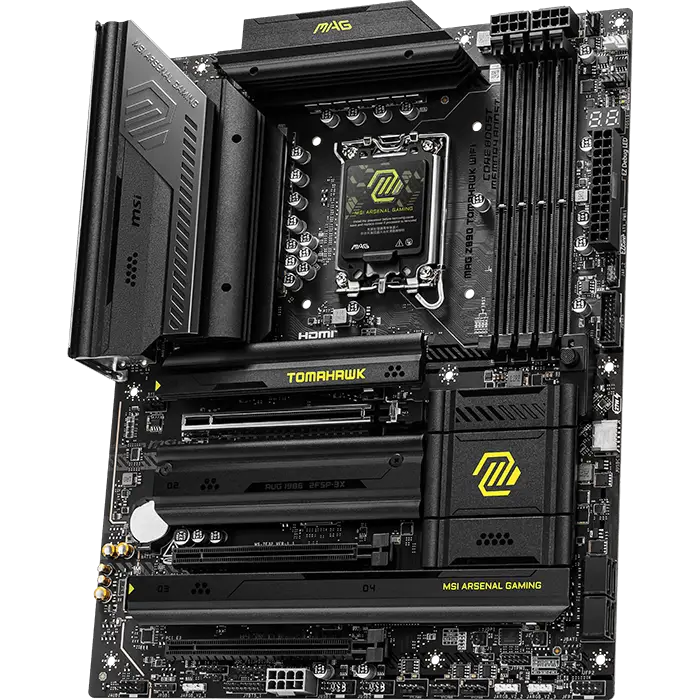
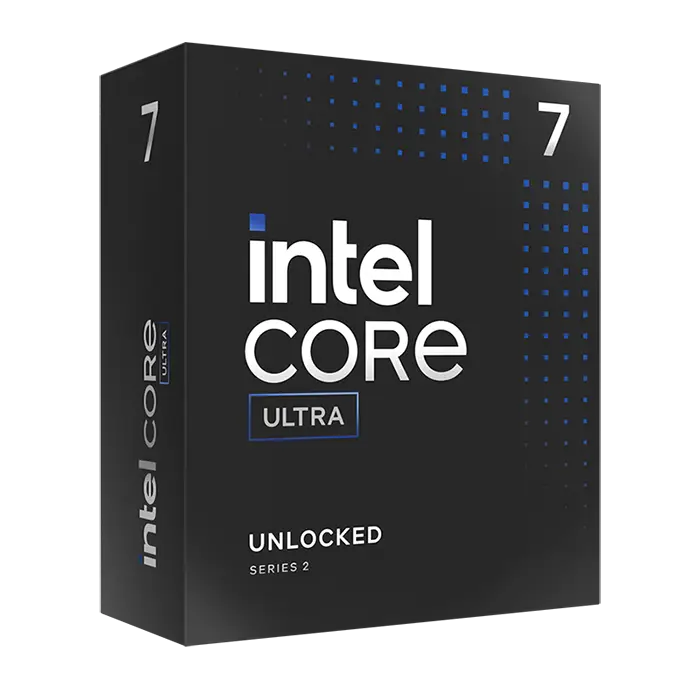
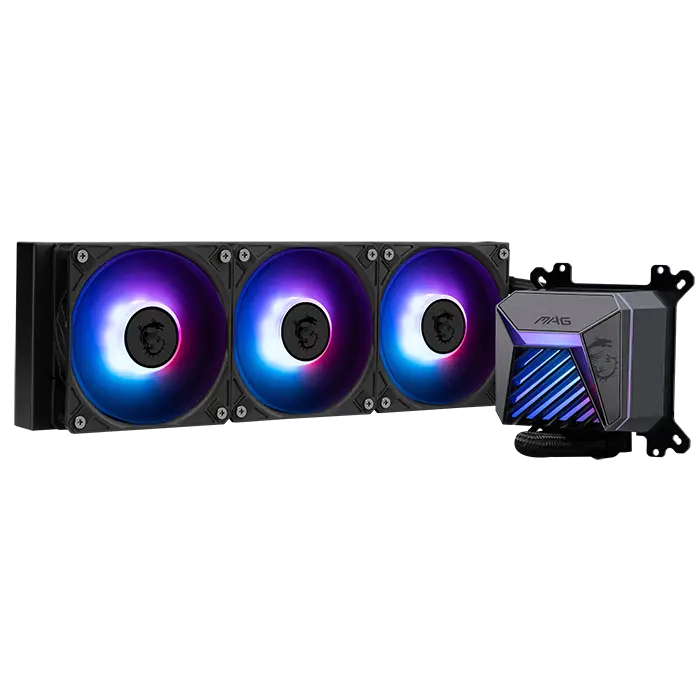
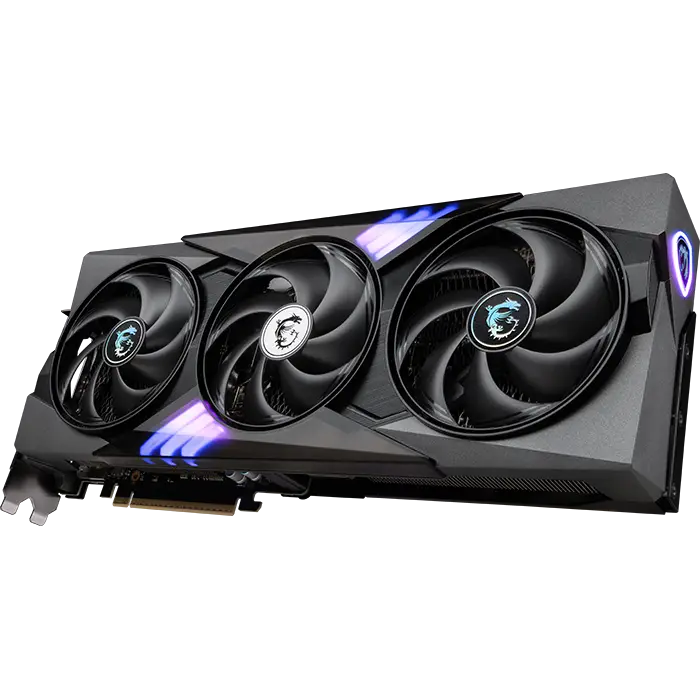
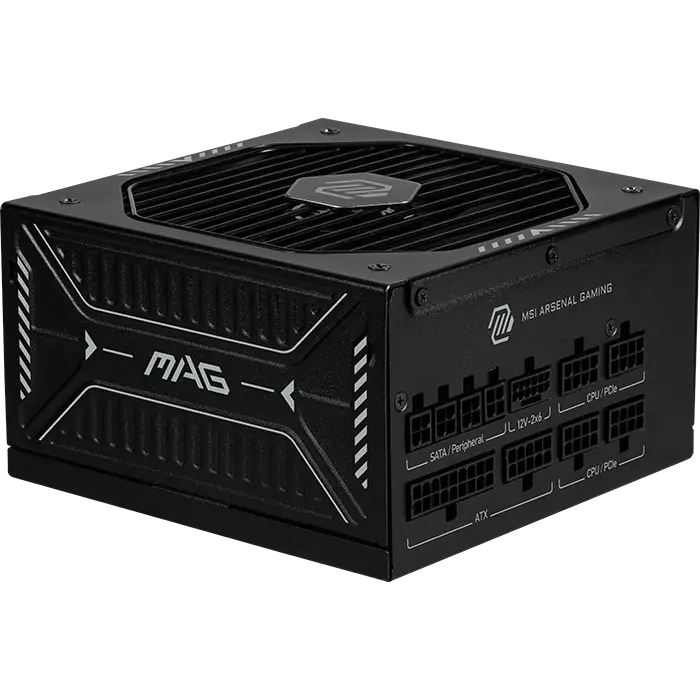
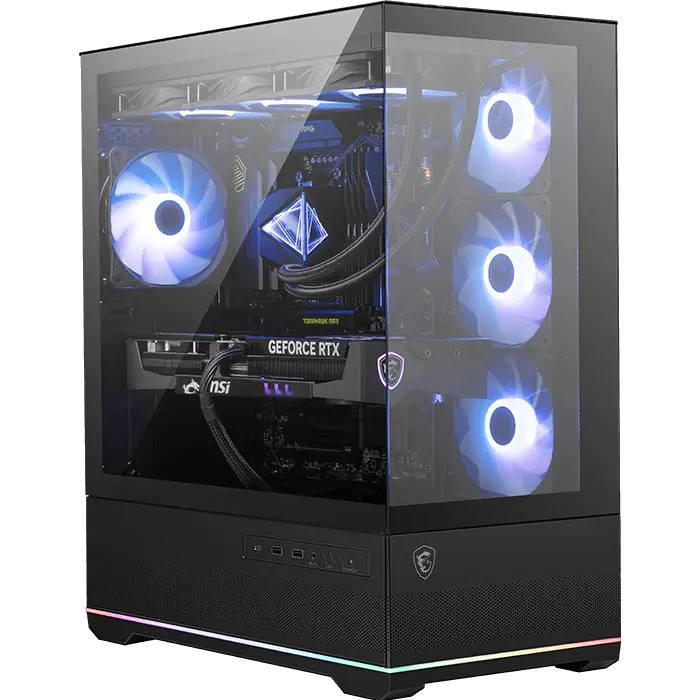
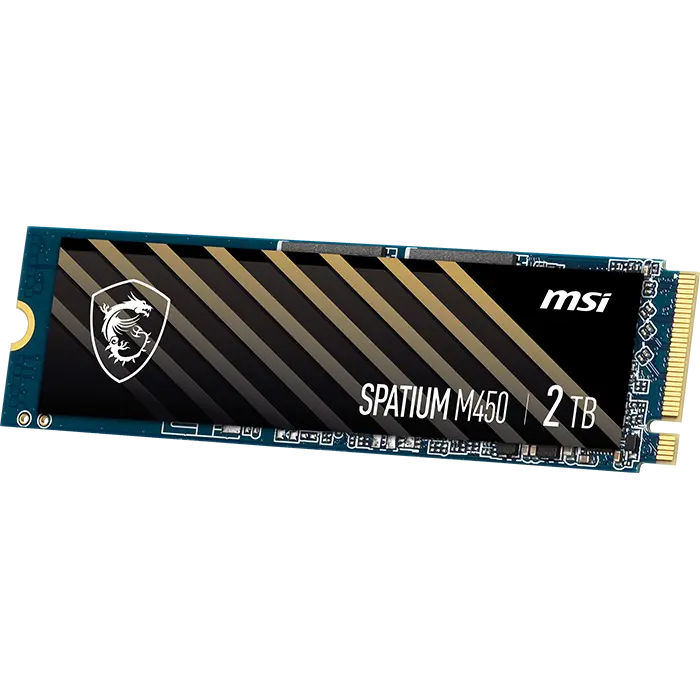
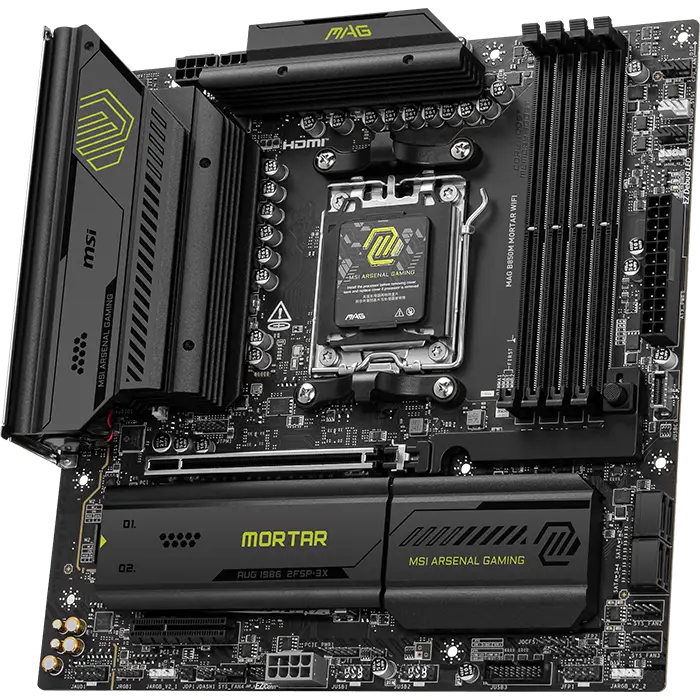
Crafted for stability and durability, the MAG series is your reliable companion—built to deliver solid performance through every intense gaming session.
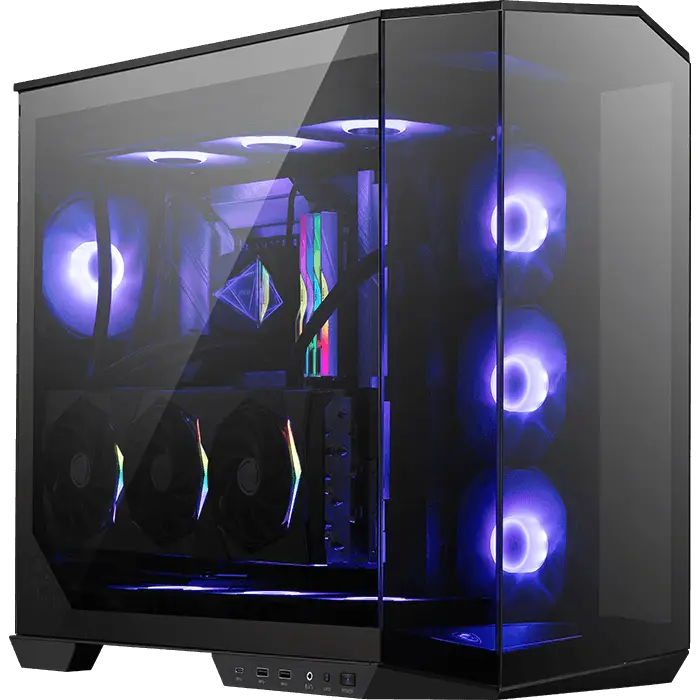
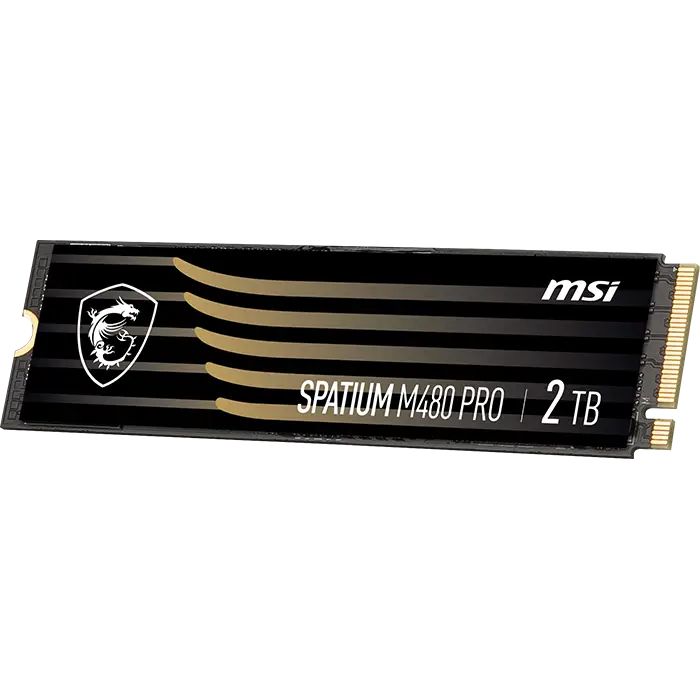
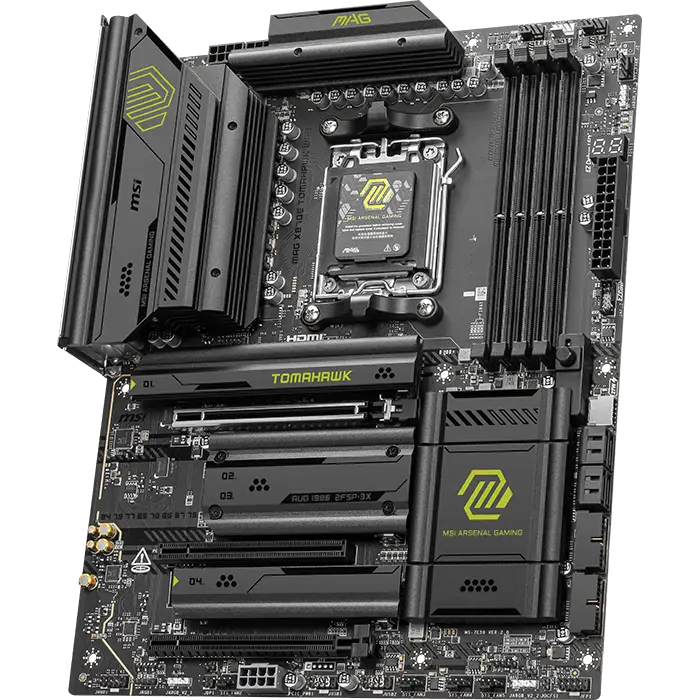
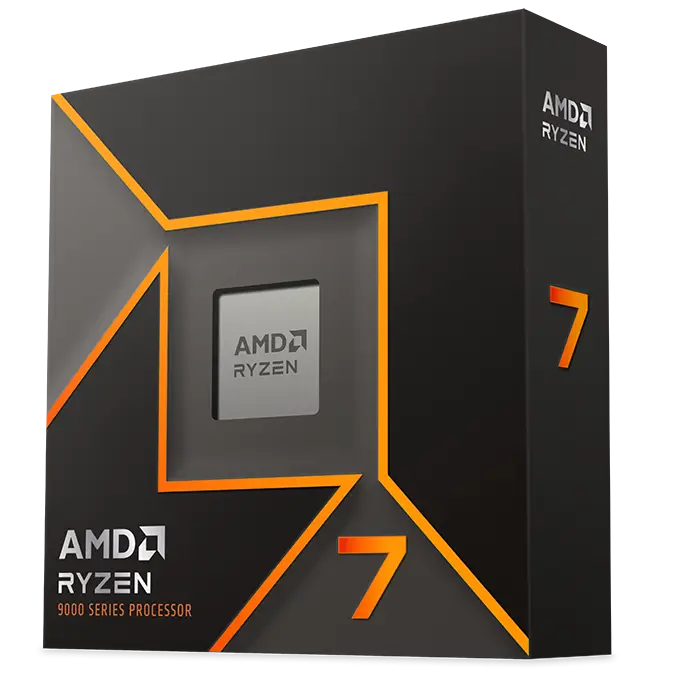
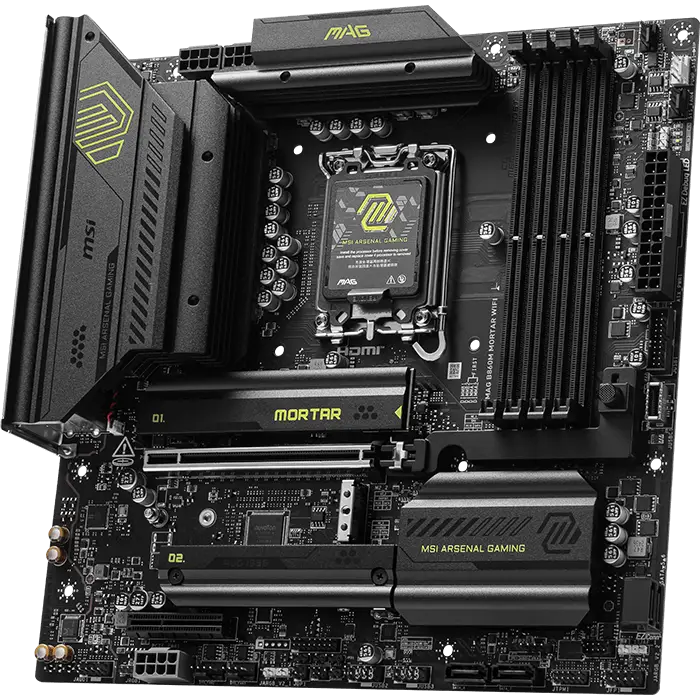
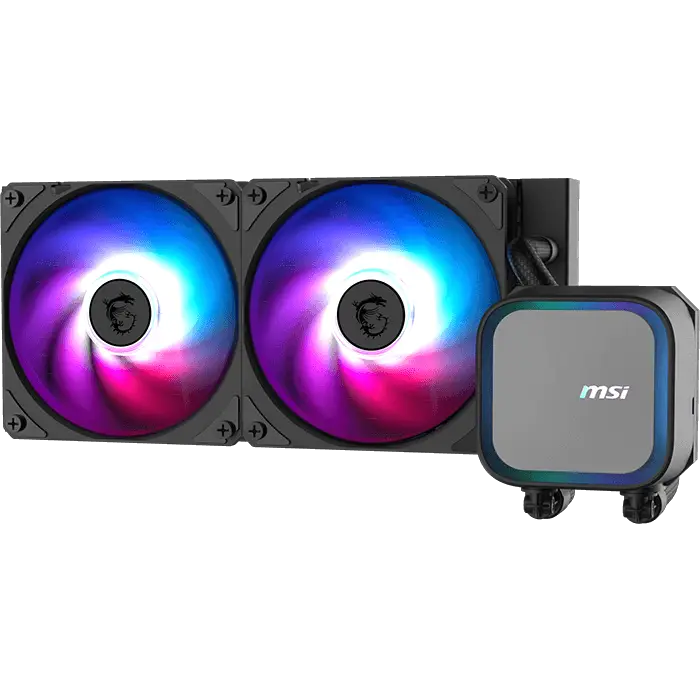
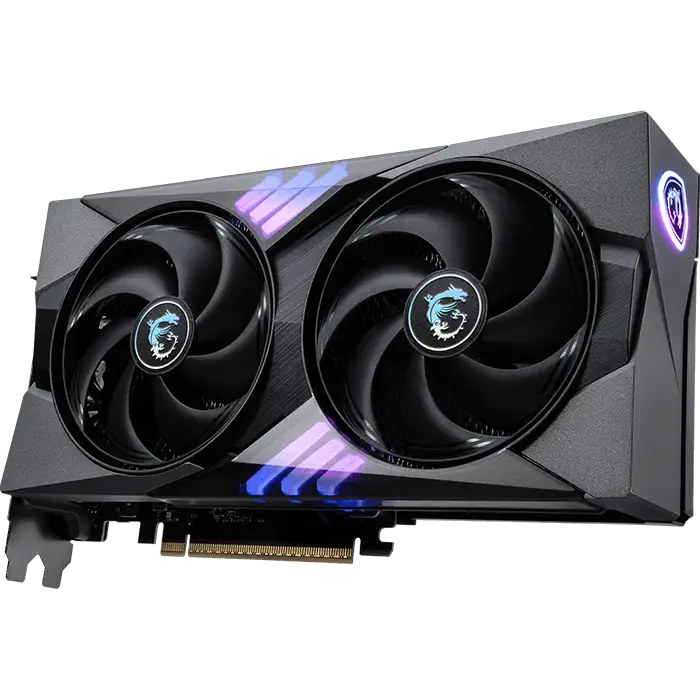
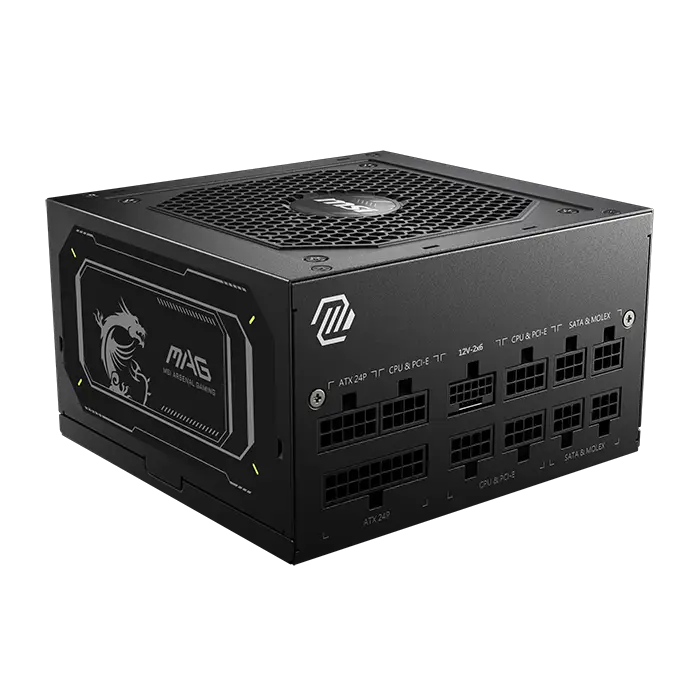
* Image(s) for reference only.
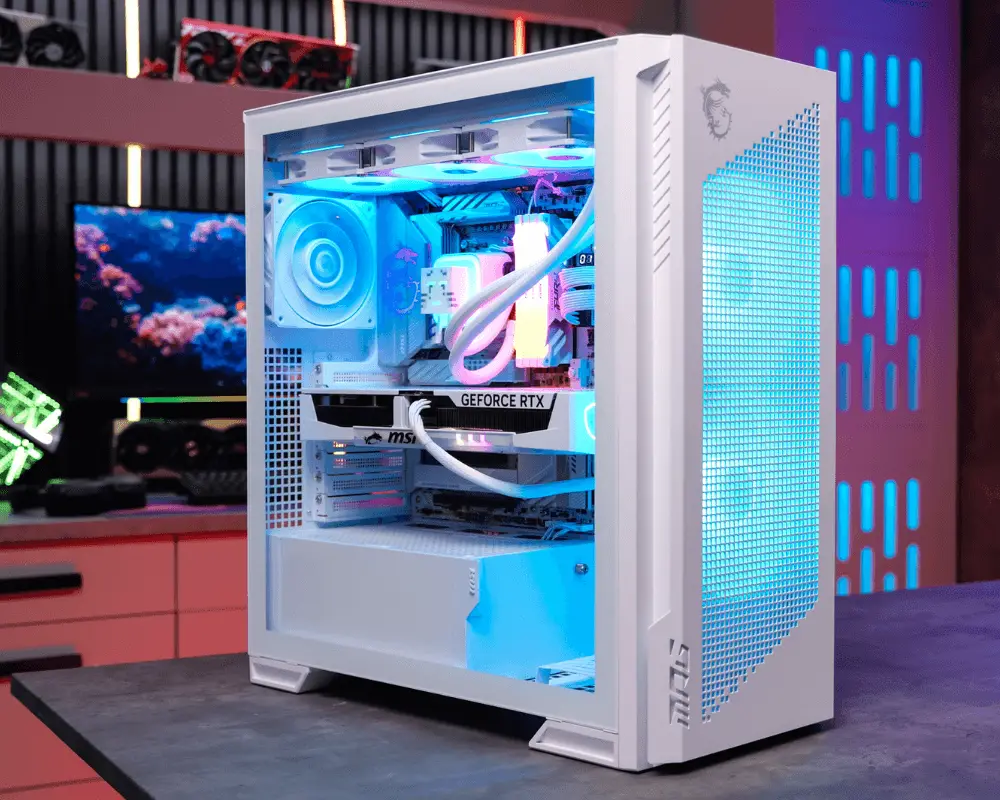
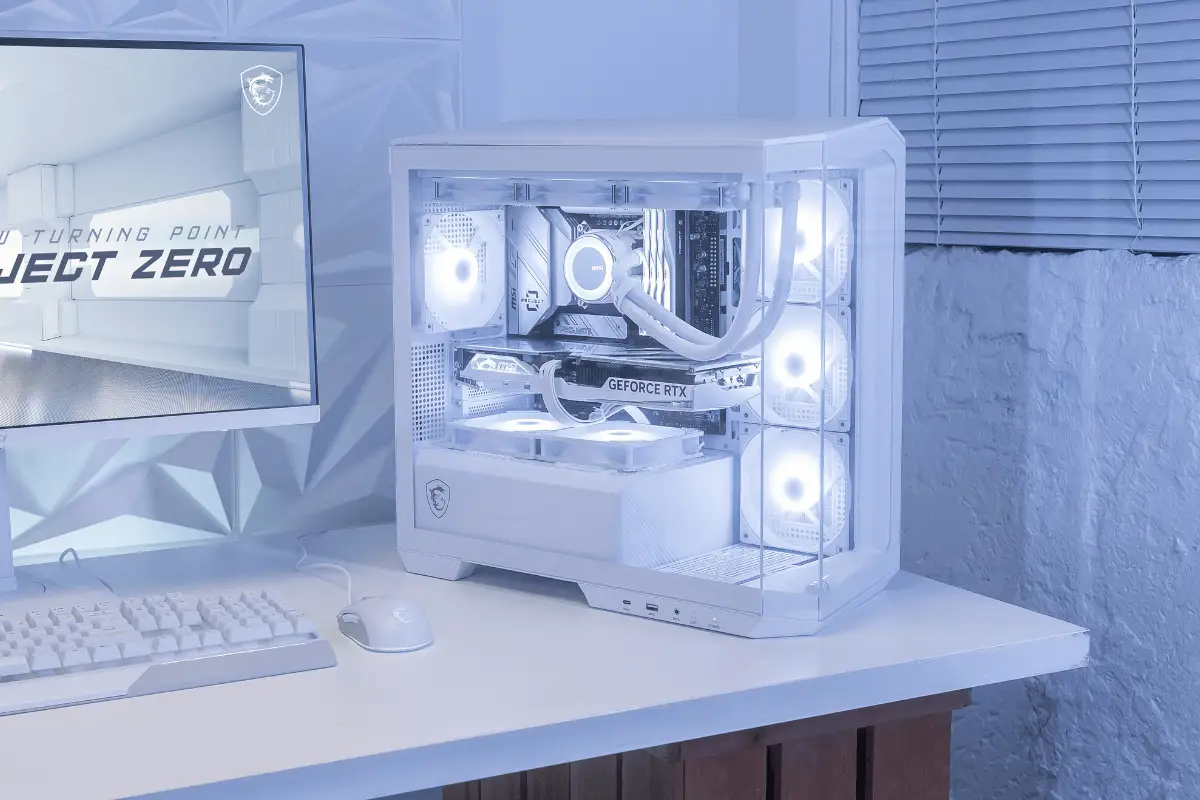
WHITE PC BUILD
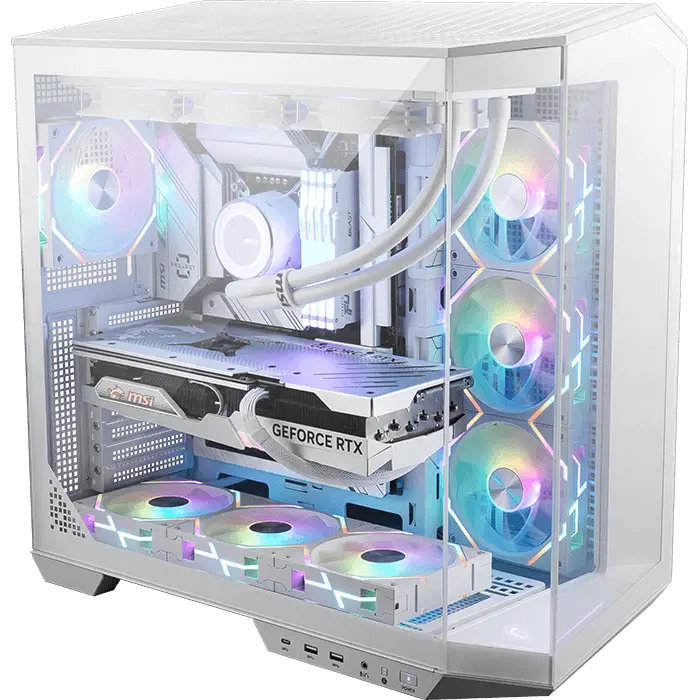
A clean and elegant centerpiece. With back-connect design, this white PC build strikes the perfect balance of minimal aesthetics and performance, creating a setup that turns heads in any gaming space.