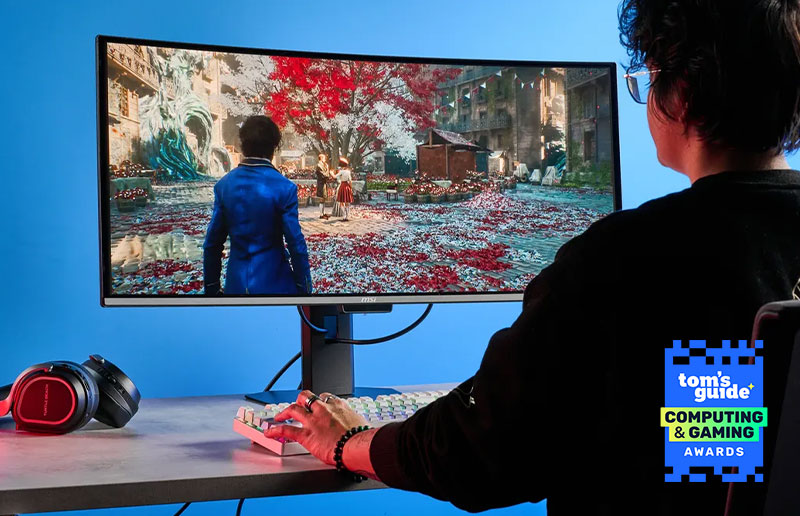
The Best Gaming Monitor of 2026 Is Also a Pro-Level Creative Display
Monitors
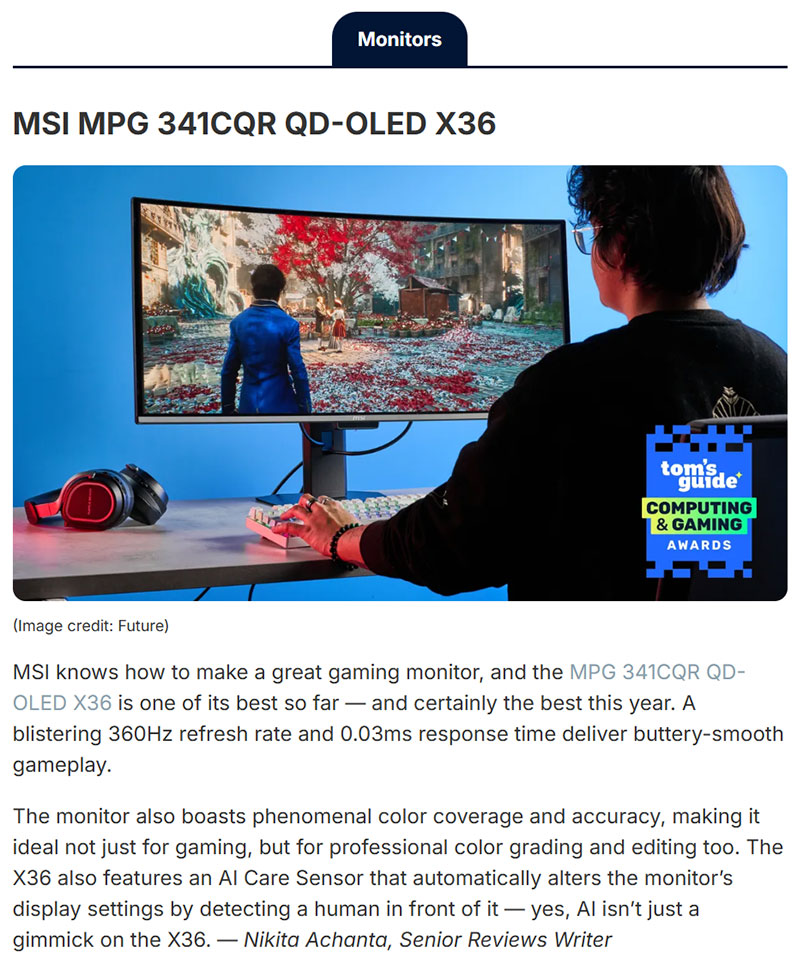
Most gaming monitors are built for one thing. Frame rates. Refresh rates. Response times. Everything tuned for the competitive edge, with color accuracy and creative workflows treated as an afterthought.
The MSI MPG 341CQR QD-OLED X36 doesn’t work that way. When Tom’s Guide named it the best monitor of 2026 in their annual Computing Awards — chosen from hundreds of tested products — they didn’t just highlight the gaming specs. They called it “ideal not just for gaming, but for professional color grading and editing too.” For a gaming monitor to earn that kind of crossover recognition from one of tech’s most trusted reviewers, the hardware has to genuinely deliver on both fronts.
Here’s what makes that possible.
360Hz and 0.03ms: The Gaming Credentials Are Real
Start with the numbers that put the X36 on the map. A 360Hz refresh rate and 0.03ms response time place it at the top of what’s currently achievable in gaming displays. Tom’s Guide described gameplay as “buttery-smooth” — which at 360Hz is exactly what you’d expect, but the QD-OLED panel is what separates buttery-smooth from just fast.
QD-OLED combines quantum dot color technology with OLED’s self-emissive pixel structure, meaning each pixel produces its own light and switches off completely in dark scenes. The result is motion clarity that LCD-based gaming monitors at any refresh rate simply can’t match — no backlight bleed, no ghosting, no halo effect around bright objects against dark backgrounds. At 360Hz, those advantages compound. Fast movement stays clean and defined rather than smearing across the panel.
For competitive gaming, the X36 removes every visual variable that could cost you a reaction. For cinematic single-player experiences, it delivers the kind of image quality that makes you stop and look around.
Why a Gaming Monitor Can Also Be a Creative Display
This is where the X36 does something genuinely unusual. Gaming monitors are typically optimized for speed at the expense of color accuracy — factory calibration is inconsistent, gamut coverage is often boosted for vibrancy rather than precision, and color modes designed for content creation are bolted on as an afterthought.
The X36 is different because QD-OLED is different. The quantum dot layer gives the panel a naturally wide color gamut that covers the color spaces professional creative work actually requires. Combine that with proper factory calibration and you get a display that doesn’t force a trade-off between gaming performance and color precision.
Tom’s Guide recognized this explicitly — singling out “phenomenal color coverage and accuracy” as a reason the X36 works for professional color grading and editing. That’s not a spec bullet point. That’s a reviewer with hands-on time concluding that real creative work holds up on this panel.
For a video editor who also games, a content creator who does both, or a studio professional who doesn’t want two separate monitors on their desk — this is the crossover the market has needed.
AI Care Sensor: The Feature That Earned a Callout of Its Own
Tom’s Guide specifically noted that the X36’s AI Care Sensor is one worth paying attention to — pointing out that “AI isn’t just a gimmick on the X36.” In a year when AI has been attached to virtually every product announcement whether it belongs there or not, that’s a meaningful distinction from a reviewer who has seen it all.
The AI Care Sensor uses a CMOS sensor driven by an NPU chip to detect human presence every 0.2 seconds. It distinguishes between a real person at the desk and an object left behind, so the monitor only responds when you’re actually there. When you sit down, it wakes. When you walk away, it dims and powers off to protect the OLED panel. When ambient light changes, it adjusts brightness automatically.
For a gaming monitor this matters in ways that go beyond convenience. OLED panels benefit enormously from intelligent power management — reducing static luminance on taskbars, HUDs, and other persistent UI elements extends panel lifespan significantly. The AI Care Sensor does this automatically, without the user having to configure anything or accept interruptions during play.
It’s also the kind of feature that makes the X36 genuinely comfortable to own long-term, not just impressive in a demo.
The Ultrawide Advantage
The 34-inch ultrawide format at 21:9 is worth its own mention. For gaming, the wider field of view is a well-documented advantage in open-world and simulation titles — more peripheral information, greater immersion, a more cinematic presentation. Racing games and flight sims in particular feel transformed on ultrawide.
For creative work, the benefits are equally real. Video editors gain horizontal timeline space that 16:9 panels can’t offer. Photographers can keep a full-resolution preview open alongside their editing panels without switching windows. Motion graphics artists get a wider canvas for multi-track compositions. The format that was built for gaming turns out to serve creative workflows just as well.
What the Tom’s Guide Award Actually Means
Tom’s Guide tested 21 finalists across laptops, tablets, desktops, monitors, audio, components, and accessories to arrive at this year’s Computing Award winners. The monitors category included strong competition — Alienware’s AW2726DM and Samsung’s 32-inch Odyssey G8 G80S both made the list. The X36 stood above them as the award winner.
The recognition matters not just as a badge, but as independent validation from reviewers who test these products to exhaustion. When Tom’s Guide says a monitor is the best of the year and specifically calls out its creative capabilities alongside its gaming performance, that’s the kind of third-party credibility that no spec sheet can replicate.
Who the X36 Is For
The obvious answer is gamers who want the fastest, most visually impressive display available. But the more interesting answer — the one Tom’s Guide’s review points to — is the growing segment of people who don’t want to choose.
Content creators who game. Video editors who want a display that pulls double duty. Streamers who need accurate color for thumbnails and broadcast quality for gameplay. Studio professionals who’ve been waiting for a gaming-speed panel that doesn’t sacrifice the color accuracy their work demands.
The X36 was built for the first group. It turns out it works just as well for all the others.
Quick Reference
The MSI PRO MAX 271UPXW12G is available now. Visit https://us.msi.com/Monitor/MPG-341CQR-QD-OLED-X36 for more information or to find a retailer near you.
Source: Tom’s Guide Computing Awards 2026 — tomsguide.com