

BUILD A PC WITH
EZ PC Builder
Not just any PC builder, EZ PC Builder is MSI’s exclusive AI assistant that helps you build your dream PC, delivering personalized recommendations with MSI’s latest hardware.

PLAN FOR YOUR NEEDS

COMPATIBILITY CHECK

BEGINNER-FRIENDLY

Plan for Your Needs
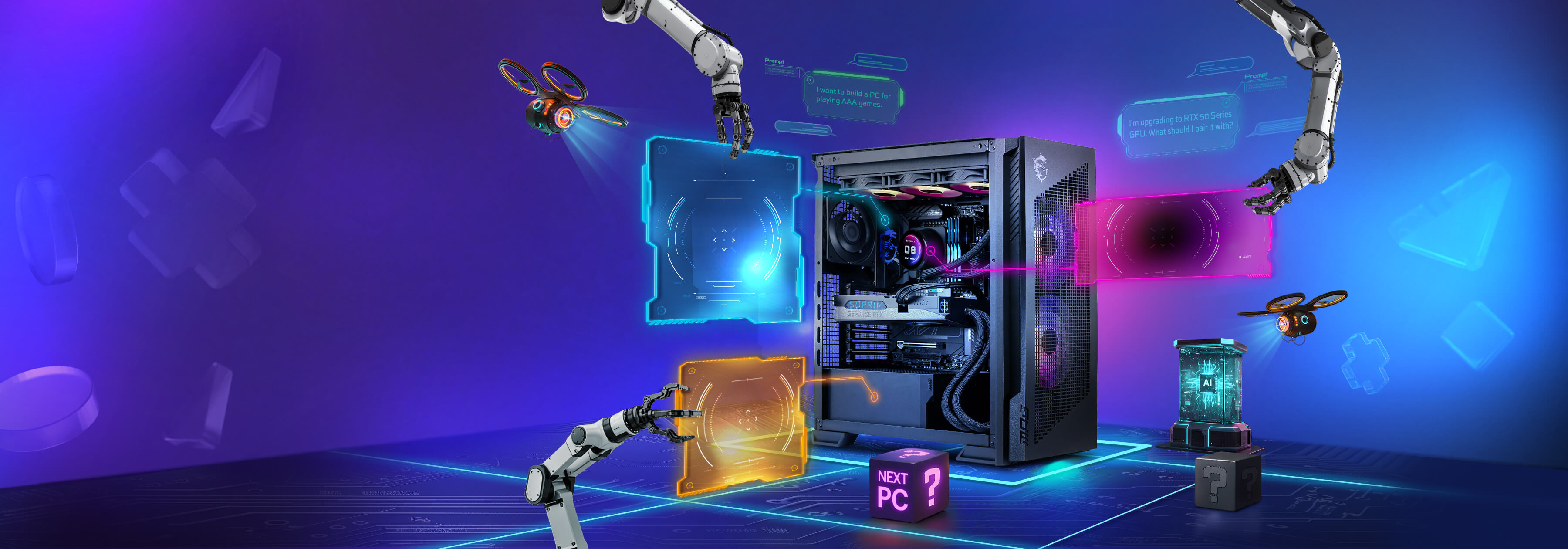
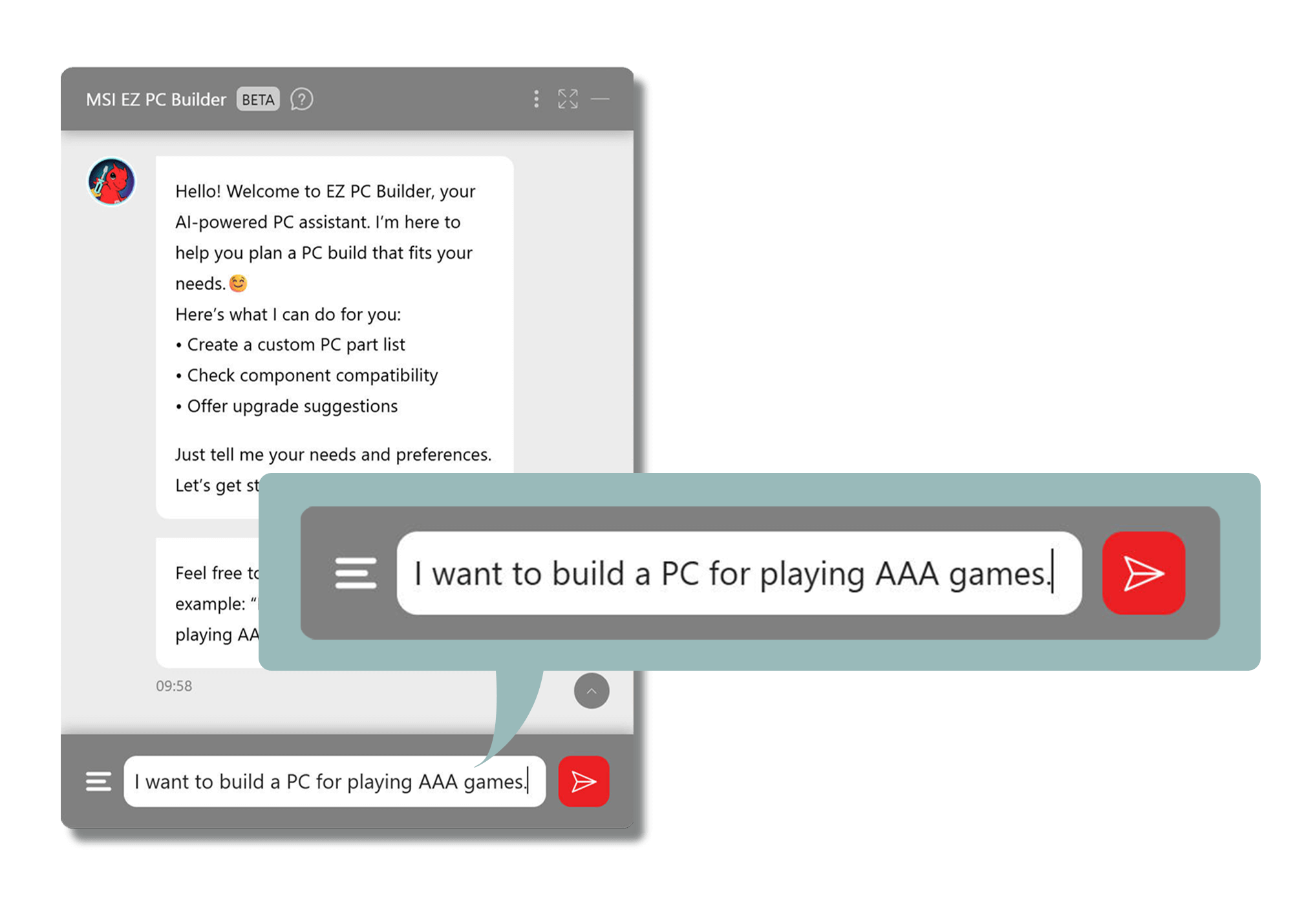
I want to build a PC for playing AAA games


Compatibility Check
I’m upgrading to RTX 50 Series GPU. What should I pair it with?

Beginner-Friendly
Hi, I’ve never built a PC before. Where do I start?
Plan for Your Needs
I want to build an all-white PC for 4K gaming.
Plan for Your Needs
I need a PC for both work and light gaming.
Compatibility Check
Build a PC using RTX 5080 and Ryzen 7 9800 X3D.
Plan for Your Needs
I want to build a 1440p gaming PC.
How to Start a Chat
Step 1
Click the floating button in the bottom-right corner.



Step 2
Tell EZ PC Builder what you need, and you’ll get a custom PC part list.
Craft Your Dream Setup


Click to switch the style




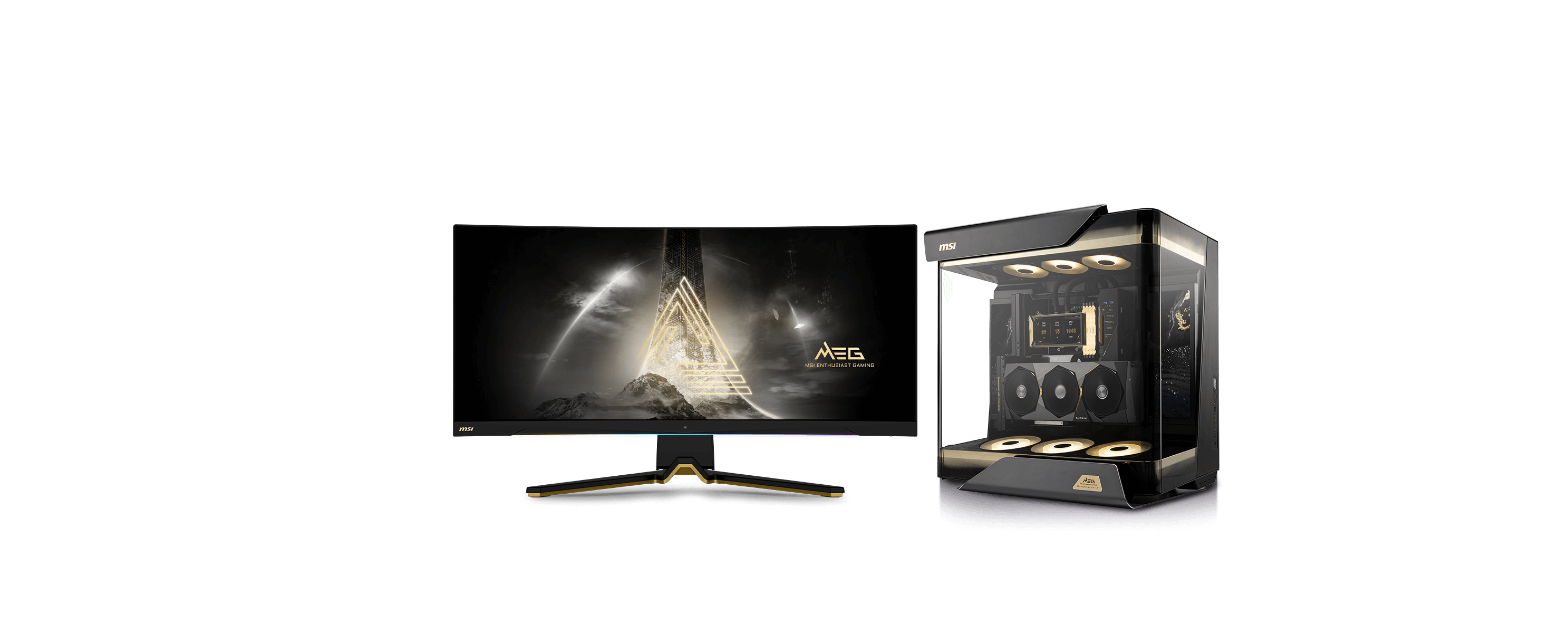
Flagship performance built for extreme gaming, heavy AI workloads, and pro-level editing.
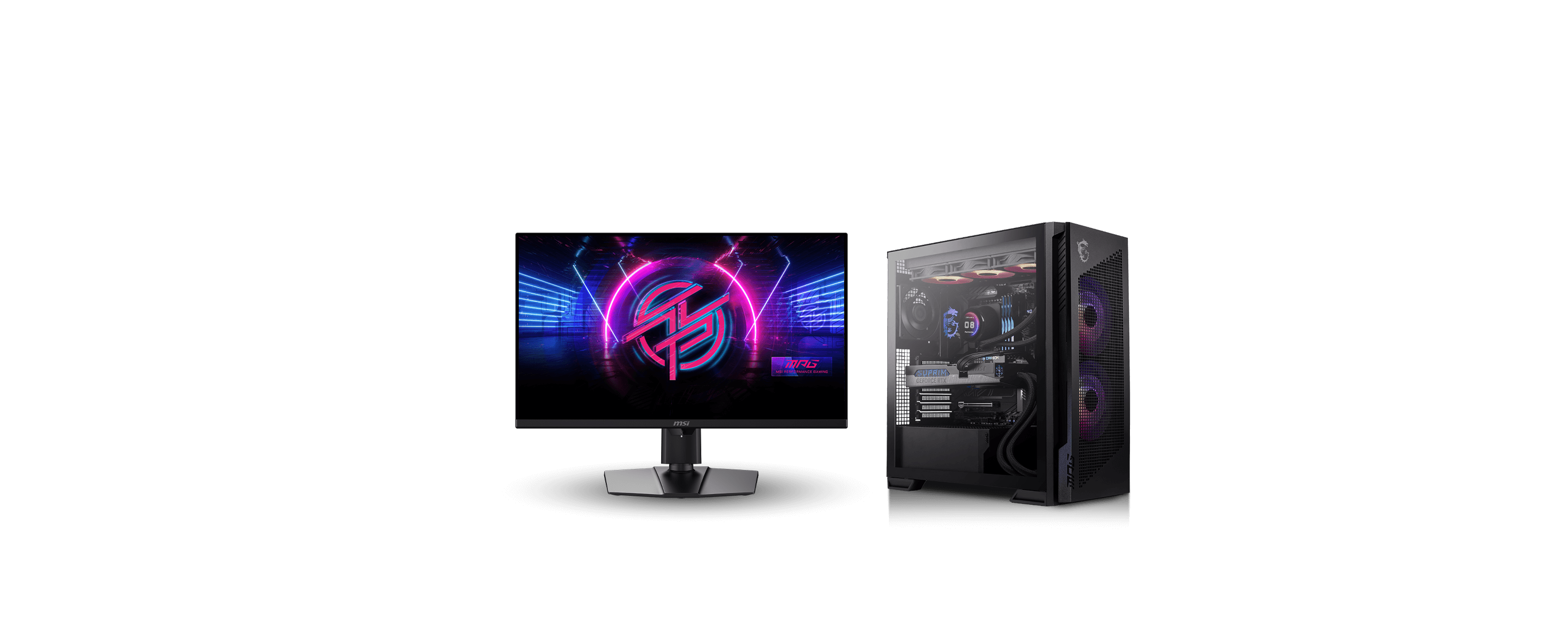
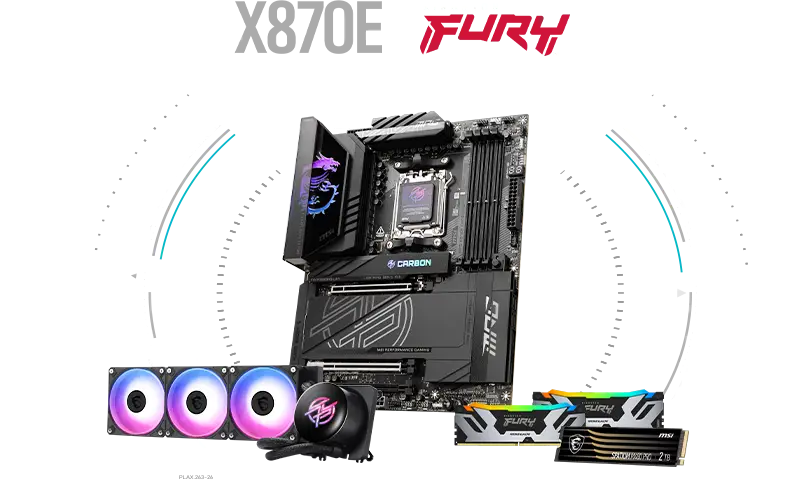
High-performance components for gamers who want both premium power and a personalized, stylish setup.
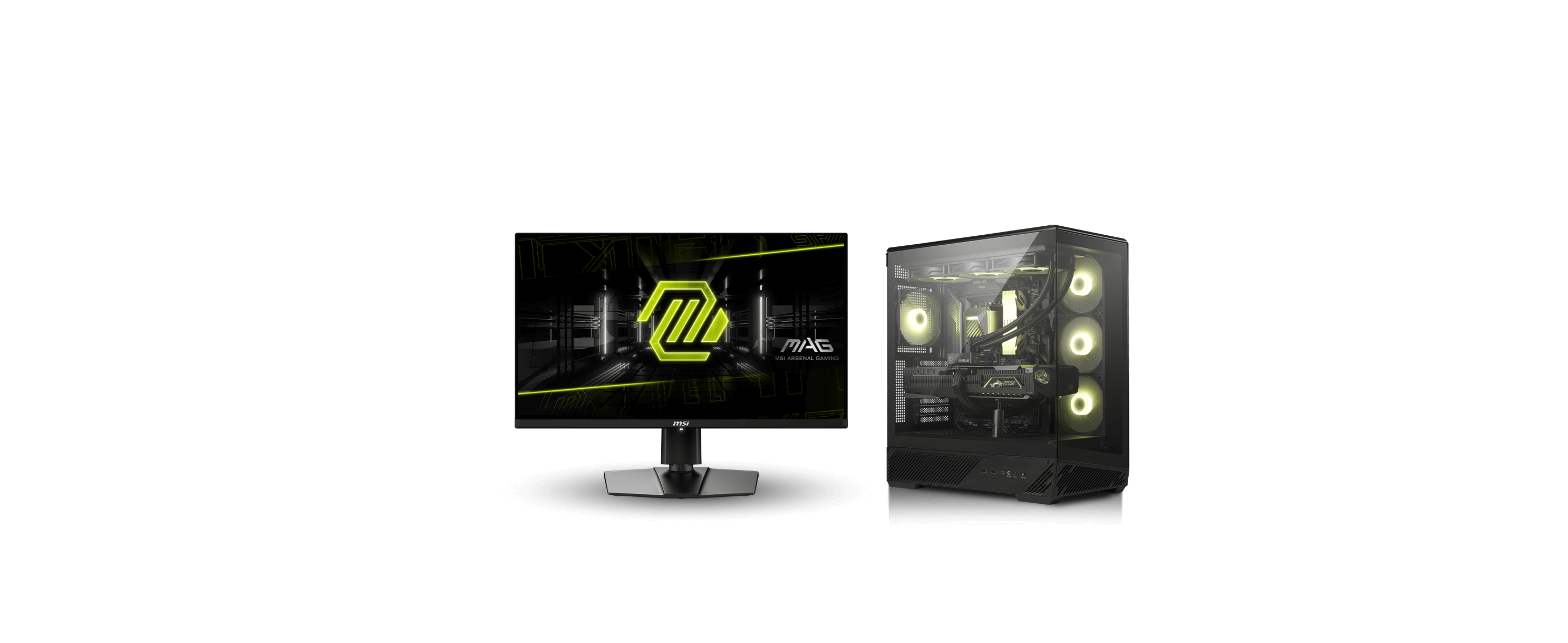
Reliable and stable performance for mainstream gamers who need a solid build.
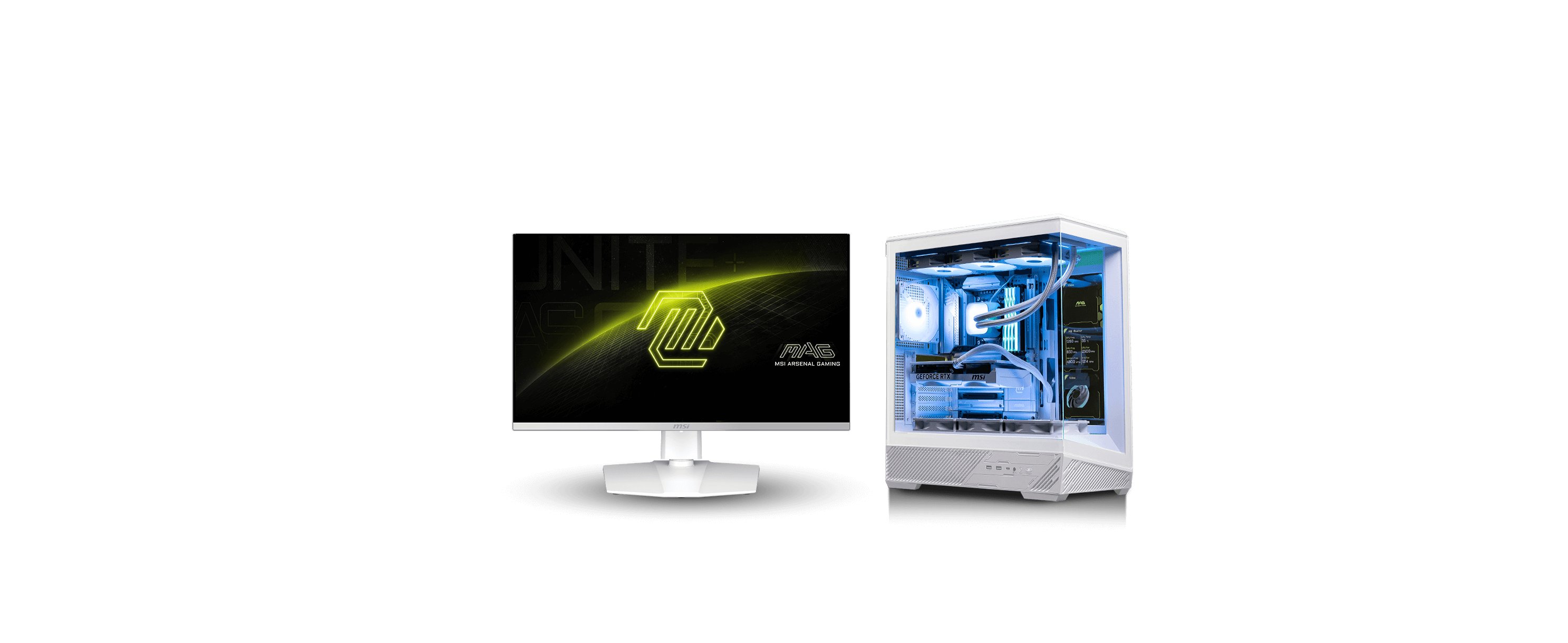
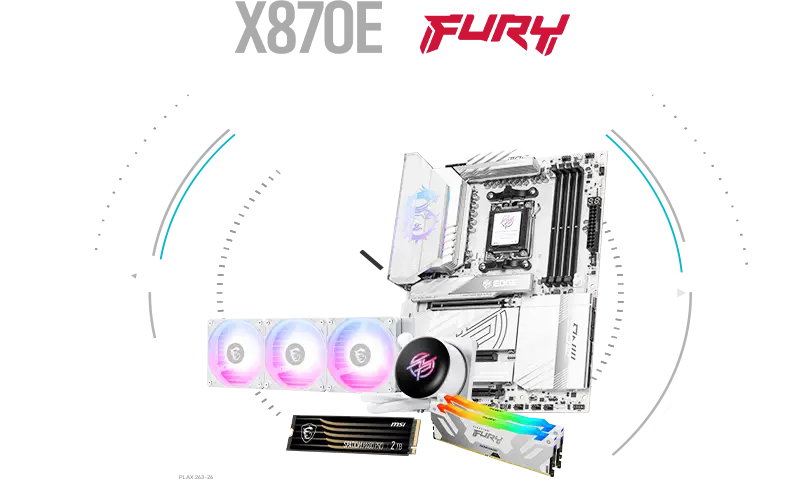
An all-white build crafted for those who want clean design with powerful performance.

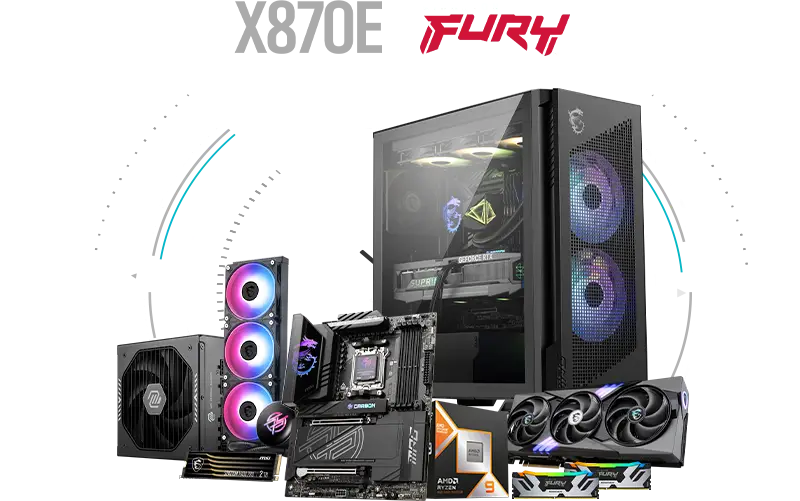
Motherboard
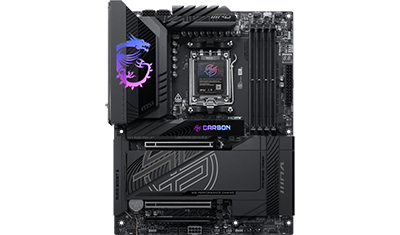
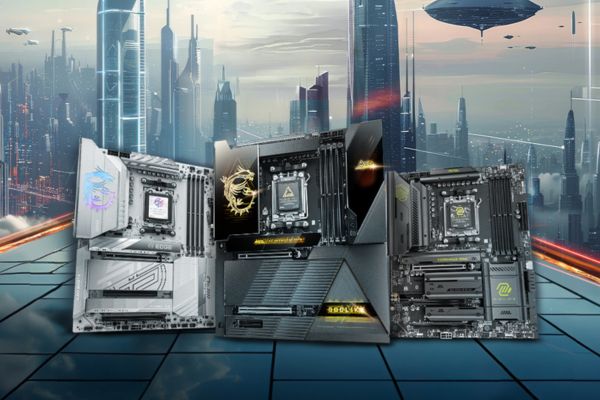
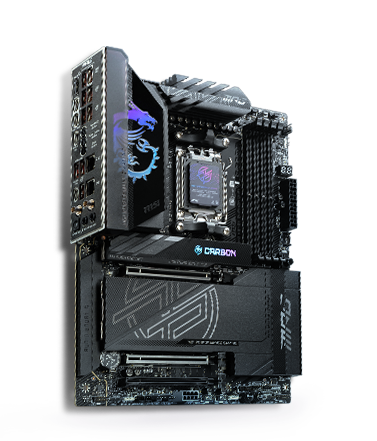
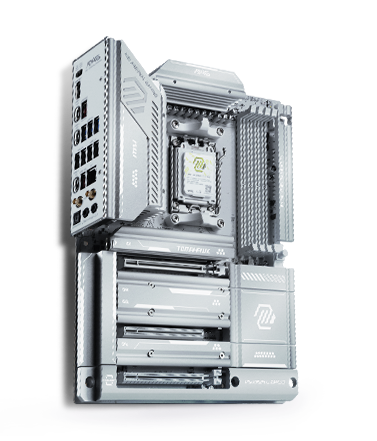
MPG X870E CARBON WIFI
CPU
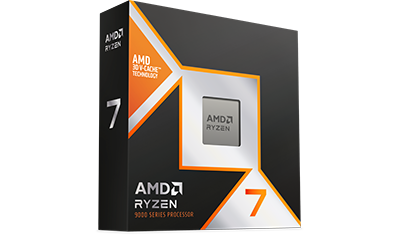
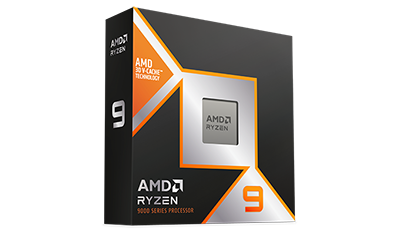
AMD Ryzen 7 9800X3D
Liquid Cooler
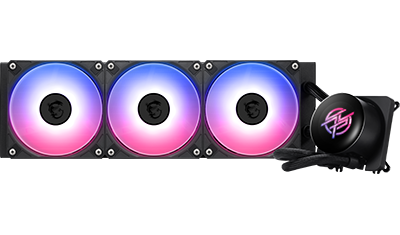
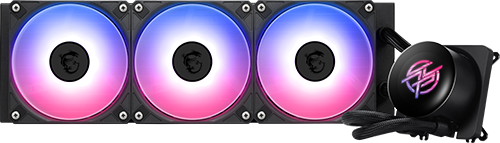
MPG CORELIQUID P13 360
Power Supply
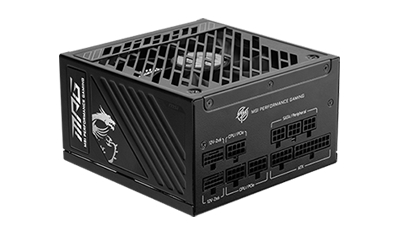
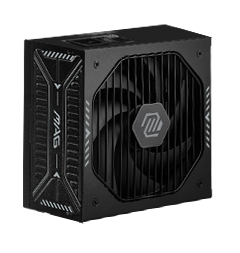
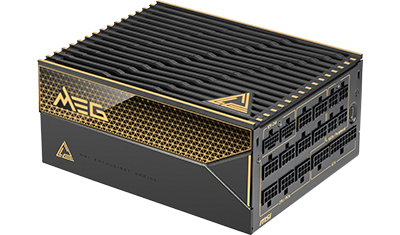
MPG A1250GS PCIE5
PC Case
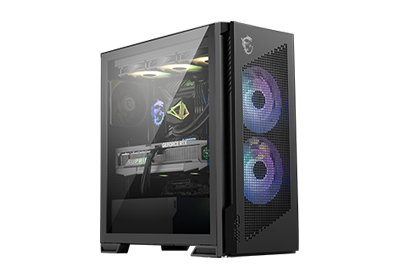
MPG VELOX 300R AIRFLOW PZ
Graphics Card
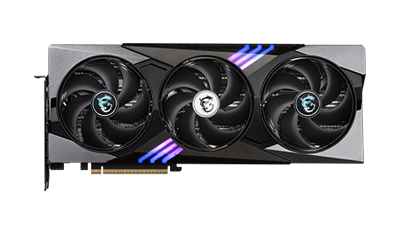
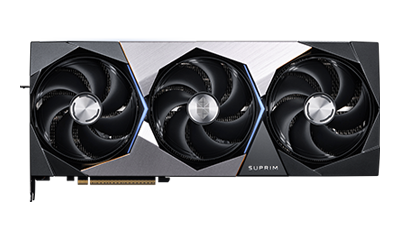
GeForce RTX™ 5080 16G GAMING TRIO OC
SSD
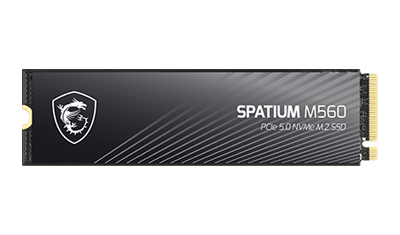
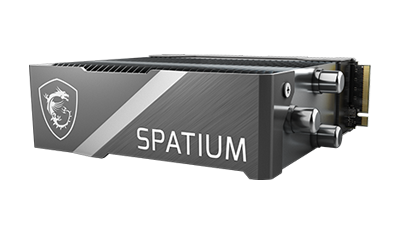
SPATIUM M560 PCIe 5.0 NVMe M.2 2TB
Memory
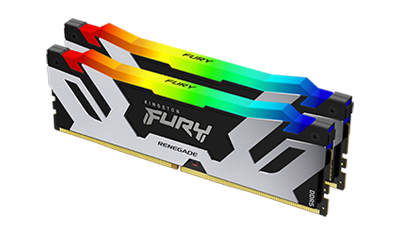
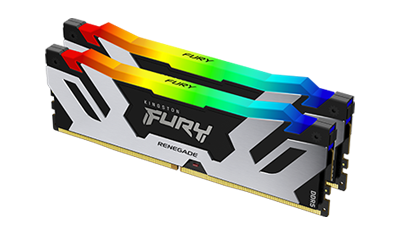
Kingston FURY Renegade DDR5 RGB 7600MT/s 32GB (2x16GB) Silver/Black
Monitor
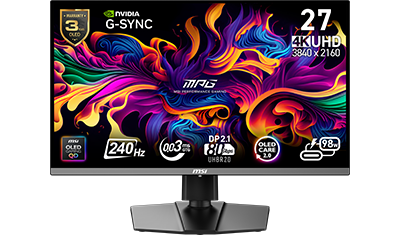
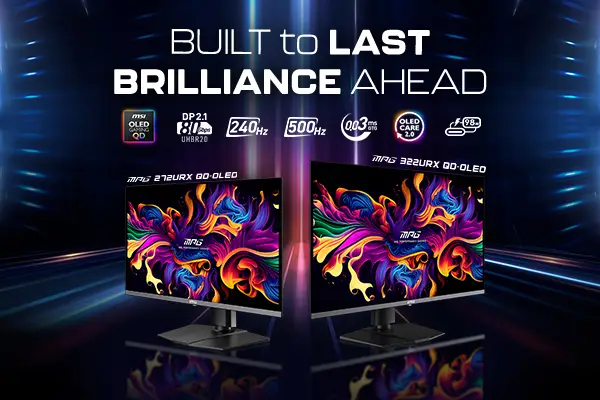
MPG 272URX QD-OLED
Motherboard
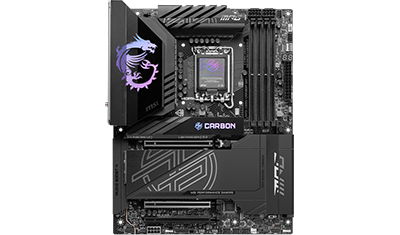
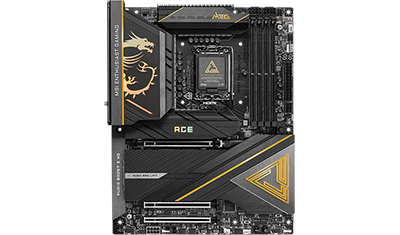
MPG Z890 CARBON WIFI
CPU
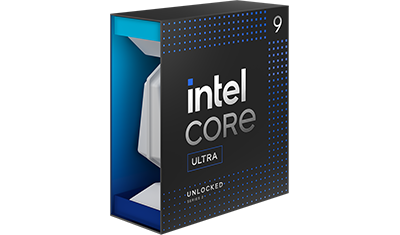
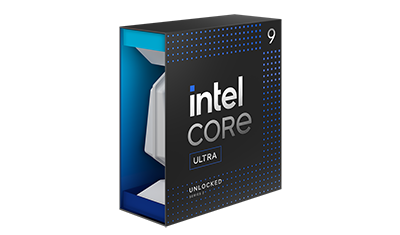
Intel Core Ultra 9 285K
Liquid Cooler
MPG CORELIQUID P13 360
Power Supply
MPG A1250GS PCIE5
PC Case
MPG VELOX 300R AIRFLOW PZ
Graphics Card
GeForce RTX™ 5080 16G GAMING TRIO OC
SSD
SPATIUM M560 PCIe 5.0 NVMe M.2 2TB
Memory
Kingston FURY Renegade DDR5 RGB 7600MT/s 32GB (2x16GB) Silver/Black
Monitor
MPG 272URX QD-OLED
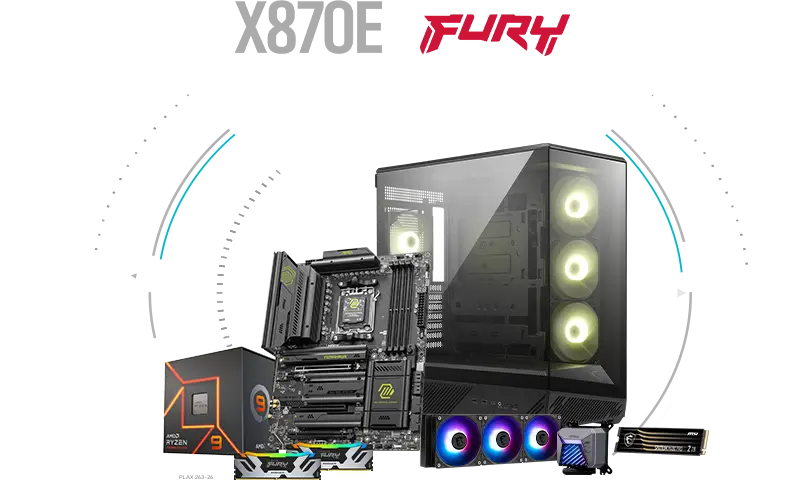
Motherboard
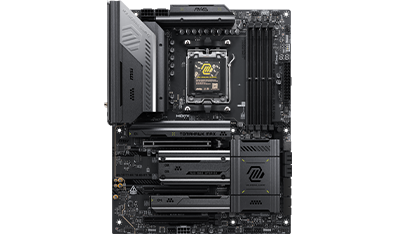
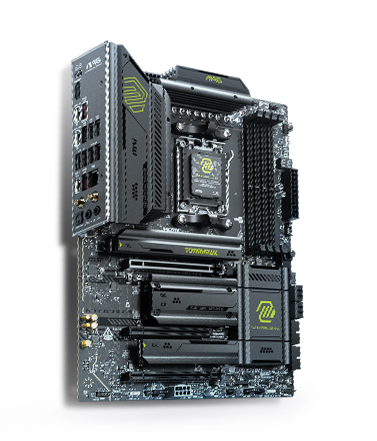
MAG X870E TOMAHAWK MAX WIFI
CPU
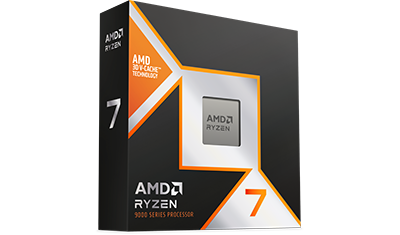
AMD Ryzen 7 9800X3D
Liquid Cooler
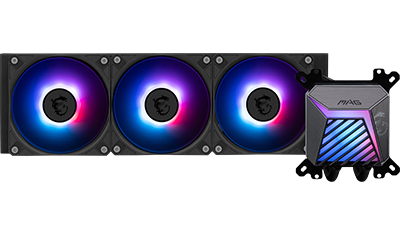
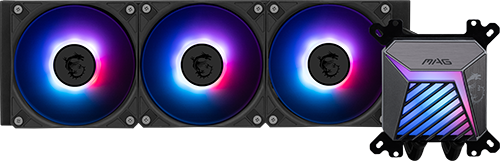
MAG CORELIQUID A15 360
Power Supply
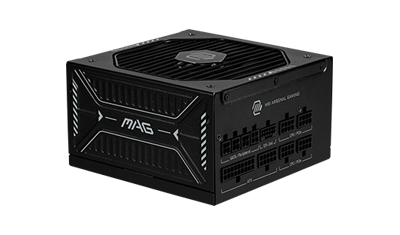
MAG A1000GLS PCIE5
PC Case
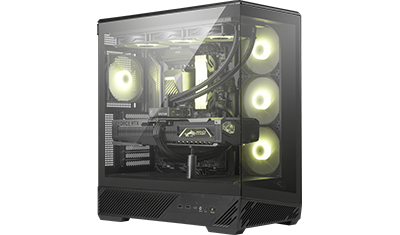
MAG PANO 130R PZ
Graphics Card
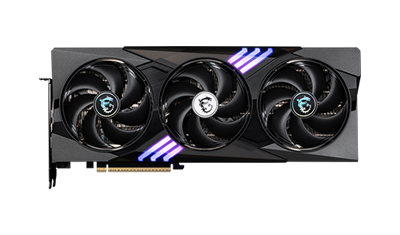
GeForce RTX™ 5070 12G GAMING TRIO OC
SSD
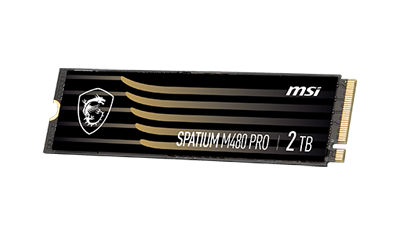
SPATIUM M480 PRO PCIe 4.0 NVMe M.2 2TB
Memory
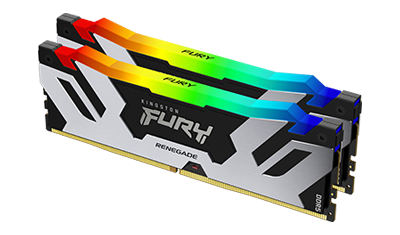
Kingston FURY Renegade DDR5 RGB 7600MT/s 32GB (2x16GB) Silver/Black
Monitor
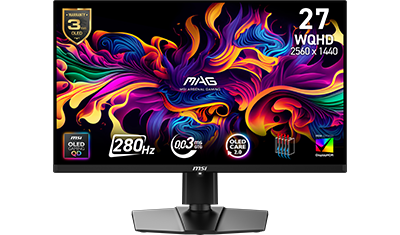
MAG 271QP QD-OLED X28
Motherboard
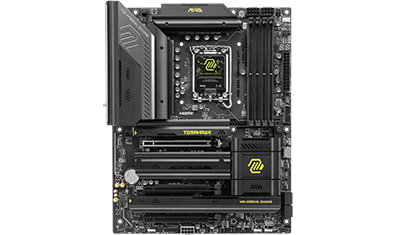
MPG Z890 TOMAHAWK WIFI
CPU
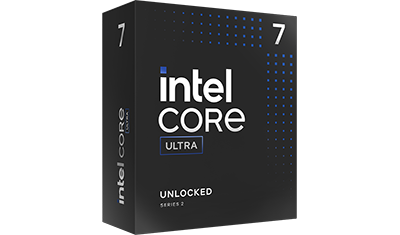
Intel Core Ultra 7 265K
Liquid Cooler
MAG CORELIQUID A15 360
Power Supply
MAG A1000GLS PCIE5
PC Case
MAG PANO 130R PZ
Graphics Card
GeForce RTX™ 5070 12G GAMING TRIO OC
SSD
SPATIUM M480 PRO PCIe 4.0 NVMe M.2 2TB
Memory
Kingston FURY Renegade DDR5 RGB 7600MT/s 32GB (2x16GB) Silver/Black
Monitor
MAG 271QP QD-OLED X28
Motherboard
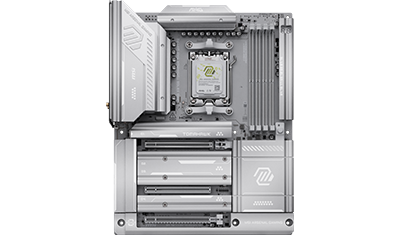
MAG X870E TOMAHAWK MAX WIFI PZ
CPU
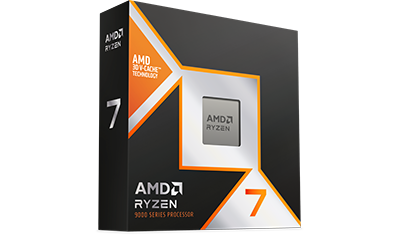
AMD Ryzen 7 9800X3D
Liquid Cooler
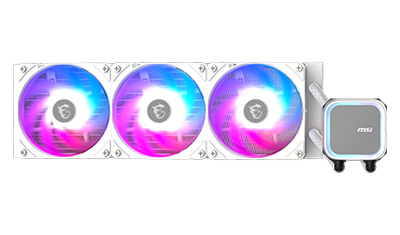
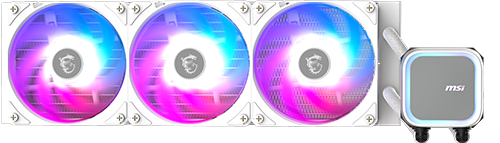
MPG CORELIQUID A13 360 WHITE
Power Supply
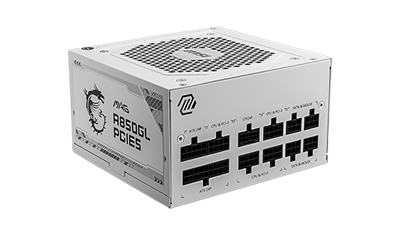
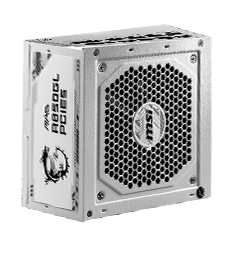
MAG A850GL PCIE5 WHITE
PC Case
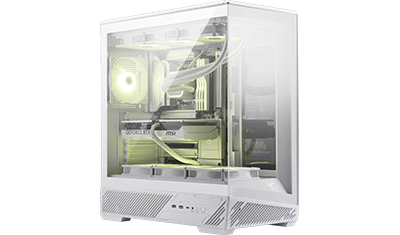
MAG PANO 130R PZ WHITE
Graphics Card
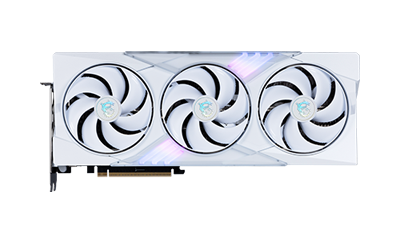
GeForce RTX™ 5070 Ti 16G GAMING TRIO OC WHITE
SSD
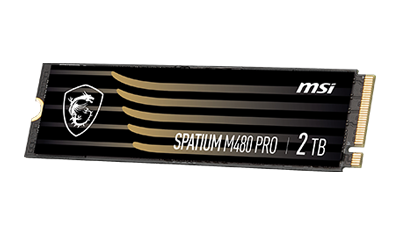
SPATIUM M480 PRO PCIe 4.0 NVMe M.2 2TB
Memory
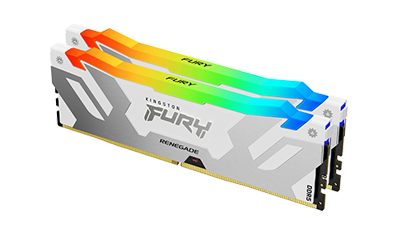
Kingston FURY Renegade DDR5 RGB 7600MT/s 32GB (2x16GB) Silver/White
Monitor
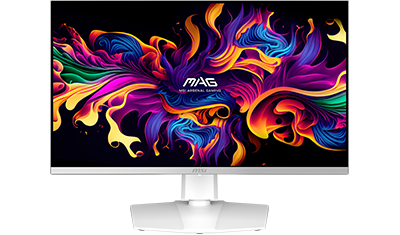
MAG 272QPW QD-OLED X28
Motherboard
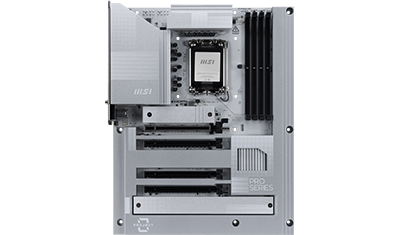
PRO Z890-S WIFI PZ
CPU
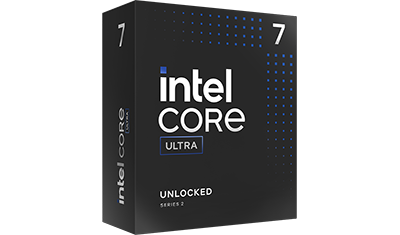
Intel Core Ultra 7 265K
Liquid Cooler
MPG CORELIQUID A13 360 WHITE
Power Supply
MAG A850GL PCIE5 WHITE
PC Case
MAG PANO 130R PZ WHITE
Graphics Card
GeForce RTX™ 5070 Ti 16G GAMING TRIO OC WHITE
SSD
SPATIUM M480 PRO PCIe 4.0 NVMe M.2 2TB
Memory
Kingston FURY Renegade DDR5 RGB 7600MT/s 32GB (2x16GB) Silver/White
Monitor
MAG 272QPW QD-OLED X28
FAQ
What EZ PC Builder can do?

How to use EZ PC Builder?
Step 2: Tell EZ PC Builder what you need, and you’ll get a custom PC part list.
Example: I want to build the best cost-performance PC that can run GTA V at 1440p with high frame rates.
What parts do I need to build a PC?
- CPU & Motherboard: the brain and backbone of your PC
- Cooler: to keep your system stable
- GPU: for gaming, AI, and creative workloads
- Memory & Storage: for speed and capacity
- Power Supply & Chassis: to power and house your system
https://www.msi.com/Landing/how-to-build-a-pc
How to pick the right part for my PC build?
- Usage: gaming, work, editing, or AI training.
- Target resolution and frame rate: what kind of visual performance you expect.
- Budget: how much you want to spend.