Racing a car at the track is one of the most exhilarating sports, but it can also be one of the most time-consuming and costly hobbies out there. The track can be hours away, fuel is expensive, tires wear down faster from driving quickly and aggressive braking, and if your car breaks down, towing and the replacement parts can put you out of commission.
Enter simulation racing, or sim racing for short. Sim racing allows you to virtually drive around a track in the comfort of your home or office, wherever you might have the space to set up a sim rig.
Sim racing won’t feel 100% the same as actually racing at the track. The feedback that you get from the car, the turns, the road, the acceleration, the braking, it’s not something you’ll be able to feel in sim racing. What sim racing can help you with is becoming familiar with a track before making the trip out there, saving you time and money.
What Do You Need For Sim Racing?
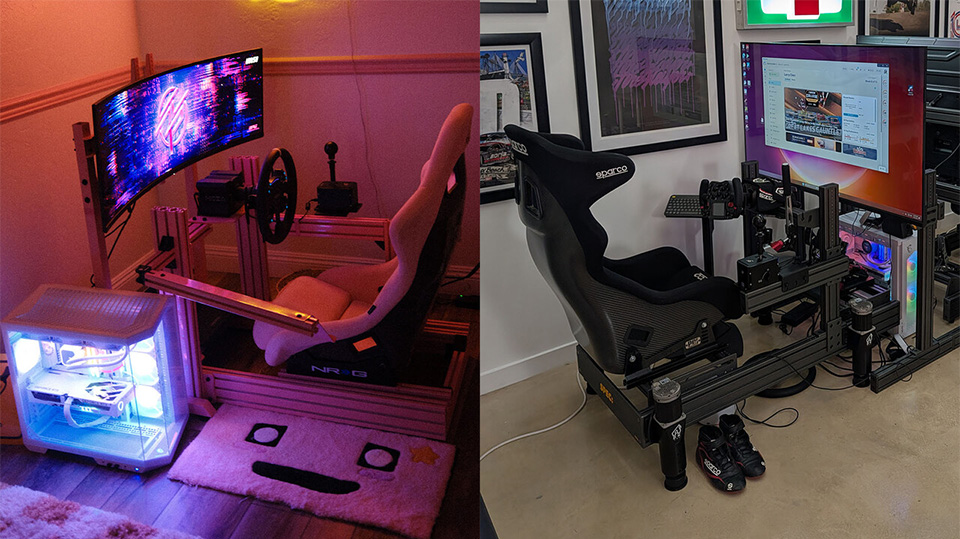
For reference, let’s look at two people we’ve partnered with to power their sim rigs, Yunni Zhai and Larry Chen. Their sim rigs primarily consist of a frame, seat, wheelbase, steering wheel, pedals, and a shifter.
Yunni’s Sim Rig:
Frame: Advanced Sim Racing 4 Cockpit
Seat: NRG Bucket Seat
Wheelbase: Moza Racing R9 Wheelbase
Steering Wheel: Moza Racing CS V2 Wheel
Pedals: Moza Racing SRP Pedals
Shifter: Simagic DX-8X Shifter
Larry’s Sim Rig:
Frame: Spec Simulations
Seat: Sparco Carbon Containment Seat
Wheelbase: Simagic Evo Ultra
Steering Wheel: Simagic FX Pro
Pedals: Simagic P2000 Pedals
Shifter: Simagic Hand Brake and Shifter
Where does MSI fit into all of this? MSI offers PCs and monitors that make up the other half of what’s needed in a complete sim rig setup.
How Powerful Should the PC Be?
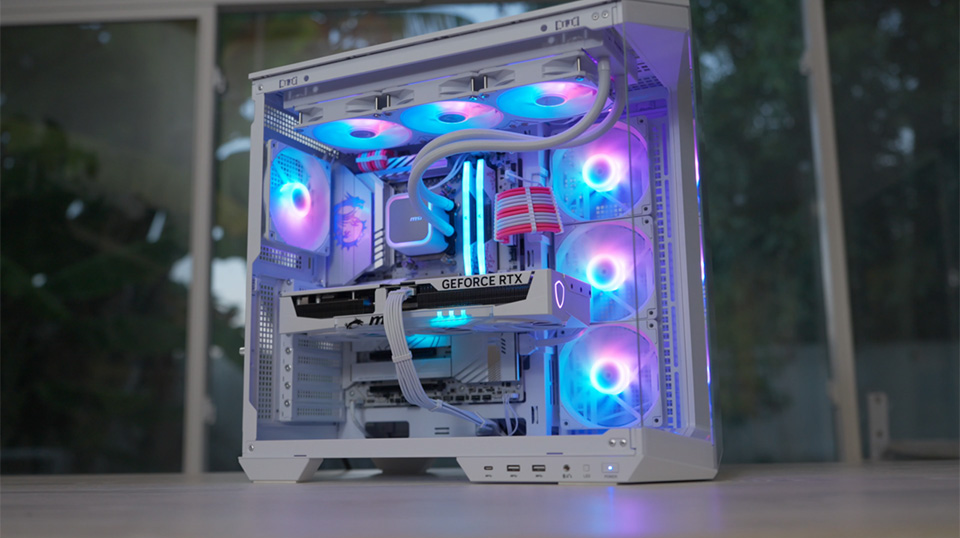
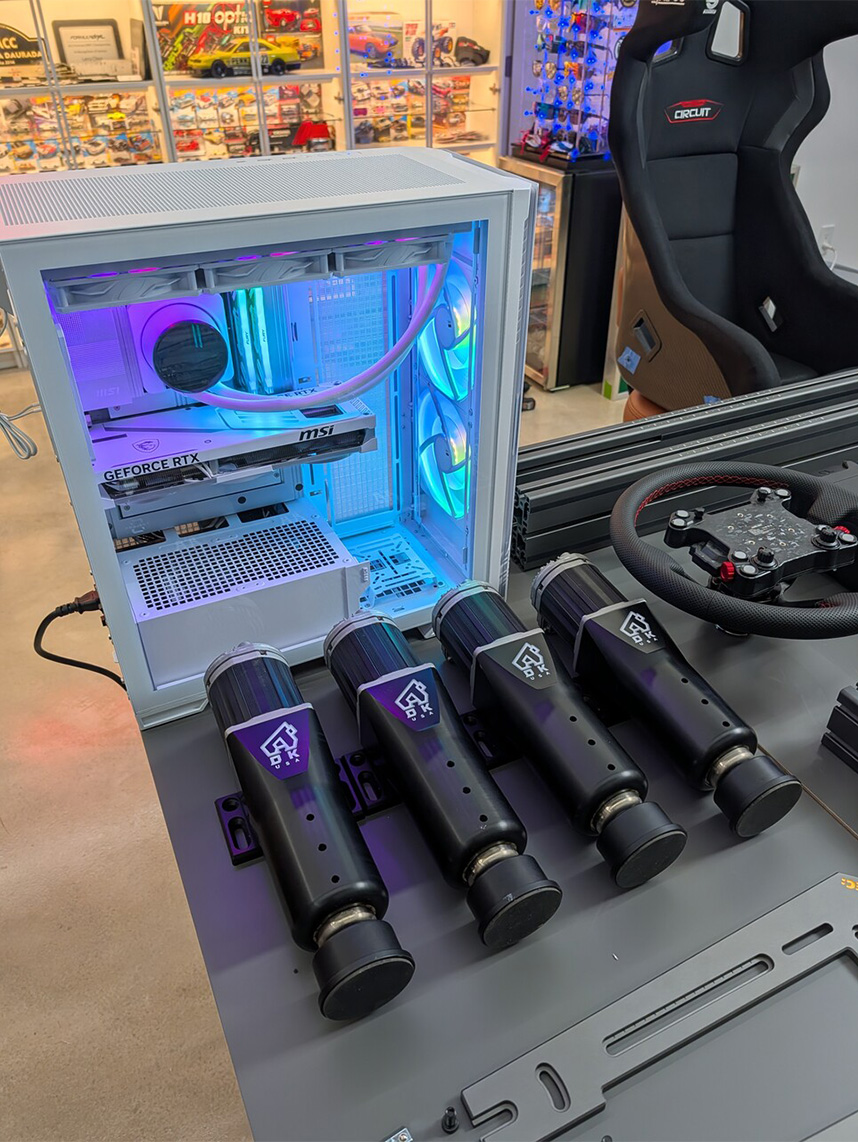
For sim racing games like iRacing and Assetto Corsa, realistically, you won’t need a top-of-the-line PC. The PCs we built with Yunni and Larry are around mid-range and capable for years to come.
Building a PC from the ground up is a fun activity, but it’s not for everyone. Luckily, MSI also offers pre-built desktops that are assembled in the United States and ready to go out of the box.
There are four series that MSI offers: Codex, Aegis, Infinite, and Vision, listed from entry-level to top-of-the-line.
These desktops utilize standard components so that upgrading or replacing parts is easy for the customer to do so without having to buy a completely brand new system.
What display should I get?
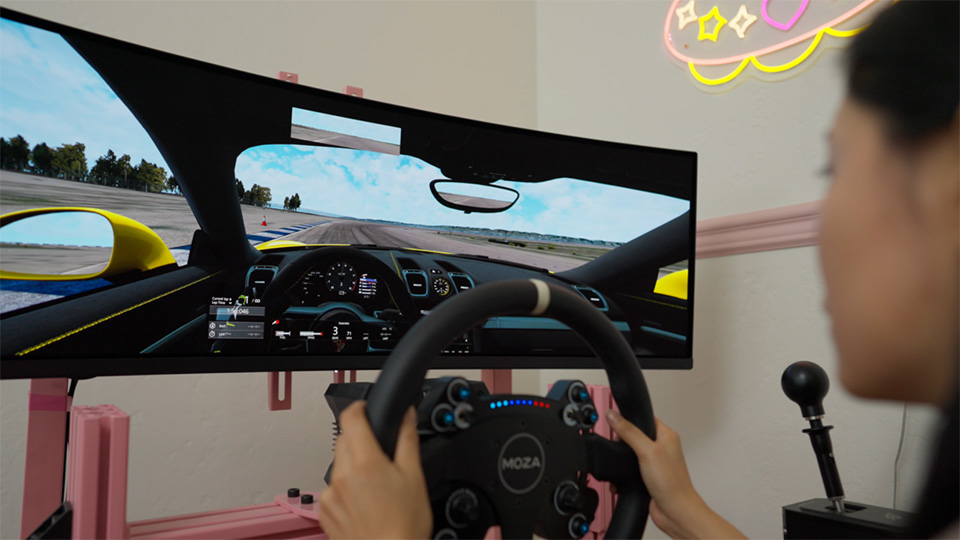
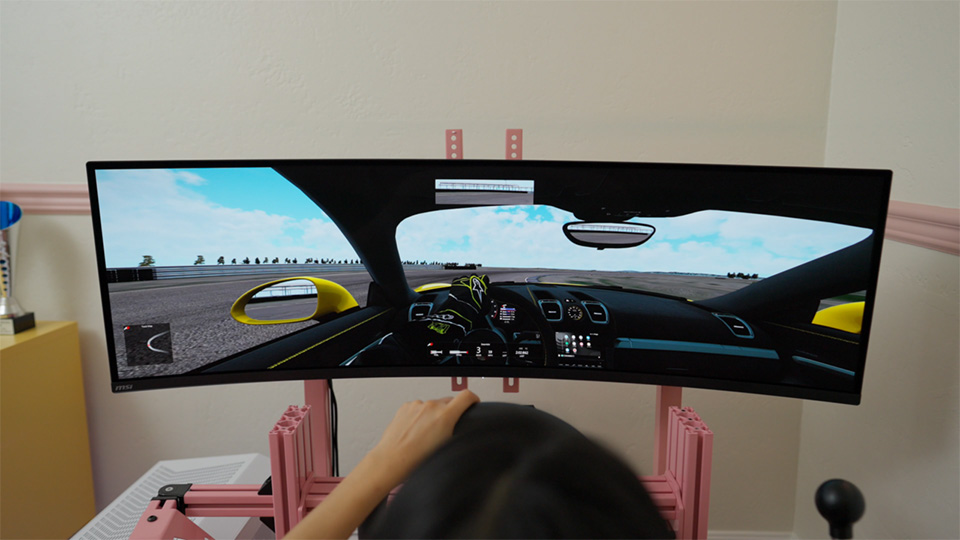
When it comes to sim racing, the larger the display, the more immersive the experience. Yunni’s setup uses the MPG 491CQPX QD-OLED, a 49”, 32:9 aspect ratio, curved ultrawide QD-OLED monitor that will give the widest view possible when sim racing.
If you haven’t got the space for such a larger monitor but still want an ultrawide experience, MSI offers a few 34”, 21:9 aspect ratio ultrawides, like the recently released MPG 341CQR QD-OLED X36.
Check out Yunni’s and Larry’s Sim Rig PC Builds over on YouTube!